TwitterCut vs HitPaw Video Enhancer
Explore the showdown between TwitterCut vs HitPaw Video Enhancer and find out which AI Video Editing tool wins. We analyze upvotes, features, reviews, pricing, alternatives, and more.
In a face-off between TwitterCut and HitPaw Video Enhancer, which one takes the crown?
When we contrast TwitterCut with HitPaw Video Enhancer, both of which are exceptional AI-operated video editing tools, and place them side by side, we can spot several crucial similarities and divergences. The upvote count reveals a draw, with both tools earning the same number of upvotes. The power is in your hands! Cast your vote and have a say in deciding the winner.
You don't agree with the result? Cast your vote to help us decide!
TwitterCut
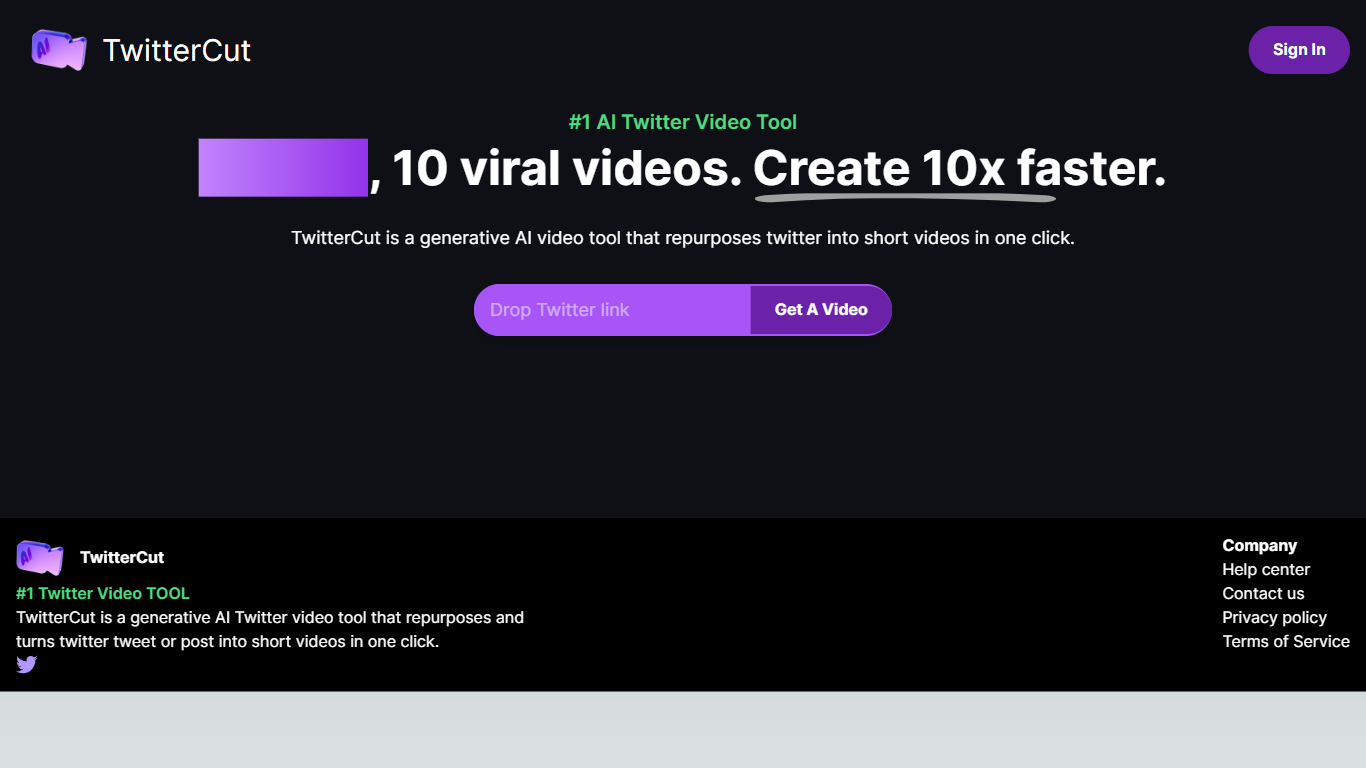

What is TwitterCut?
TwitterCut is a generative AI tool that turns Twitter or X posts into short videos in one click. Paste a tweet link, and the platform generates a script, video, and audio automatically, then lets you download the result as MP4.
The workflow is three steps: copy a tweet link, paste it into TwitterCut, and click Get A Video. The site states it uses AIGC technology including ChatGPT for scripting plus stable video and stable audio models for the final output.
TwitterCut targets creators and marketers who want to repurpose tweet content into shareable short-form video without manual editing. Sign-in supports Google, Twitter, and email accounts.
HitPaw Video Enhancer

What is HitPaw Video Enhancer?
Elevate your video quality effortlessly with HitPaw Online AI 4K Video Enhancer, designed to be your go-to solution for AI-enhanced video upscaling. Experience the power of advanced technology to transform your videos to stunning 4K resolution in a flash.
Our easy-to-use platform offers a seamless process to enhance and upscale your videos up to 1080P/4K, elevating the viewing experience with crisp, clear visuals. Backed by a 100% safety guarantee, HitPaw ensures a secure enhancement process, so you can focus on the quality without worrying about the security of your content.
The HitPaw Online Toolbox provides a range of features for a comprehensive video enhancement journey. Whether for personal use or professional projects, HitPaw stands as your first and best choice in the realm of AI-powered video quality enhancement. Try it now for free and witness the remarkable difference!
TwitterCut Upvotes
HitPaw Video Enhancer Upvotes
TwitterCut Top Features
Paste a tweet link and generate a complete short video in one click
Automatically creates script, video, and audio from the source tweet
Download finished videos in MP4 format
Sign in with Google, Twitter, or email to access the generator
Best-practice guide walks through the copy-paste-generate workflow
HitPaw Video Enhancer Top Features
AI Upscaling: Instantly upscale videos to 1080P/4K resolutions using AI technology.
User-Friendly Interface: Effortlessly enhance videos with an intuitive drag-and-drop system.
Secure Enhancement Process: Guaranteed safety with a platform that prioritizes the security of your content.
Comprehensive Toolbox: Access a variety of AI tools for enhancing video and image quality.
Free Trial: Experience the exceptional quality for yourself with a risk-free trial.
TwitterCut Category
- Video Editing
HitPaw Video Enhancer Category
- Video Editing
TwitterCut Pricing Type
- Freemium
HitPaw Video Enhancer Pricing Type
- Paid