Typeframes vs ClipMaker
In the battle of Typeframes vs ClipMaker, which AI Video Editing tool comes out on top? We compare reviews, pricing, alternatives, upvotes, features, and more.
Which one is better? Typeframes or ClipMaker?
Upon comparing Typeframes with ClipMaker, which are both AI-powered video editing tools, Typeframes is the clear winner in terms of upvotes. Typeframes has 7 upvotes, and ClipMaker has 6 upvotes.
Disagree with the result? Upvote your favorite tool and help it win!
Typeframes


What is Typeframes?
Typeframes converts simple text prompts into engaging product videos optimized for social media platforms like YouTube, Instagram, and TikTok. It enables users to produce high-quality videos quickly without advanced video editing skills.
What sets Typeframes apart is its AI-driven approach that simplifies video production by offering customizable templates and automated suggestions to boost engagement. Unlike traditional video editors, it focuses on speed and ease of use, allowing creators to generate videos in minutes rather than hours.
The platform supports exporting videos in multiple resolutions tailored for different social media formats, including vertical videos. This makes Typeframes especially useful for content creators and marketers aiming to produce consistent, platform-optimized video content efficiently.
By streamlining the video creation process, Typeframes helps users save time and resources while enhancing their social media presence with visually appealing videos.
ClipMaker
What is ClipMaker?
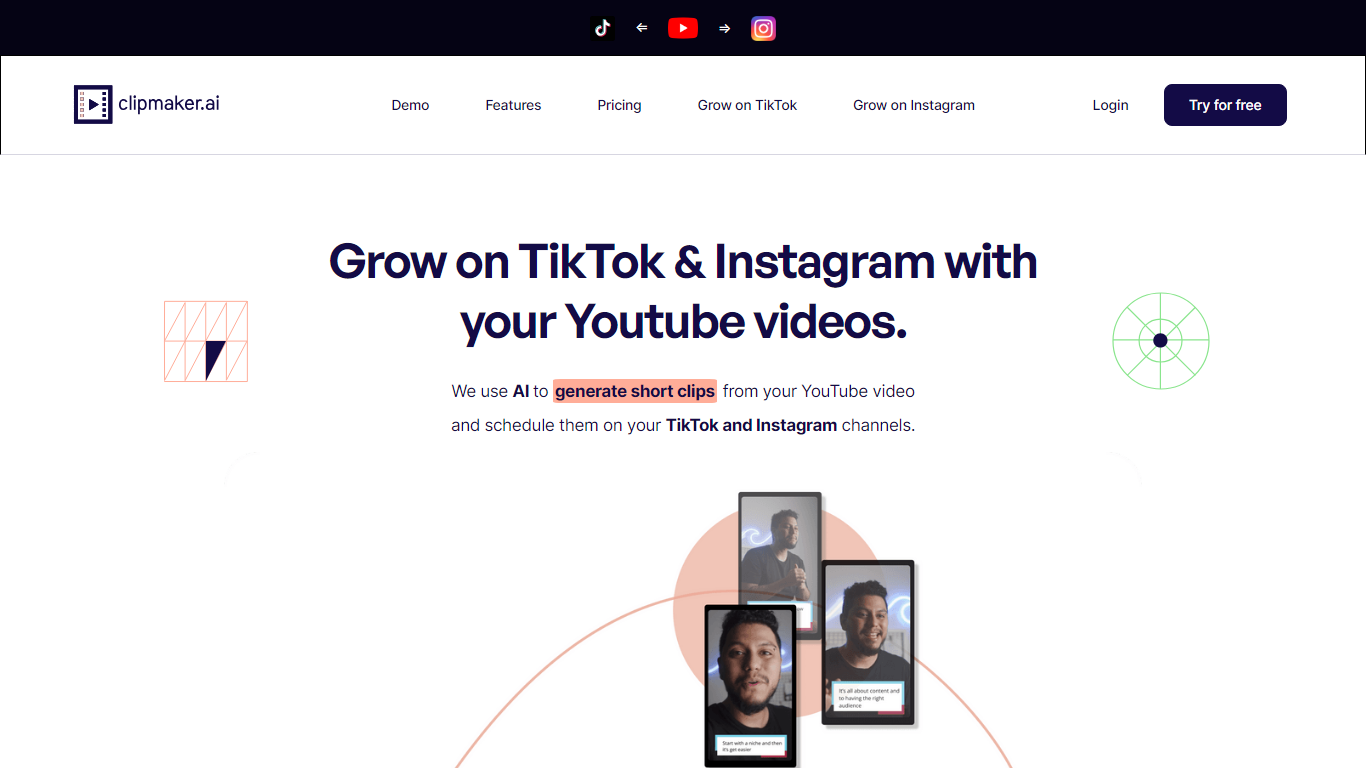
ClipMaker turns long YouTube uploads into short clips sized for TikTok and Instagram. Paste a YouTube URL, and the tool analyzes the video, generates multiple clips with auto captions, applies your template, and can auto-schedule posts when you connect your channels.
Repurposing tools like Opus Clip focus on finding viral moments. ClipMaker also wires in scheduling and channel growth positioning: it monitors new YouTube publishes, creates clips for each upload, and posts to TikTok and Instagram so you are not manually re-editing the same long video every week.
YouTube creators who want short-form reach without a separate editor are the target audience. The free Starter plan includes 20 minutes of video credit per month; Pro is $35 with 150 minutes and Premium is $95 with 600 minutes plus auto scheduling. The site also offers done-for-you service tiers starting at $399 per month for human-assisted production.
Typeframes Upvotes
ClipMaker Upvotes
Typeframes Top Features
Transform text prompts into engaging videos quickly
Customize templates to match your brand style easily
Create vertical videos optimized for social platforms
Simple interface requires no video editing skills
Export videos in multiple resolutions including high quality
AI-driven suggestions to boost video engagement
ClipMaker Top Features
Generates short clips from YouTube videos with AI chapter detection and up to 10 clips per video
Auto captions on every clip with templates for consistent branding across posts
Auto-schedule feature posts new clips to TikTok and Instagram when you publish on YouTube
Free Starter plan with 20 minutes of video credit per month and 10-minute max uploads
Pro at $35/month includes 150 video minutes; Premium at $95 adds 600 minutes and auto scheduler
Exports clips formatted for TikTok, Instagram, LinkedIn, Facebook, and YouTube Shorts
Typeframes Category
- Video Editing
ClipMaker Category
- Video Editing
Typeframes Pricing Type
- Freemium
ClipMaker Pricing Type
- Freemium