Typeframes vs Dubbah (formerly Clippah)
Dive into the comparison of Typeframes vs Dubbah (formerly Clippah) and discover which AI Video Editing tool stands out. We examine alternatives, upvotes, features, reviews, pricing, and beyond.
When comparing Typeframes and Dubbah (formerly Clippah), which one rises above the other?
When we compare Typeframes and Dubbah (formerly Clippah), two exceptional video editing tools powered by artificial intelligence, and place them side by side, several key similarities and differences come to light. The upvote count favors Dubbah (formerly Clippah), making it the clear winner. The number of upvotes for Dubbah (formerly Clippah) stands at 53, and for Typeframes it's 7.
Not your cup of tea? Upvote your preferred tool and stir things up!
Typeframes


What is Typeframes?
Typeframes converts simple text prompts into engaging product videos optimized for social media platforms like YouTube, Instagram, and TikTok. It enables users to produce high-quality videos quickly without advanced video editing skills.
What sets Typeframes apart is its AI-driven approach that simplifies video production by offering customizable templates and automated suggestions to boost engagement. Unlike traditional video editors, it focuses on speed and ease of use, allowing creators to generate videos in minutes rather than hours.
The platform supports exporting videos in multiple resolutions tailored for different social media formats, including vertical videos. This makes Typeframes especially useful for content creators and marketers aiming to produce consistent, platform-optimized video content efficiently.
By streamlining the video creation process, Typeframes helps users save time and resources while enhancing their social media presence with visually appealing videos.
Dubbah (formerly Clippah)
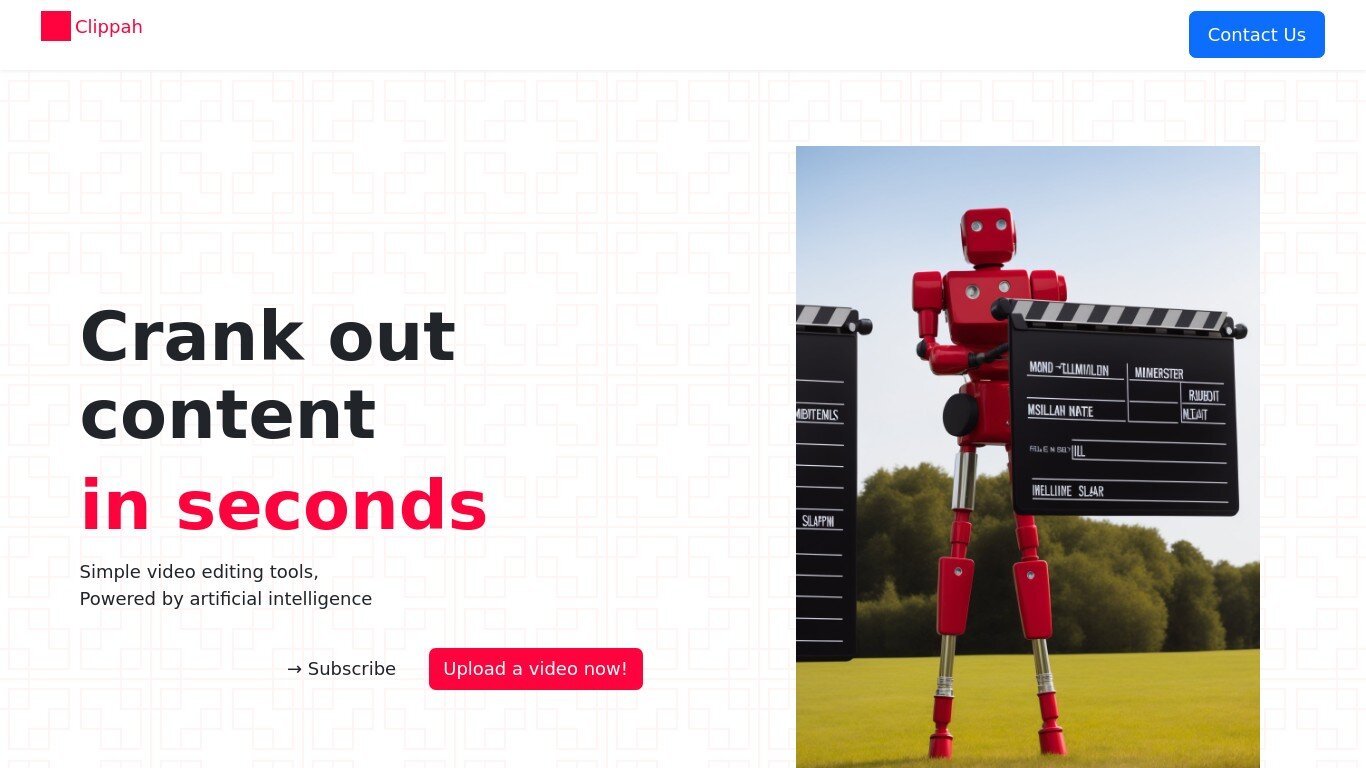
What is Dubbah (formerly Clippah)?
Drop an MP4 or MOV into Dubbah, pick from 14 languages, and get back a dubbed video with the original speaker's voice matched in each target language. The whole pipeline runs on your Mac, so footage stays on your machine and never gets uploaded for processing.
Most dubbing services upload your video to remote servers and bill by the minute. Dubbah runs locally after setup, works offline, and charges nothing for unlimited exports. That privacy-first, on-device model is the trade-off: it is Mac-only (macOS 13+, Apple Silicon and Intel), not a browser tool or Windows app.
YouTube creators, marketing teams, and educators who need localized clips without studio budgets are the clearest fit. The workflow is drag, pick languages, review each translated line, tweak wording or timing, then export finished video files.
Typeframes Upvotes
Dubbah (formerly Clippah) Upvotes
Typeframes Top Features
Transform text prompts into engaging videos quickly
Customize templates to match your brand style easily
Create vertical videos optimized for social platforms
Simple interface requires no video editing skills
Export videos in multiple resolutions including high quality
AI-driven suggestions to boost video engagement
Dubbah (formerly Clippah) Top Features
Dubs videos into 14 languages including Spanish, Mandarin, Hindi, Arabic, Japanese, French, German, Korean, Portuguese, Italian, Polish, Turkish, Tamil, and English
Voice cloning keeps the original speaker's tone in each target language instead of generic text-to-speech
Runs on macOS 13+ for both Apple Silicon and Intel Macs with no account or sign-up required
Processes MP4, MOV, and other common video formats entirely on your Mac with no per-minute fees
Works offline after initial setup so you can dub on a plane or on set without uploading files
Line-by-line editor lets you change translated wording, adjust timing, or re-generate individual segments before export
Typeframes Category
- Video Editing
Dubbah (formerly Clippah) Category
- Video Editing
Typeframes Pricing Type
- Freemium
Dubbah (formerly Clippah) Pricing Type
- Freemium