Typeframes vs Shortdeo
Dive into the comparison of Typeframes vs Shortdeo and discover which AI Video Editing tool stands out. We examine alternatives, upvotes, features, reviews, pricing, and beyond.
In a comparison between Typeframes and Shortdeo, which one comes out on top?
When we compare Typeframes and Shortdeo, two exceptional video editing tools powered by artificial intelligence, and place them side by side, several key similarities and differences come to light. Typeframes stands out as the clear frontrunner in terms of upvotes. Typeframes has attracted 7 upvotes from aitools.fyi users, and Shortdeo has attracted 6 upvotes.
Disagree with the result? Upvote your favorite tool and help it win!
Typeframes


What is Typeframes?
Typeframes converts simple text prompts into engaging product videos optimized for social media platforms like YouTube, Instagram, and TikTok. It enables users to produce high-quality videos quickly without advanced video editing skills.
What sets Typeframes apart is its AI-driven approach that simplifies video production by offering customizable templates and automated suggestions to boost engagement. Unlike traditional video editors, it focuses on speed and ease of use, allowing creators to generate videos in minutes rather than hours.
The platform supports exporting videos in multiple resolutions tailored for different social media formats, including vertical videos. This makes Typeframes especially useful for content creators and marketers aiming to produce consistent, platform-optimized video content efficiently.
By streamlining the video creation process, Typeframes helps users save time and resources while enhancing their social media presence with visually appealing videos.
Shortdeo
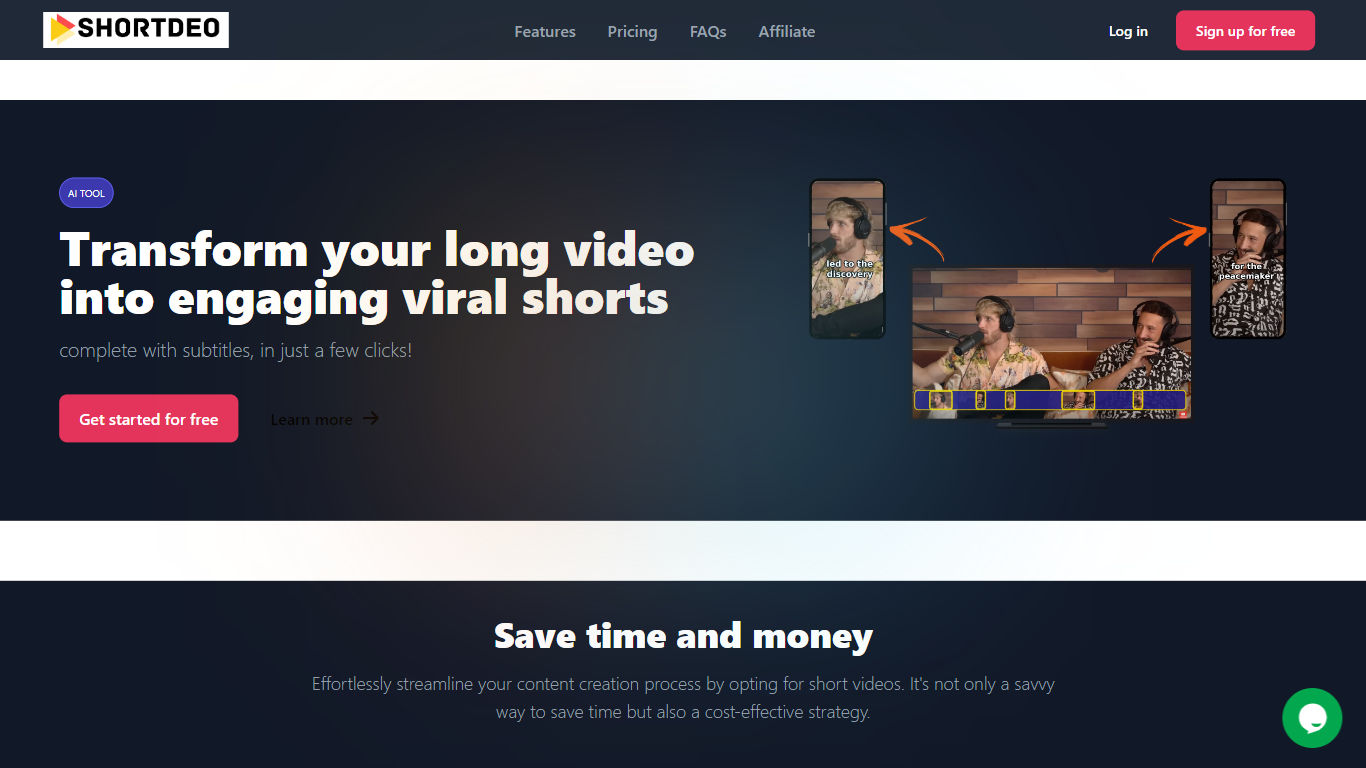
What is Shortdeo?
Shortdeo turns long uploads or YouTube links into short vertical clips with auto captions. Paste a URL or MP4, and its scene detection splits the footage into shareable segments sized for TikTok, Instagram Reels, and similar feeds. The tool targets Video Editing workflows where you already have a long recording and need many social clips fast.
Manual clipping means scrubbing timelines and typing subtitles by hand. Shortdeo chains scene detection, auto-cropping around active speakers, multi-face split screens, and transcription into one workflow, then exports up to 4K at 2160x3840. That combination suits creators who have a long podcast or webinar recording and want dozens of social clips without hiring an editor.
Podcasters, course creators, and social media managers use it to repurpose interviews, reviews, and commentary videos across platforms. Paid plans start at $19.99 per month with clip export limits, and the company currently disables free trials while offering purchase refunds for unsatisfied customers.
Typeframes Upvotes
Shortdeo Upvotes
Typeframes Top Features
Transform text prompts into engaging videos quickly
Customize templates to match your brand style easily
Create vertical videos optimized for social platforms
Simple interface requires no video editing skills
Export videos in multiple resolutions including high quality
AI-driven suggestions to boost video engagement
Shortdeo Top Features
Starter plan exports 50 clips per month at up to 1080x1920 Full HD
Professional plan exports 400 clips monthly with 4K output at 2160x3840
Magic Scene Detection splits long videos into short segments automatically
Auto-captions transcribe speech and add subtitles without manual typing
Multi-face detection builds split-screen layouts when several speakers are active
Supports 11 languages including English, French, German, Spanish, and Japanese
Typeframes Category
- Video Editing
Shortdeo Category
- Video Editing
Typeframes Pricing Type
- Freemium
Shortdeo Pricing Type
- Paid