Typeframes vs Videoleap
Explore the showdown between Typeframes vs Videoleap and find out which AI Video Editing tool wins. We analyze upvotes, features, reviews, pricing, alternatives, and more.
In a face-off between Typeframes and Videoleap, which one takes the crown?
When we contrast Typeframes with Videoleap, both of which are exceptional AI-operated video editing tools, and place them side by side, we can spot several crucial similarities and divergences. There's no clear winner in terms of upvotes, as both tools have received the same number. Every vote counts! Cast yours and contribute to the decision of the winner.
You don't agree with the result? Cast your vote to help us decide!
Typeframes


What is Typeframes?
Typeframes converts simple text prompts into engaging product videos optimized for social media platforms like YouTube, Instagram, and TikTok. It enables users to produce high-quality videos quickly without advanced video editing skills.
What sets Typeframes apart is its AI-driven approach that simplifies video production by offering customizable templates and automated suggestions to boost engagement. Unlike traditional video editors, it focuses on speed and ease of use, allowing creators to generate videos in minutes rather than hours.
The platform supports exporting videos in multiple resolutions tailored for different social media formats, including vertical videos. This makes Typeframes especially useful for content creators and marketers aiming to produce consistent, platform-optimized video content efficiently.
By streamlining the video creation process, Typeframes helps users save time and resources while enhancing their social media presence with visually appealing videos.
Videoleap
What is Videoleap?
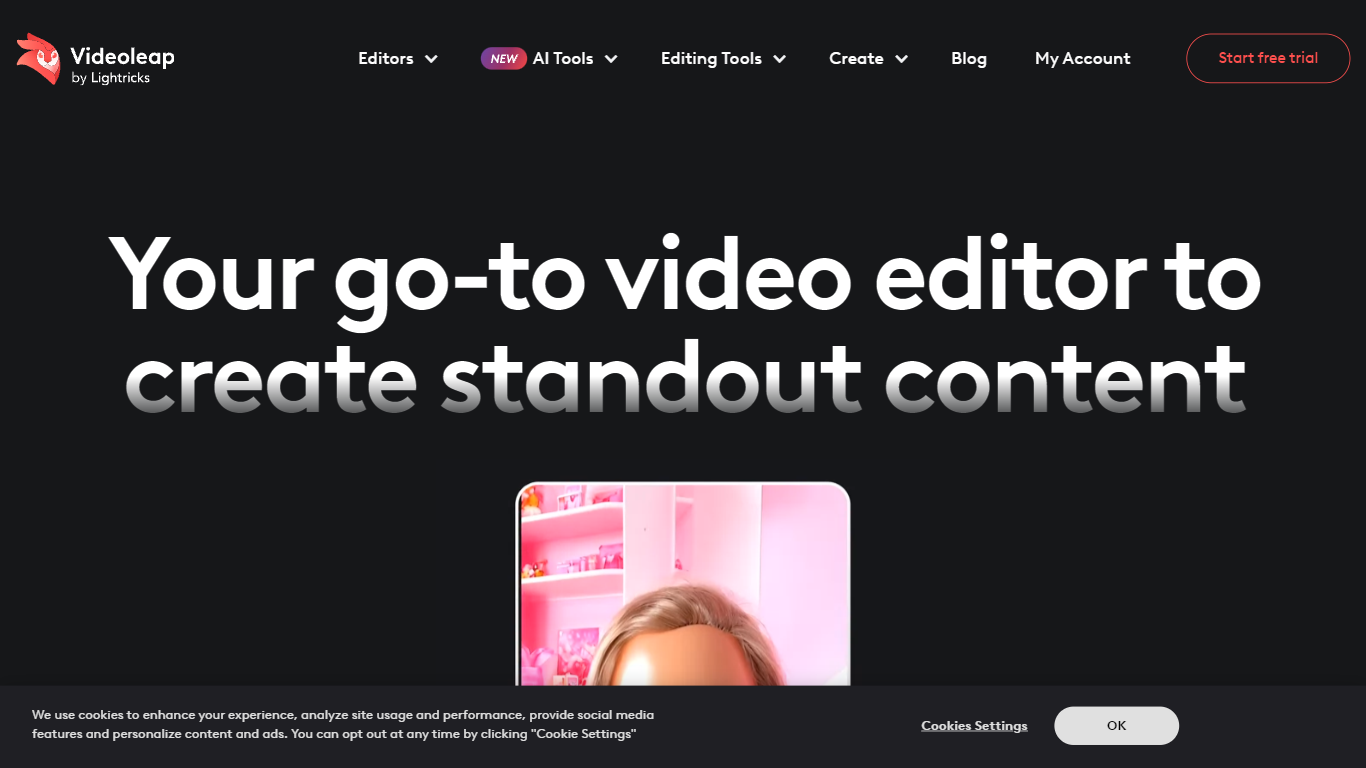
Videoleap turns phone clips into Reels, TikToks, and YouTube Shorts through a mobile timeline editor and a browser workflow from Lightricks. You can start from premade templates, then trim, merge, add filters, drop in royalty-free music, or run generative edits like object removal, background swap, and text-to-video. The homepage frames it as short-form video editing without opening a desktop NLE.
CapCut owns the free mobile editor crowd, but Videoleap leans harder into template-first creation and Lightricks-style generative effects. The site highlights AI Scenes, D&D Avatars, AI Selfie, and AI Infinite Zoom alongside classic trim, merge, and speed controls. Several advanced cutout and subtitle tools are marked iOS only, so Android users get a narrower feature set than the marketing grid suggests.
Creators, social media managers, and small businesses are the stated audience, with copy citing 300k+ businesses and 95M+ downloads. A 7-day free trial is advertised sitewide, with paid plans shown at $10 per month or $70 per year ($5.83 per month billed annually). If you post daily to Instagram or TikTok and want template packs plus one-tap effects, Videoleap targets that workflow more than long-form film editing.
Typeframes Upvotes
Videoleap Upvotes
Typeframes Top Features
Transform text prompts into engaging videos quickly
Customize templates to match your brand style easily
Create vertical videos optimized for social platforms
Simple interface requires no video editing skills
Export videos in multiple resolutions including high quality
AI-driven suggestions to boost video engagement
Videoleap Top Features
Premade video templates for Reels, TikTok, and YouTube intros
7-day free trial advertised on the homepage with cancel-anytime copy
Annual plan listed at $70 per year ($5.83 per month) on the templates page
AI subtitle generator and object removal tools in the editor suite
95M+ downloads and 4.6-star rating from 790K+ users cited on site
Native iOS and Android apps plus browser-based editing tools
Royalty-free music library for adding audio tracks to clips
Typeframes Category
- Video Editing
Videoleap Category
- Video Editing
Typeframes Pricing Type
- Freemium
Videoleap Pricing Type
- Freemium