Typeframes vs Wisecut
Compare Typeframes vs Wisecut and see which AI Video Editing tool is better when we compare features, reviews, pricing, alternatives, upvotes, etc.
Which one is better? Typeframes or Wisecut?
When we compare Typeframes with Wisecut, which are both AI-powered video editing tools, With more upvotes, Typeframes is the preferred choice. The upvote count for Typeframes is 7, and for Wisecut it's 6.
Does the result make you go "hmm"? Cast your vote and turn that frown upside down!
Typeframes


What is Typeframes?
Typeframes converts simple text prompts into engaging product videos optimized for social media platforms like YouTube, Instagram, and TikTok. It enables users to produce high-quality videos quickly without advanced video editing skills.
What sets Typeframes apart is its AI-driven approach that simplifies video production by offering customizable templates and automated suggestions to boost engagement. Unlike traditional video editors, it focuses on speed and ease of use, allowing creators to generate videos in minutes rather than hours.
The platform supports exporting videos in multiple resolutions tailored for different social media formats, including vertical videos. This makes Typeframes especially useful for content creators and marketers aiming to produce consistent, platform-optimized video content efficiently.
By streamlining the video creation process, Typeframes helps users save time and resources while enhancing their social media presence with visually appealing videos.
Wisecut
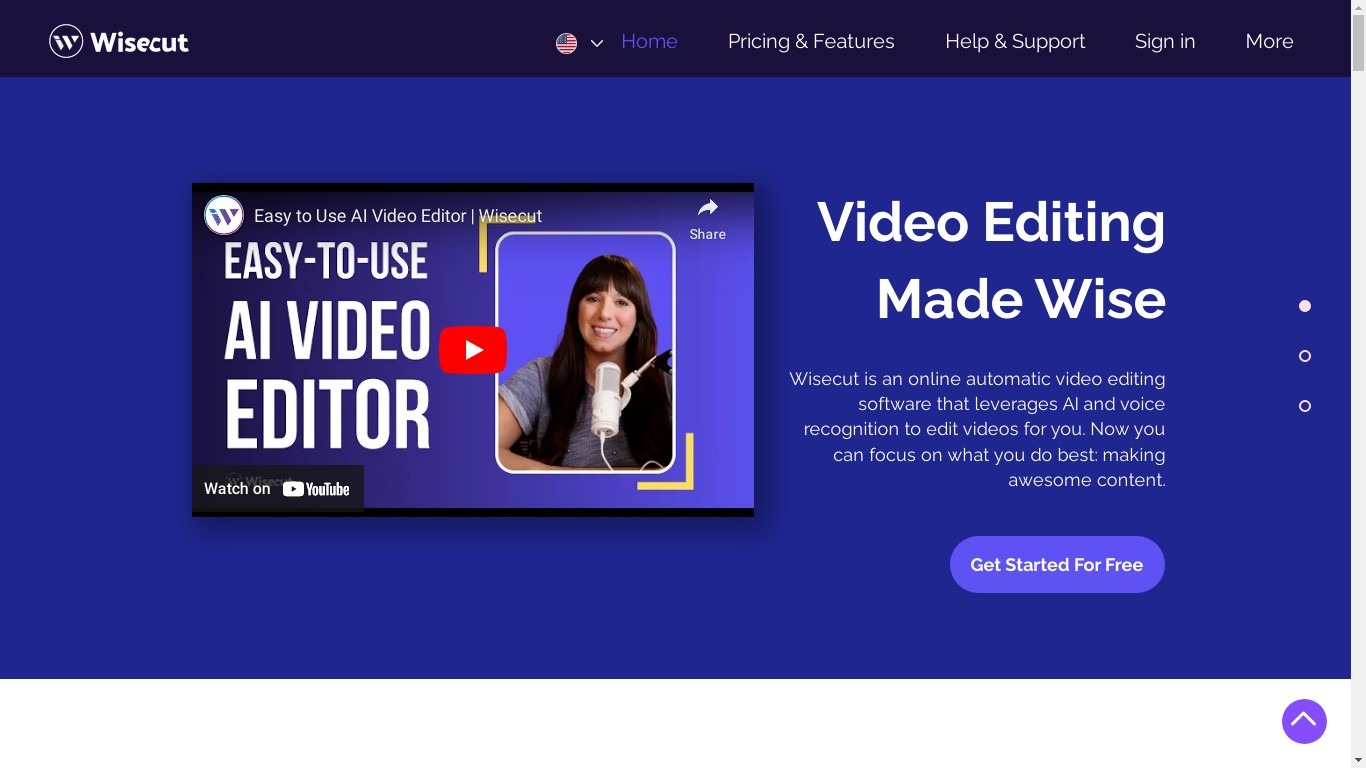
What is Wisecut?
Wisecut is an AI video editor that turns long recordings into short clips with automatic cuts, captions, reframing, and music. Upload a file or paste a link, and the editor finds highlights, removes silences, and exports vertical, square, or widescreen formats without a timeline.
Desktop editors expect you to scrub frames manually. Wisecut uses a storyboard built from your transcript so you edit by moving text blocks, and its WISH feature plans cuts from a plain-language prompt. Starter+ at $23.25 per month adds Autopilot, which watches a connected YouTube channel and schedules finished clips.
More than 1 million creators and teams like DraperTV use it for podcast clips, testimonials, and social shorts. The free tier includes 60 minutes of editing per month at 360p; Professional+ raises exports to 4K with 1,200 monthly credits.
Typeframes Upvotes
Wisecut Upvotes
Typeframes Top Features
Transform text prompts into engaging videos quickly
Customize templates to match your brand style easily
Create vertical videos optimized for social platforms
Simple interface requires no video editing skills
Export videos in multiple resolutions including high quality
AI-driven suggestions to boost video engagement
Wisecut Top Features
AI highlight detection finds viral moments in long recordings automatically
Autocut Silence removes pauses and filler with auto punch-in zoom
Auto Reframe exports 9:16, square, and widescreen from one upload
Free tier includes 60 minutes of editing per month at 360p resolution
Starter+ at $23.25 per month adds YouTube Autopilot publishing
Typeframes Category
- Video Editing
Wisecut Category
- Video Editing
Typeframes Pricing Type
- Freemium
Wisecut Pricing Type
- Freemium