
Last updated 08-14-2026
Category:
Reviews:
Join thousands of AI enthusiasts in the World of AI!
Wisecut
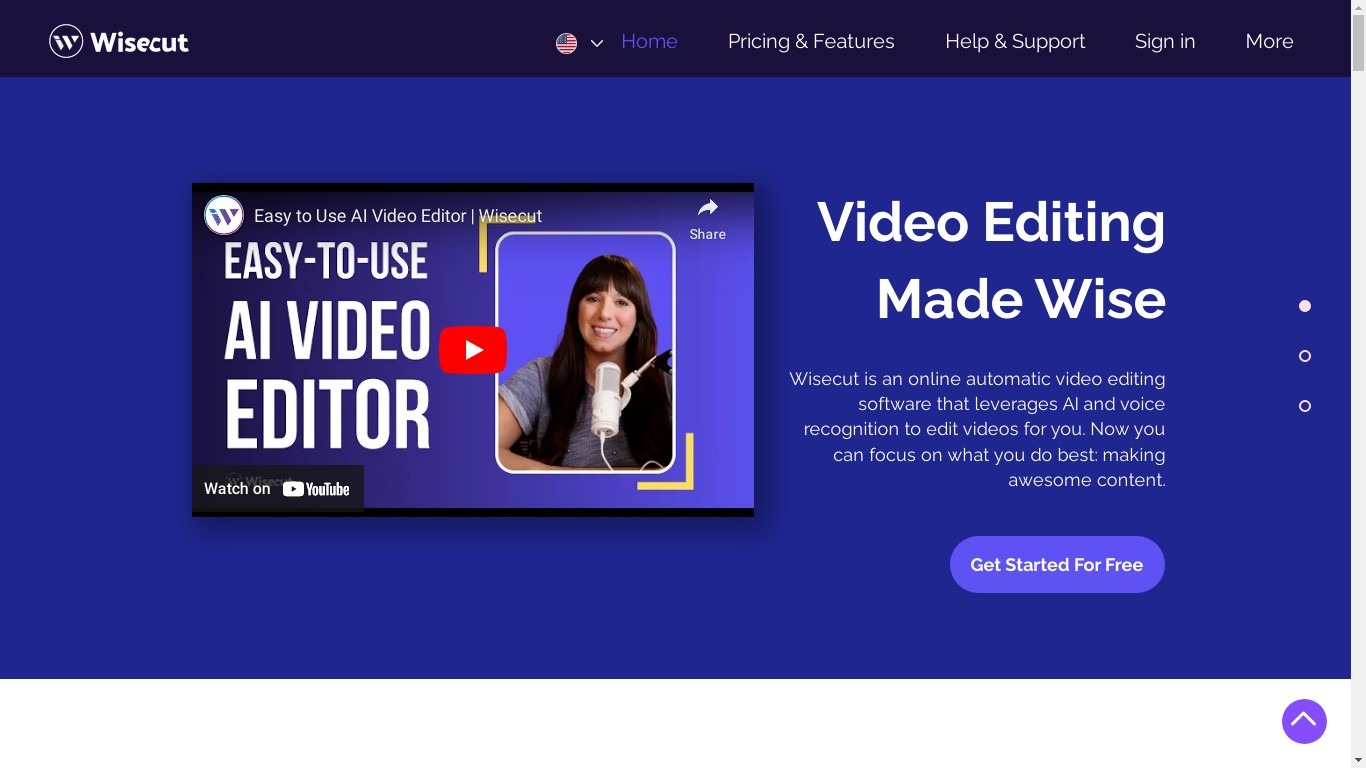
Wisecut is an AI video editor that turns long recordings into short clips with automatic cuts, captions, reframing, and music. Upload a file or paste a link, and the editor finds highlights, removes silences, and exports vertical, square, or widescreen formats without a timeline.
Desktop editors expect you to scrub frames manually. Wisecut uses a storyboard built from your transcript so you edit by moving text blocks, and its WISH feature plans cuts from a plain-language prompt. Starter+ at $23.25 per month adds Autopilot, which watches a connected YouTube channel and schedules finished clips.
More than 1 million creators and teams like DraperTV use it for podcast clips, testimonials, and social shorts. The free tier includes 60 minutes of editing per month at 360p; Professional+ raises exports to 4K with 1,200 monthly credits.
AI highlight detection finds viral moments in long recordings automatically
Autocut Silence removes pauses and filler with auto punch-in zoom
Auto Reframe exports 9:16, square, and widescreen from one upload
Free tier includes 60 minutes of editing per month at 360p resolution
Starter+ at $23.25 per month adds YouTube Autopilot publishing
Storyboard editing from transcripts avoids complex timeline work for beginners.
Autopilot can turn YouTube uploads into scheduled social clips without manual prompting.
Automatic silence removal, captions, and reframing ship in every paid tier.
Free tier is limited to 360p and 60 minutes of editing per month.
Autopilot and Social Hub require Starter+ at $23.25 per month on annual billing.
wisecut.video redirects to wisecut.ai, which can confuse bookmarked URLs.
Is Wisecut free to use?
Yes, Wisecut has a $0 tier with Wisecut Editor and WISH on limited usage. The pricing page lists 60 minutes per month at 360p resolution with a 4 GB max file size.
How much does Wisecut Starter+ cost?
Wisecut Starter+ is $23.25 per month on annual billing, totaling $279 per year. It includes 300 monthly credits, 1080p exports up to 60 minutes, and Autopilot scheduling.
What is Wisecut Autopilot?
Wisecut Autopilot connects a YouTube channel, turns new uploads into short clips, and schedules them to social platforms. The pricing page includes Autopilot on Starter+ and Professional+ plans.
What is Wisecut WISH?
Wisecut WISH lets you describe an edit in plain language and the AI plans cuts, reframes, captions, and music. The homepage positions WISH as the conversational editing layer on top of the editor.
Does Wisecut add captions automatically?
Yes, Wisecut generates automatic captions and translations from speech. The features page notes storyboard editing lets you fine-tune subtitle text without using a traditional timeline.
What resolution does Wisecut export?
Wisecut Free exports at 360p. Starter+ supports 1080p Full HD up to 60 minutes per export, and Professional+ supports 4K Ultra HD up to 90 minutes per export.