UnlimitedBG vs AI Image Upscaler on AI Image Enlarger
Compare UnlimitedBG vs AI Image Upscaler on AI Image Enlarger and see which AI Photo Editing tool is better when we compare features, reviews, pricing, alternatives, upvotes, etc.
Which one is better? UnlimitedBG or AI Image Upscaler on AI Image Enlarger?
When we compare UnlimitedBG with AI Image Upscaler on AI Image Enlarger, which are both AI-powered photo editing tools, The upvote count is neck and neck for both UnlimitedBG and AI Image Upscaler on AI Image Enlarger. You can help us determine the winner by casting your vote and tipping the scales in favor of one of the tools.
Does the result make you go "hmm"? Cast your vote and turn that frown upside down!
UnlimitedBG

What is UnlimitedBG?
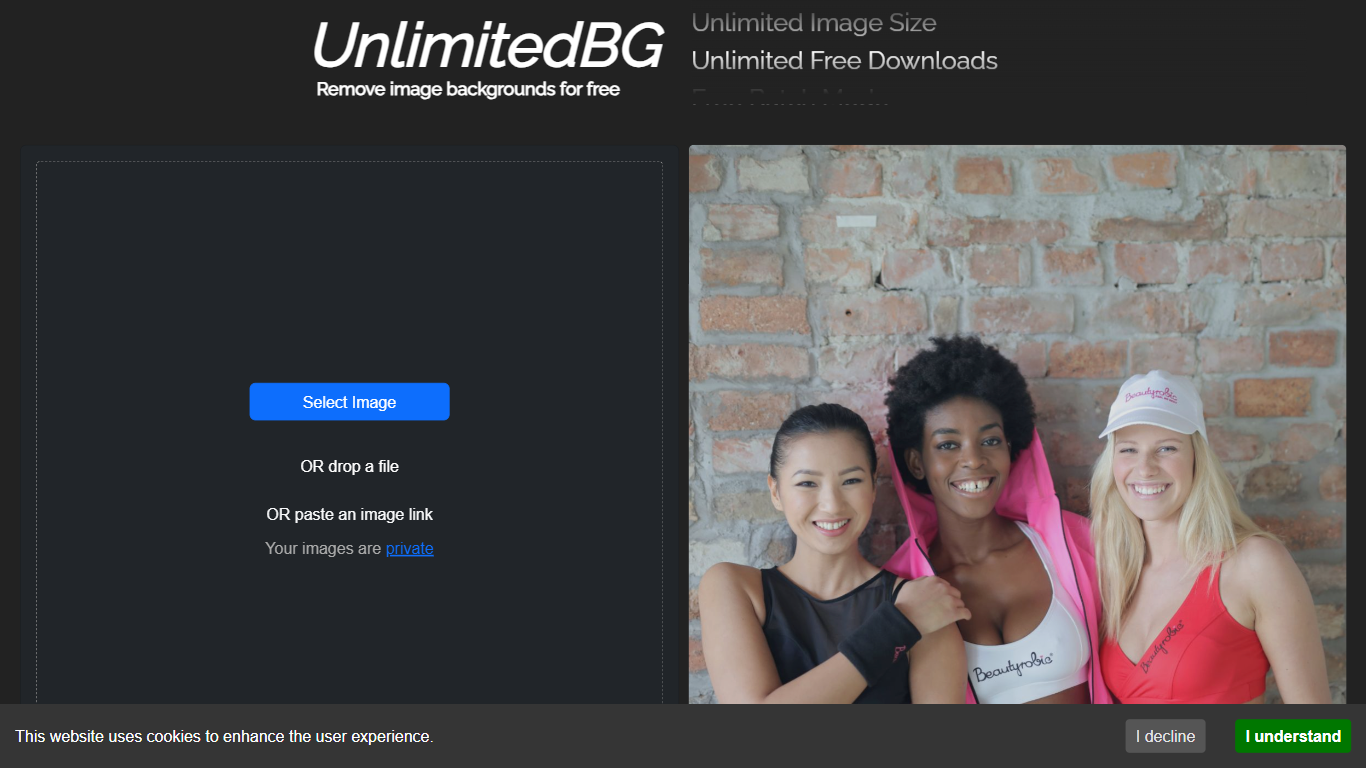
UnlimitedBG removes backgrounds from images automatically with professional-quality results in seconds. This browser-based tool works directly on your device, eliminating the need for software downloads or installations. It handles single images or bulk uploads, making it suitable for quick edits or large-scale projects.
Unlike most background removal tools, UnlimitedBG offers unlimited free downloads at full resolution without requiring sign-ups, credit cards, or subscriptions. Many competitors impose limits on resolution, add watermarks, or charge for batch processing. UnlimitedBG also processes images locally, ensuring no data is stored or shared, which sets it apart for users concerned about privacy.
The tool supports nine image formats, including PNG, JPG, JPEG, GIF, WEBP, BMP, ICO, TIFF, and AVIF. It performs best with images featuring clearly defined foreground subjects like people, animals, products, or vehicles. Users can refine results using the AI-powered editing feature, which allows manual adjustments to include or exclude specific areas of an image.
UnlimitedBG is particularly useful for e-commerce businesses, photographers, and designers who need to process large volumes of images quickly. It eliminates common barriers like file size restrictions, watermarks, and hidden costs, making it a practical choice for both personal and commercial use.
AI Image Upscaler on AI Image Enlarger

What is AI Image Upscaler on AI Image Enlarger?
This Imglarger photo editing tool enlarges JPG, PNG, or WebP images to 2x or 4x resolution in your browser. You upload a file up to 10 MB and 1024 px wide, pick a scale factor, and the model sharpens edges and textures for 4K screens, product catalogs, or social posts. It handles portraits, AI art, anime frames, and product shots without installing desktop software.
Standard resize tools stretch pixels and leave blurry blocks. Imglarger's upscaler rebuilds detail with a focused workflow: upload, choose 200% or 400%, preview side by side, then download. You give up local batch power on the free tier and must trust cloud processing, though files auto-delete within six hours.
E-commerce teams batch-prepare catalog assets on paid plans. Digital artists upscale Midjourney or Stable Diffusion outputs, and photographers rescue compressed client files before print runs.
UnlimitedBG Upvotes
AI Image Upscaler on AI Image Enlarger Upvotes
UnlimitedBG Top Features
Unlimited free downloads at full resolution with no watermarks or hidden costs
Batch processing for multiple images at once, saving time on bulk edits
Local browser processing ensures privacy (no images stored or shared)
AI-powered editing tools to refine background removal results
Supports 9 image formats: PNG, JPG, JPEG, GIF, WEBP, BMP, ICO, TIFF, and AVIF
No signups, emails, or credit cards required to use the tool
Works with high-resolution images without size or quality limitations
AI Image Upscaler on AI Image Enlarger Top Features
Upscale images to 200% or 400% with a single upload step
Accepts JPG, PNG, and WebP files up to 10 MB and 1024 px input width
Preview upscaled output beside the original before downloading
Batch upscale multiple images on paid plans starting at $4.99 per month
Processed files are automatically deleted within six hours
Dedicated anime upscaler and enlarger tools live on the same Imglarger site
UnlimitedBG Category
- Photo Editing
AI Image Upscaler on AI Image Enlarger Category
- Photo Editing
UnlimitedBG Pricing Type
- Free
AI Image Upscaler on AI Image Enlarger Pricing Type
- Freemium