
Last updated 07-29-2026
Category:
Reviews:
Join thousands of AI enthusiasts in the World of AI!
UnlimitedBG
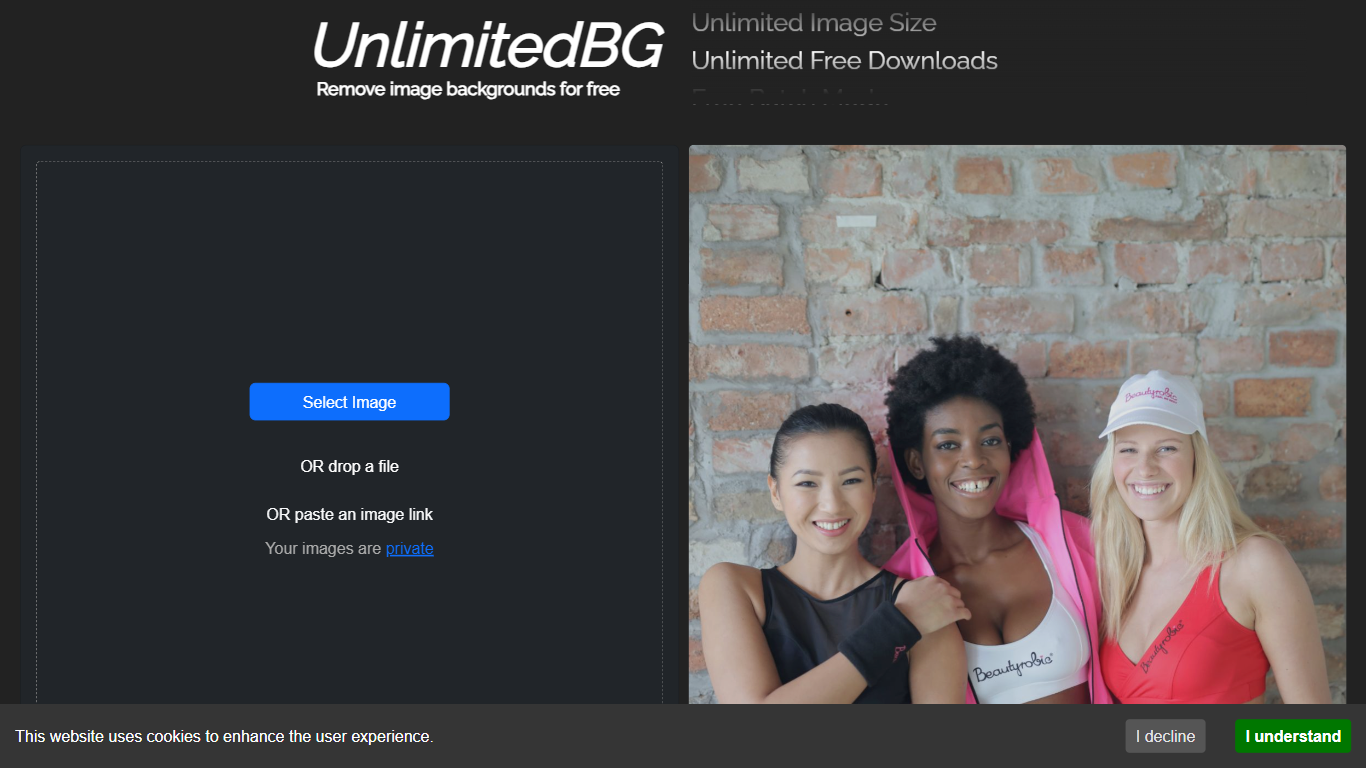
UnlimitedBG removes backgrounds from images automatically with professional-quality results in seconds. This browser-based tool works directly on your device, eliminating the need for software downloads or installations. It handles single images or bulk uploads, making it suitable for quick edits or large-scale projects.
Unlike most background removal tools, UnlimitedBG offers unlimited free downloads at full resolution without requiring sign-ups, credit cards, or subscriptions. Many competitors impose limits on resolution, add watermarks, or charge for batch processing. UnlimitedBG also processes images locally, ensuring no data is stored or shared, which sets it apart for users concerned about privacy.
The tool supports nine image formats, including PNG, JPG, JPEG, GIF, WEBP, BMP, ICO, TIFF, and AVIF. It performs best with images featuring clearly defined foreground subjects like people, animals, products, or vehicles. Users can refine results using the AI-powered editing feature, which allows manual adjustments to include or exclude specific areas of an image.
UnlimitedBG is particularly useful for e-commerce businesses, photographers, and designers who need to process large volumes of images quickly. It eliminates common barriers like file size restrictions, watermarks, and hidden costs, making it a practical choice for both personal and commercial use.
Unlimited free downloads at full resolution with no watermarks or hidden costs
Batch processing for multiple images at once, saving time on bulk edits
Local browser processing ensures privacy (no images stored or shared)
AI-powered editing tools to refine background removal results
Supports 9 image formats: PNG, JPG, JPEG, GIF, WEBP, BMP, ICO, TIFF, and AVIF
No signups, emails, or credit cards required to use the tool
Works with high-resolution images without size or quality limitations
Completely free for personal and commercial use with no hidden costs or watermarks
No signup, email, or credit card required to start using the tool immediately
Supports batch processing for efficient bulk image editing
Processes images locally, ensuring privacy and security
Works with high-resolution images without size or quality limitations
Browser-based processing may be slower for very large files
Lacks advanced editing features like background replacement or color adjustment
Is UnlimitedBG really free for commercial use?
Yes, UnlimitedBG is completely free for both personal and commercial use. There are no hidden costs, watermarks, or limits on the number of images you can process.
What image formats does UnlimitedBG support?
UnlimitedBG supports PNG, JPG, JPEG, GIF, WEBP, BMP, ICO, TIFF, and AVIF. It works best with images that have a clearly defined foreground subject.
How does batch processing work in UnlimitedBG?
You can upload multiple images at once by selecting them in the file browser or dragging and dropping them. UnlimitedBG processes all images automatically and allows you to download them in their original resolution.
Are there any limits on image size or resolution with UnlimitedBG?
UnlimitedBG has no maximum output resolution or file size limits. The only constraints are those imposed by your web browser.
How does UnlimitedBG protect my privacy?
UnlimitedBG processes images locally in your browser, meaning your images are never received or stored. The tool does not use your images to train AI models.
Can I edit the background removal results in UnlimitedBG?
Yes, UnlimitedBG includes an AI-powered editing feature. You can use the Foreground and Background buttons to refine results and ensure the final image meets your needs.
What makes UnlimitedBG different from other background removal tools?
UnlimitedBG offers free, unlimited, full-resolution downloads and batch processing without requiring sign-ups or credit cards. Most competitors limit free downloads or add watermarks.