VanceAI Photo Restorer vs RemoveBG
In the battle of VanceAI Photo Restorer vs RemoveBG, which AI Photo Editing tool comes out on top? We compare reviews, pricing, alternatives, upvotes, features, and more.
Between VanceAI Photo Restorer and RemoveBG, which one is superior?
Upon comparing VanceAI Photo Restorer with RemoveBG, which are both AI-powered photo editing tools, In the race for upvotes, RemoveBG takes the trophy. RemoveBG has garnered 10 upvotes, and VanceAI Photo Restorer has garnered 6 upvotes.
Want to flip the script? Upvote your favorite tool and change the game!
VanceAI Photo Restorer


What is VanceAI Photo Restorer?
VanceAI Photo Restorer is an online solution designed to restore old photos through the power of AI. This tool automatically repairs images by removing scratches, spots, tears, dust, and sepia effects, bringing aged or damaged photographs back to life without the need for advanced skills. It offers a straightforward process: users simply upload their old photos, and the AI does the work, including color restoration and face detailing enhancement for improved photo quality. The tool promises safety, assuring that all uploaded images will be deleted within 24 hours of processing. VanceAI Photo Restorer is not just limited to online use; there's also a Windows app available that provides faster batch processing. The service is geared towards photo retouchers, shop owners, families, and individuals who wish to preserve or revive their precious memories in old photos.
RemoveBG
What is RemoveBG?
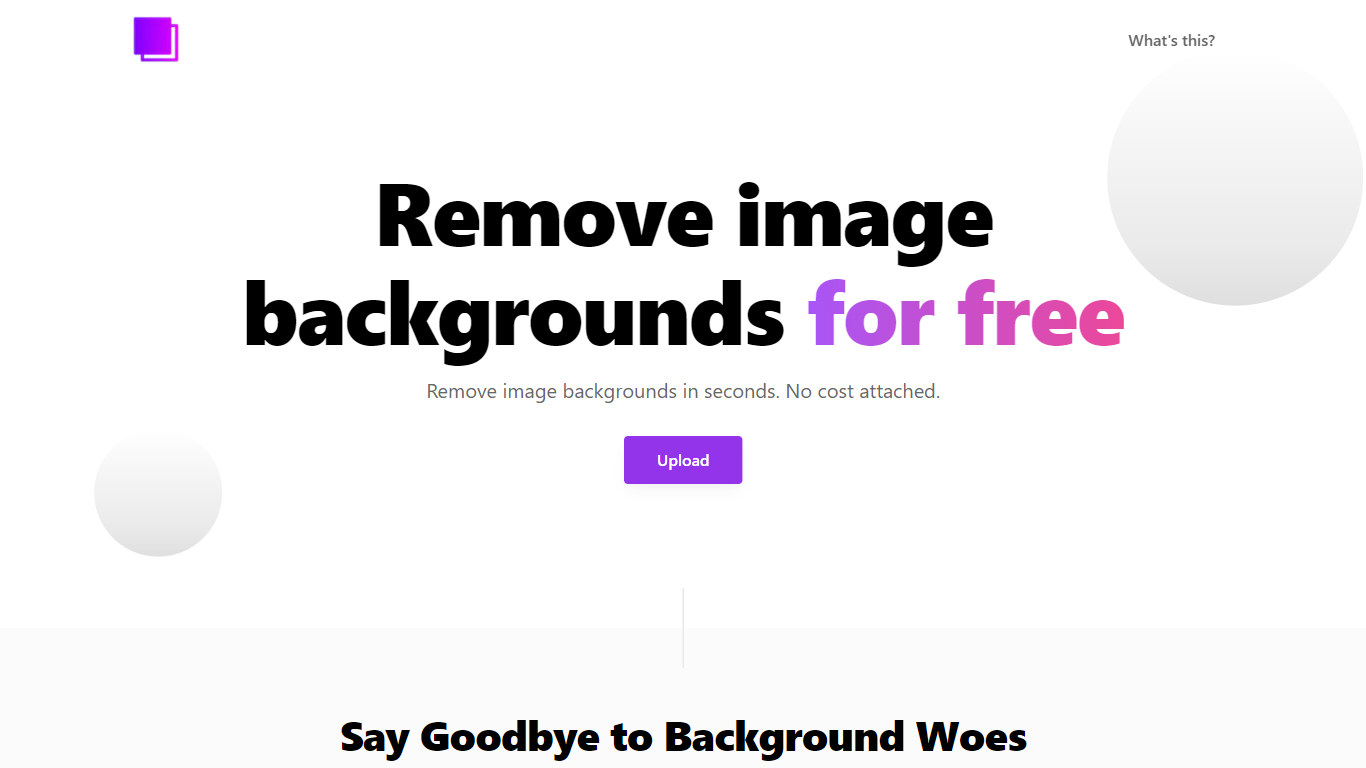
RemoveBG is a powerful and user-friendly online tool that allows you to remove image backgrounds in seconds, and the best part is, it's completely free! With advanced AI technology, RemoveBG makes background removal a breeze, saving you time and effort. Whether you need to edit images for creative projects, marketing materials, or personal use, RemoveBG has got you covered.
With RemoveBG, the process of removing image backgrounds is as easy as 1-2-3. First, choose the image you want to edit and upload it into the tool. Second, let the advanced AI technology analyze your image and automatically remove the background. Finally, download the new image and use it for any purpose you desire. Say goodbye to background woes and hello to hassle-free image editing with RemoveBG.
VanceAI Photo Restorer Upvotes
RemoveBG Upvotes
VanceAI Photo Restorer Top Features
Automatic Restoration: Automates the restoration process for old damaged photos.
Color and Detail Enhancement: Improves photo quality with AI-powered color restoration and face enhancement.
Batch Processing: Offers faster processing for multiple photos particularly through the Windows app.
Data Safety: Ensures all uploaded images are deleted 24 hours post-processing for user privacy.
Versatile Use: Suitable for restoring family historical or landscape photos to printable quality.
RemoveBG Top Features
Quick and Easy Background Removal: RemoveBG makes it incredibly simple to remove image backgrounds with just a few clicks. No need for complex editing software or extensive manual work.
Free of Cost: RemoveBG offers its background removal services completely free of charge. Say goodbye to expensive editing tools and hello to cost-effective image editing.
Advanced AI Technology: Powered by advanced AI technology RemoveBG analyzes your images and accurately detects and removes the background ensuring clean and professional results.
Versatile Usage: The images edited with RemoveBG can be used for a wide range of purposes including creative projects marketing materials or personal use. The possibilities are endless.
User-Friendly Interface: RemoveBG's user-friendly interface makes it easy for anyone to use regardless of their level of expertise in image editing. No technical skills required.
VanceAI Photo Restorer Category
- Photo Editing
RemoveBG Category
- Photo Editing
VanceAI Photo Restorer Pricing Type
- Freemium
RemoveBG Pricing Type
- Free