Versational vs Otter.ai
Explore the showdown between Versational vs Otter.ai and find out which AI Meeting Assistant tool wins. We analyze upvotes, features, reviews, pricing, alternatives, and more.
In a face-off between Versational and Otter.ai, which one takes the crown?
When we contrast Versational with Otter.ai, both of which are exceptional AI-operated meeting assistant tools, and place them side by side, we can spot several crucial similarities and divergences. The users have made their preference clear, Versational leads in upvotes. The number of upvotes for Versational stands at 6, and for Otter.ai it's 5.
Not your cup of tea? Upvote your preferred tool and stir things up!
Versational

What is Versational?
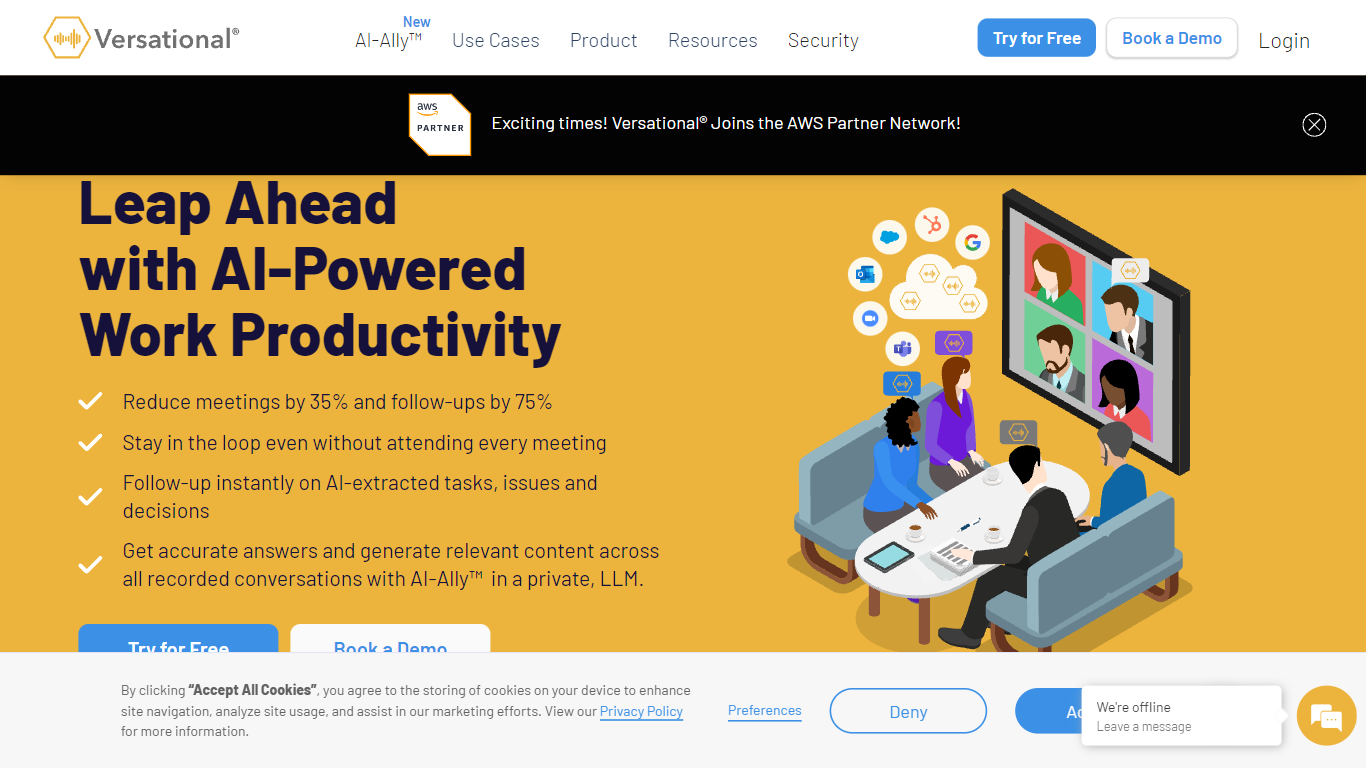
Versational is a meeting assistant that records calls, transcribes them, and turns conversations into summaries, action items, and searchable insights. It connects to Zoom, Microsoft Teams, and Google Meet, then layers AI analysis on top of every recording so teams can skip manual note-taking.
Where most meeting bots stop at a transcript, Versational pushes further with AI-Ally, a private LLM assistant that queries across your entire recording library at once. That cross-meeting search is the main differentiator: you can ask about meetings you missed, pull quotes for marketing content, or spot recurring customer objections without replaying hours of video.
Sales teams use it to track buying signals and sync follow-ups to HubSpot or Salesforce. Project managers get standup summaries, issue tracking, and exports to Asana, Jira, or Monday.com. The Basic plan is free with five recordings; paid tiers add unlimited storage, team dashboards, and Microsoft Teams channel summaries.
Otter.ai
What is Otter.ai?
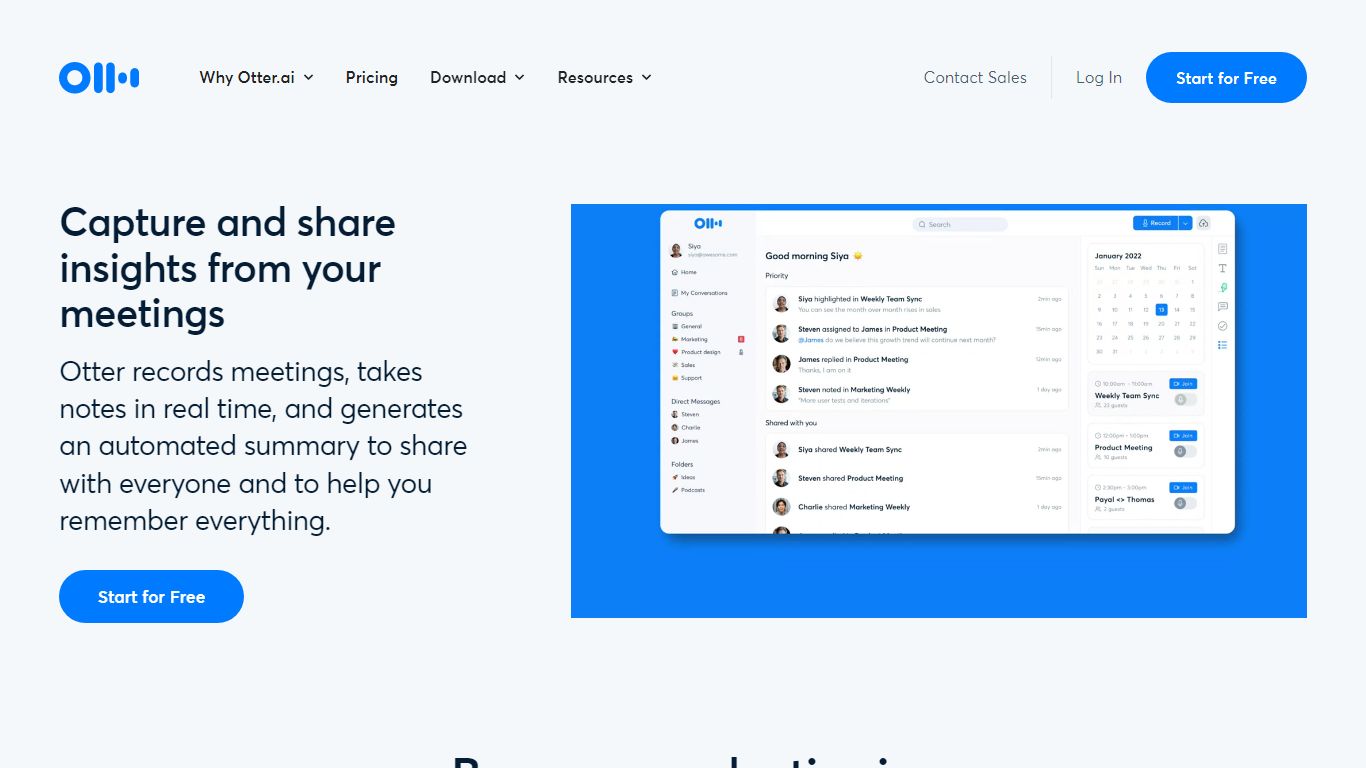
Otter.ai is an AI meeting agent that transcribes conversations in real time and turns them into searchable meeting knowledge. It joins Zoom, Google Meet, and Microsoft Teams calls, records from desktop, mobile, or web, and produces live transcripts, summaries, and action items.
Otter AI Chat lets you search across meetings and connected apps to answer questions and draft follow-ups, reports, and content. The platform also supports bot-free desktop recording on Mac and Windows, multilingual transcription, CRM integrations, and an MCP Server that connects meeting knowledge to ChatGPT and Claude.
Otter positions itself as a Conversational Knowledge Engine for sales, education, media, recruiting, and enterprise teams, with apps for iOS, Android, desktop, and a Chrome extension.
Versational Upvotes
Otter.ai Upvotes
Versational Top Features
AI-Ally queries across all recordings at once, not just a single meeting transcript
Basic plan includes 5 recordings free with no credit card required
Plus plan at $22 per user per month adds unlimited recordings and a private LLM
Collab plan starts at $8 per user per month with a 5-user minimum for team dashboards
Integrates with Zoom, Teams, Google Meet, HubSpot, Salesforce, Asana, and Jira
97% transcript accuracy with speaker auto-assignment and sentiment timelines
Otter.ai Top Features
Real-time meeting transcription with speaker recognition across Zoom, Google Meet, and Microsoft Teams
Automated AI summaries, action items, and searchable meeting knowledge
Otter AI Chat to query meetings and connected apps for follow-ups and content
Bot-free desktop recording on Mac and Windows plus iOS, Android, web, and Chrome extension apps
Integrations with Slack, Salesforce, HubSpot, Notion, Jira, Google Calendar, and Claude via MCP Server
Versational Category
- Meeting Assistant
Otter.ai Category
- Meeting Assistant
Versational Pricing Type
- Freemium
Otter.ai Pricing Type
- Freemium