vidBoard.ai vs Timebolt
In the face-off between vidBoard.ai vs Timebolt, which AI Video Editing tool takes the crown? We scrutinize features, alternatives, upvotes, reviews, pricing, and more.
In a face-off between vidBoard.ai and Timebolt, which one takes the crown?
If we were to analyze vidBoard.ai and Timebolt, both of which are AI-powered video editing tools, what would we find? With more upvotes, Timebolt is the preferred choice. The number of upvotes for Timebolt stands at 18, and for vidBoard.ai it's 6.
Disagree with the result? Upvote your favorite tool and help it win!
vidBoard.ai

What is vidBoard.ai?
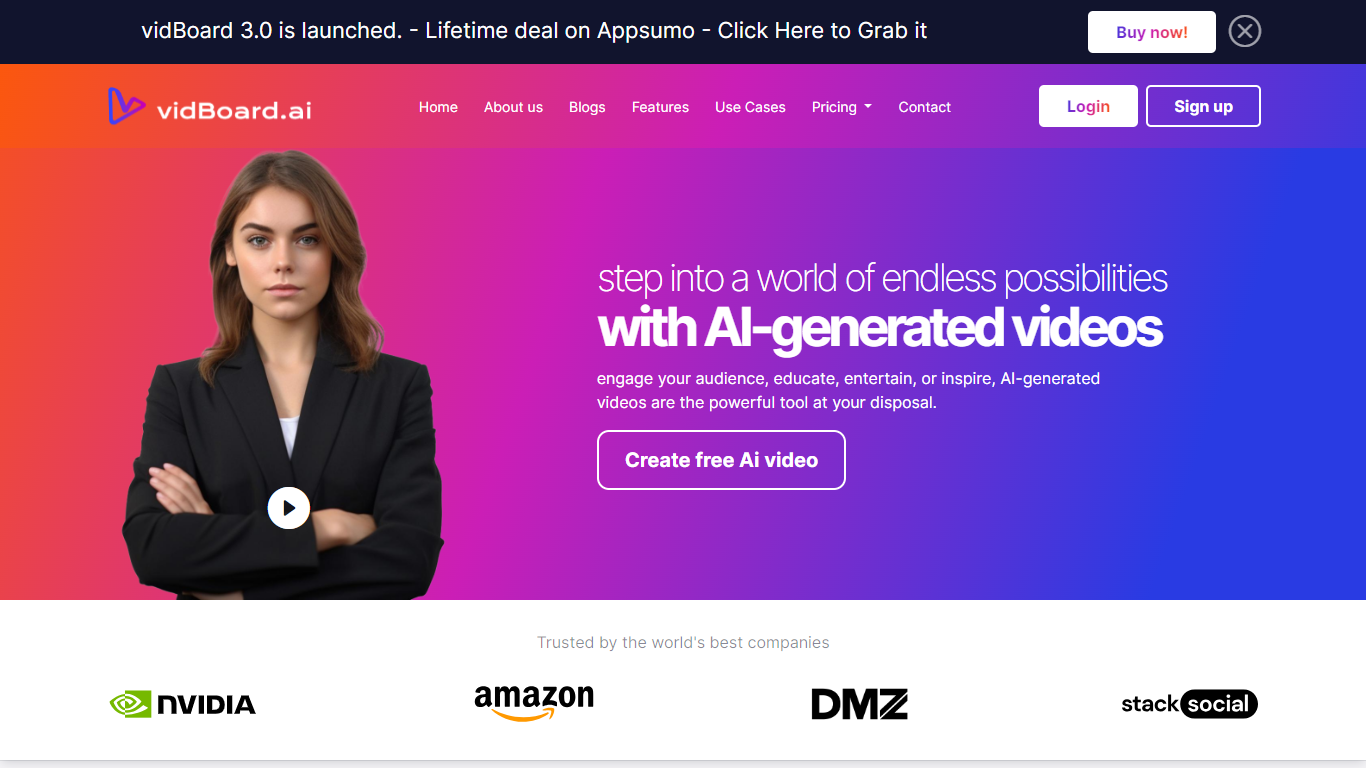
vidBoard.ai is an online video creation platform that turns scripts, web pages, documents, and plain-text prompts into finished videos with AI avatars, voiceovers, captions, and stock visuals. You work in a browser editor instead of filming on camera or hiring a production crew.
The product centers on multiple input paths: text-to-video drafts with scene-by-scene scripts, URL-to-video conversion that reads a public page and structures key points, document-to-video imports, and faceless video workflows when you do not want an on-screen presenter. Avatars, voices, templates, and export settings live in one timeline.
vidBoard.ai is built for marketers, course creators, agencies, and internal comms teams who need localized, on-brand video at volume. The company is bootstrapped, founded in 2020 in Gurugram, India, and reports 16,000+ creators using the platform with 100+ avatars and support for 125+ languages.
Timebolt

What is Timebolt?
Timebolt is a desktop video editor built around waveform-first jump cuts for podcasts, interviews, and screen recordings. It strips silence, filler words, and bad takes with 0.01 second cut control, then exports timelines to Premiere Pro, Final Cut Pro, DaVinci Resolve, or Camtasia without re-cutting by hand.
Most text-based AI editors guess where pauses live and leave hundreds of missed cuts per hour. Timebolt measures the audio waveform first, which is why its benchmark claims zero mistakes left per hour while rivals like Descript and Gling still need manual cleanup. That trade-off favors editors who want frame-tight cuts over a chat-style transcript workflow.
Podcasters, YouTubers, and course creators use Timebolt to shrink raw talking-head footage before publishing. Post-production teams also route Riverside multicam sessions through Timebolt XML exports so senior editors finish polish work in their preferred NLE.
vidBoard.ai Upvotes
Timebolt Upvotes
vidBoard.ai Top Features
Paste a URL and vidBoard.ai extracts key points into a structured video script
Choose from 100+ photorealistic avatars with 99.5% lip-sync accuracy
500+ voices across 125+ languages, plus custom voice cloning from a short sample
Turn a text prompt into an 8-scene draft with stock visuals from Unsplash, Pixabay, or Pexels
Auto-generated captions and templates sized for YouTube, TikTok, Instagram, and LinkedIn
Export MP4 up to 4K in portrait, square, or landscape formats
Lifetime plans from with monthly video quotas up to 3,000 on higher tiers
Timebolt Top Features
0.01 second cut control on waveform-based silence removal
Processes an hour of footage in about 13 seconds for jump cuts
Exports XML timelines to Premiere Pro, Final Cut Pro, and DaVinci Resolve
UMCHECK removes filler words automatically from recorded speech
Free 4K screen capture tool for Mac and Windows
Benchmark reports zero missed cuts per hour versus hundreds on rival AI editors
vidBoard.ai Category
- Video Editing
Timebolt Category
- Video Editing
vidBoard.ai Pricing Type
- Freemium
Timebolt Pricing Type
- Freemium