
Last updated 06-30-2026
Category:
Reviews:
Join thousands of AI enthusiasts in the World of AI!
vidBoard.ai
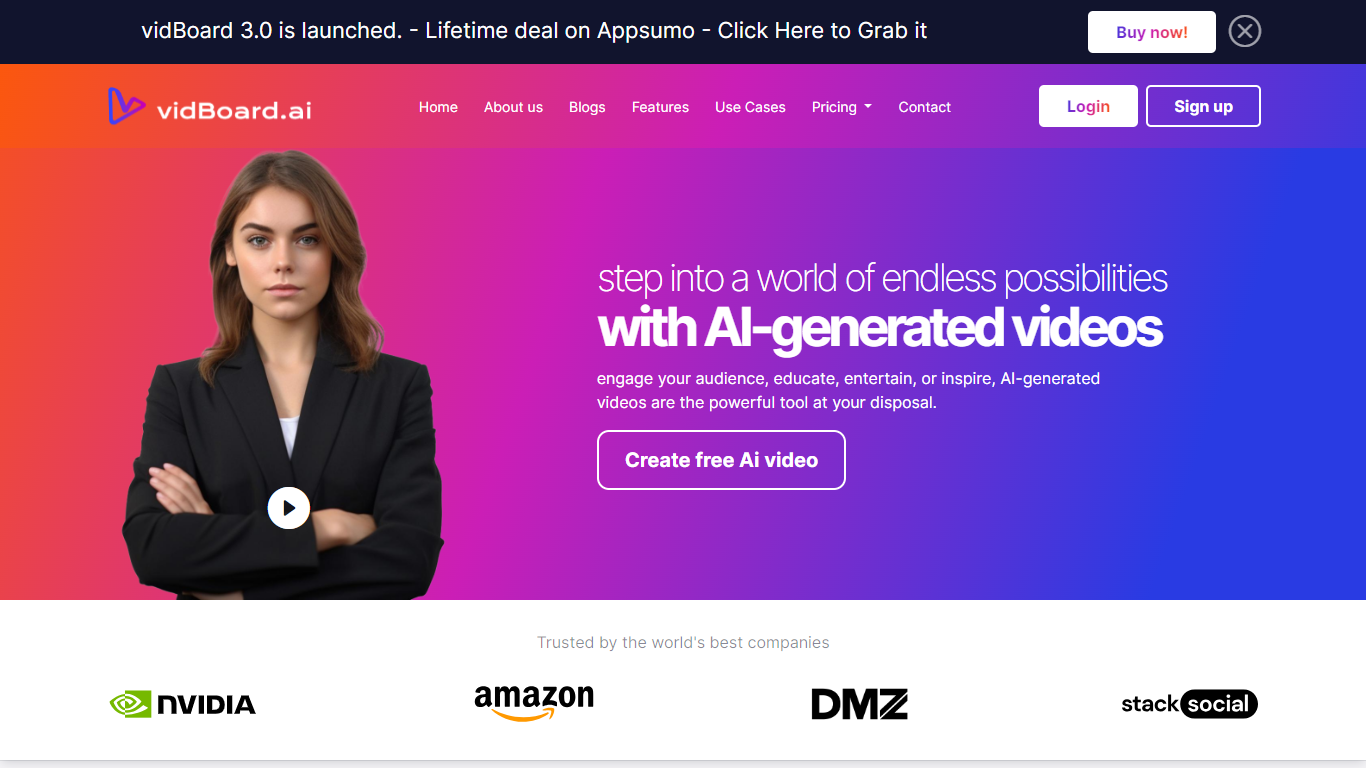
vidBoard.ai is an online video creation platform that turns scripts, web pages, documents, and plain-text prompts into finished videos with AI avatars, voiceovers, captions, and stock visuals. You work in a browser editor instead of filming on camera or hiring a production crew.
The product centers on multiple input paths: text-to-video drafts with scene-by-scene scripts, URL-to-video conversion that reads a public page and structures key points, document-to-video imports, and faceless video workflows when you do not want an on-screen presenter. Avatars, voices, templates, and export settings live in one timeline.
vidBoard.ai is built for marketers, course creators, agencies, and internal comms teams who need localized, on-brand video at volume. The company is bootstrapped, founded in 2020 in Gurugram, India, and reports 16,000+ creators using the platform with 100+ avatars and support for 125+ languages.
Paste a URL and vidBoard.ai extracts key points into a structured video script
Choose from 100+ photorealistic avatars with 99.5% lip-sync accuracy
500+ voices across 125+ languages, plus custom voice cloning from a short sample
Turn a text prompt into an 8-scene draft with stock visuals from Unsplash, Pixabay, or Pexels
Auto-generated captions and templates sized for YouTube, TikTok, Instagram, and LinkedIn
Export MP4 up to 4K in portrait, square, or landscape formats
Lifetime plans from with monthly video quotas up to 3,000 on higher tiers
Multiple creation paths (text, URL, document, faceless) in one browser editor.
Lifetime one-time plans avoid recurring subscription costs for heavy users.
Broad localization with 125+ languages listed for voice and captions.
Free tier lets you test the workflow without a credit card.
Monthly video quotas on lifetime plans cap output even after the one-time purchase.
Custom avatars are limited on lower tiers and expand only on more expensive plans.
Language support numbers differ between marketing pages and FAQ copy on the same site.
Does vidBoard.ai have a free plan?
Yes. vidBoard.ai offers a free tier with no credit card required so you can test the full workflow before buying a lifetime plan. Paid tiers are one-time lifetime purchases with monthly video quotas.
What kinds of videos can I create with vidBoard.ai?
vidBoard.ai supports product demos, explainers, social ads, onboarding videos, tutorials, sales pitches, training content, and personalized outreach. The site lists 100+ templates across common marketing and education categories.
How many languages does vidBoard.ai support?
vidBoard.ai lists 125+ languages for voiceovers, dubbing, and captions on its marketing pages. FAQ copy on the same site also references 50+ languages for voice and captions, so check the editor for your target locale before publishing.
Can I use my own voice or custom avatar on vidBoard.ai?
Yes. vidBoard.ai lets you clone a voice from a short audio sample and upload a photo to build a custom avatar on select paid plans. Higher tiers include more custom avatar slots.
What video formats and resolutions does vidBoard.ai export?
vidBoard.ai exports MP4 up to 4K and supports portrait (9:16), square (1:1), and landscape (16:9) aspect ratios. Web-optimized export options are also listed on the homepage FAQ.
How does vidBoard.ai URL-to-video work?
You paste a public web page link, and vidBoard.ai reads the content, writes a structured script, pairs scenes with stock or brand visuals, and applies your chosen avatar and voice. You can edit the draft in the timeline before export.
Does vidBoard.ai require video editing experience?
No. vidBoard.ai is aimed at non-editors. You enter text or a URL, pick avatar and voice settings, review the generated draft, and export without traditional timeline editing skills.