Vidds vs Riverside
In the face-off between Vidds vs Riverside, which AI Video Editing tool takes the crown? We scrutinize features, alternatives, upvotes, reviews, pricing, and more.
When we put Vidds and Riverside head to head, which one emerges as the victor?
If we were to analyze Vidds and Riverside, both of which are AI-powered video editing tools, what would we find? The upvote count favors Riverside, making it the clear winner. Riverside has 25 upvotes, and Vidds has 6 upvotes.
Want to flip the script? Upvote your favorite tool and change the game!
Vidds
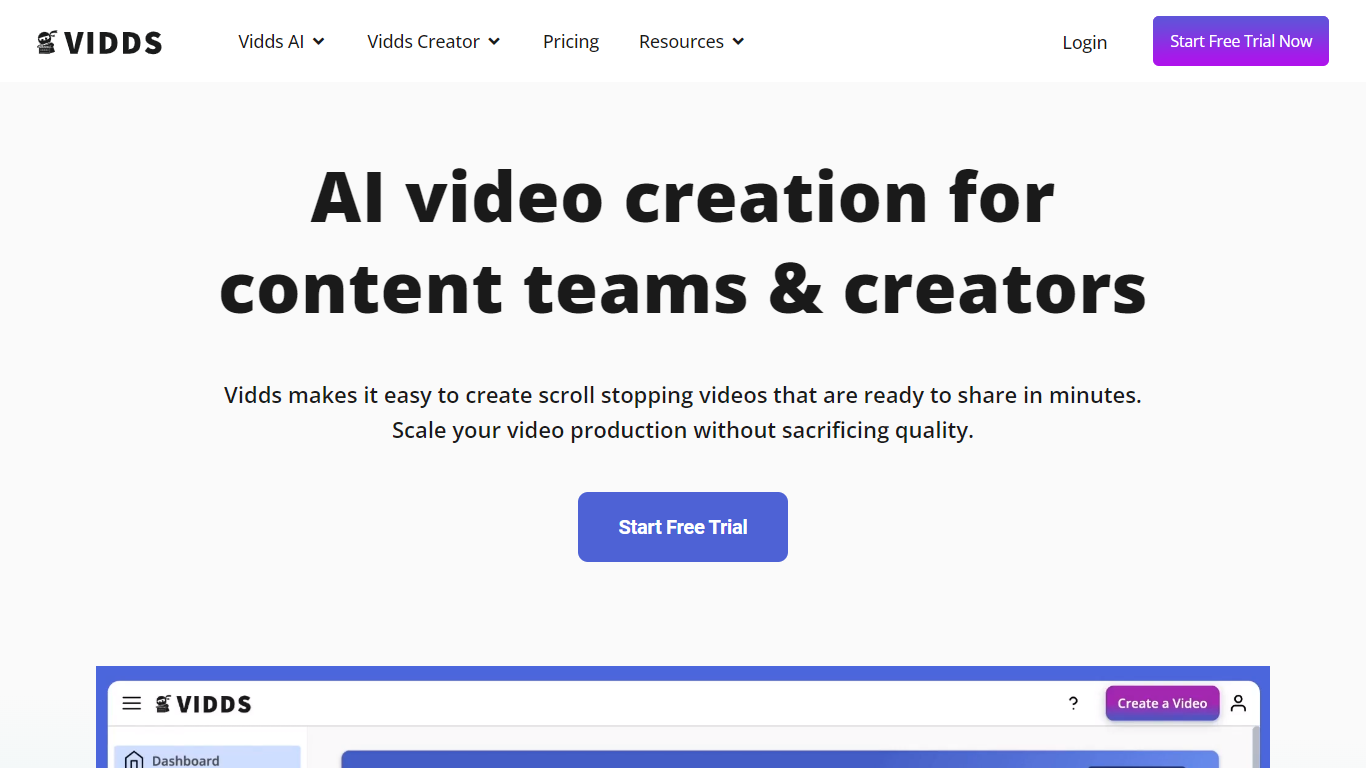

What is Vidds?
Vidds offers a comprehensive suite of online video creation and editing tools designed specifically for content teams and creators. With a focus on scaling content production, Vidds provides an easy-to-use platform that streamlines the video-making process. Content creators can effortlessly develop shopify product videos, social media content, real estate showcases, YouTube videos, and various marketing video types including Meta ads and email marketing videos.
Additionally, Vidds offers unique features like AI video generation and blog-to-video tools that cater to the evolving needs of digital storytellers. Creators can enhance their videos by adding audio, images, text, transitions, and watermarks, or by manipulating video speed and applying filters. All these tools come with the convenience of online accessibility and the option to start with a free trial.
Riverside
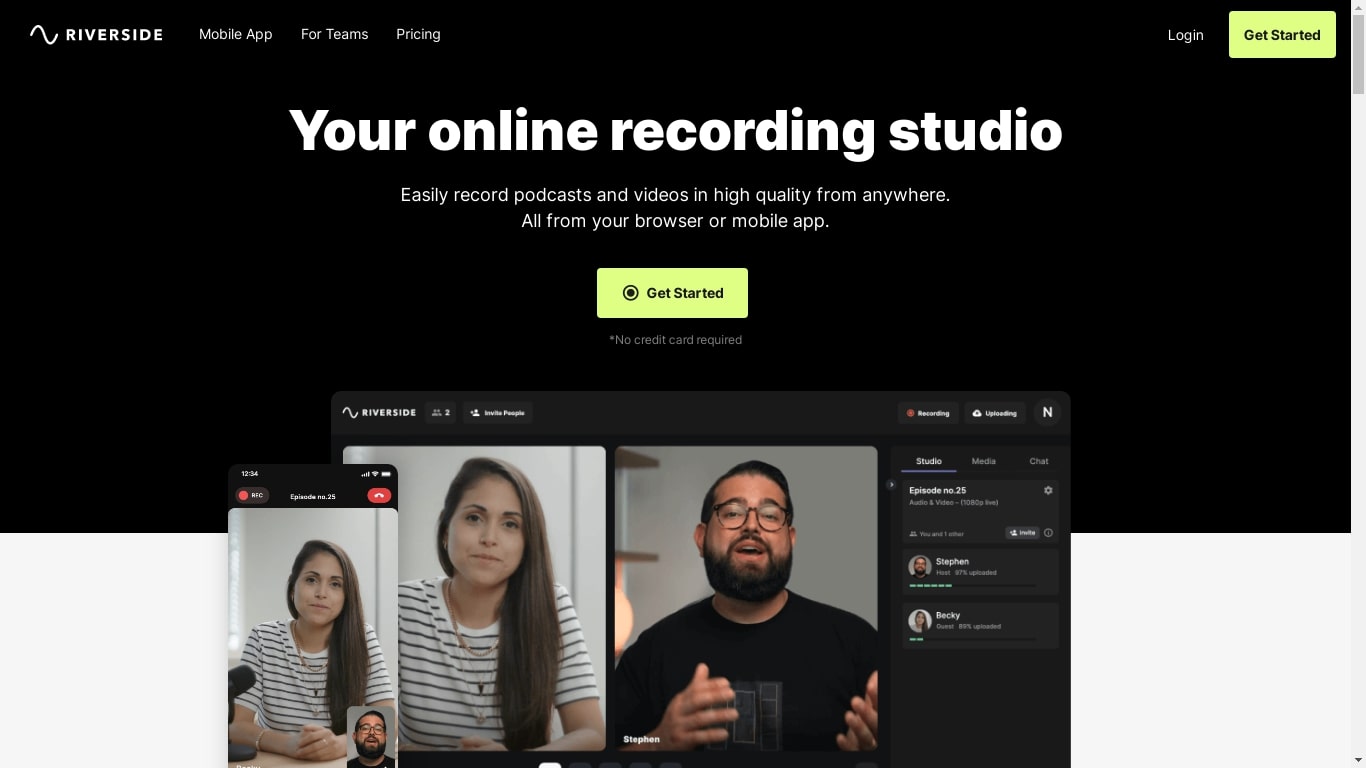
What is Riverside?
Riverside is a video editing and recording platform built for remote podcasts, interviews, and webinars. It records up to 4K video and uncompressed audio locally on each participant's device, so spotty internet does not tank quality. After recording, you edit in a text-based timeline, generate Magic Clips, captions, and show notes, then publish to YouTube, Spotify, and Apple Podcasts from the same workflow.
Zoom and Google Meet optimize for live calls, not post-production. Riverside records separate tracks locally, then layers AI cleanup, filler-word removal, and clip generation on top. The trade-off is that it is built for creators who publish regularly, not for one-off internal meetings that never leave the call app.
Podcasters, marketers, and producers at companies like Spotify and The New York Times use Riverside for studio-style remote recordings. Founded in 2020 by brothers Gideon and Nadav, the product now lives at riverside.com while riverside.fm redirects to the same experience.
Vidds Upvotes
Riverside Upvotes
Vidds Top Features
AI Video Generator: Leverage artificial intelligence to automate video creation.
Add Audio to Video: Enhance your videos by adding the desired audio tracks.
Add Subtitles to Video: Improve accessibility and engagement with easy subtitle integration.
Change Video Speed Online: Adjust your video's playback speed for better effect or clarity.
Filter Video Online: Apply filters to your videos to achieve the professional look you desire.
Riverside Top Features
Local recording up to 4K video with separate WAV and MP4 tracks per speaker
Free plan includes 2 hours of multi-track recordings and unlimited single-track editing
Pro plan at $24 per month (billed annually) adds 15 hours of separate track downloads and 4K output
AI Co-Creator generates clips, show notes, captions, and filler-word removal from recordings
Built-in podcast hosting publishes to Spotify, Apple Podcasts, and YouTube
Grow and Webinar tiers add multistream live streaming and webinar registration for up to 100 attendees
Vidds Category
- Video Editing
Riverside Category
- Video Editing
Vidds Pricing Type
- Freemium
Riverside Pricing Type
- Freemium