Vidds vs RivetAI
Explore the showdown between Vidds vs RivetAI and find out which AI Video Editing tool wins. We analyze upvotes, features, reviews, pricing, alternatives, and more.
In a face-off between Vidds and RivetAI, which one takes the crown?
When we contrast Vidds with RivetAI, both of which are exceptional AI-operated video editing tools, and place them side by side, we can spot several crucial similarities and divergences. The users have made their preference clear, RivetAI leads in upvotes. RivetAI has 7 upvotes, and Vidds has 6 upvotes.
Disagree with the result? Upvote your favorite tool and help it win!
Vidds
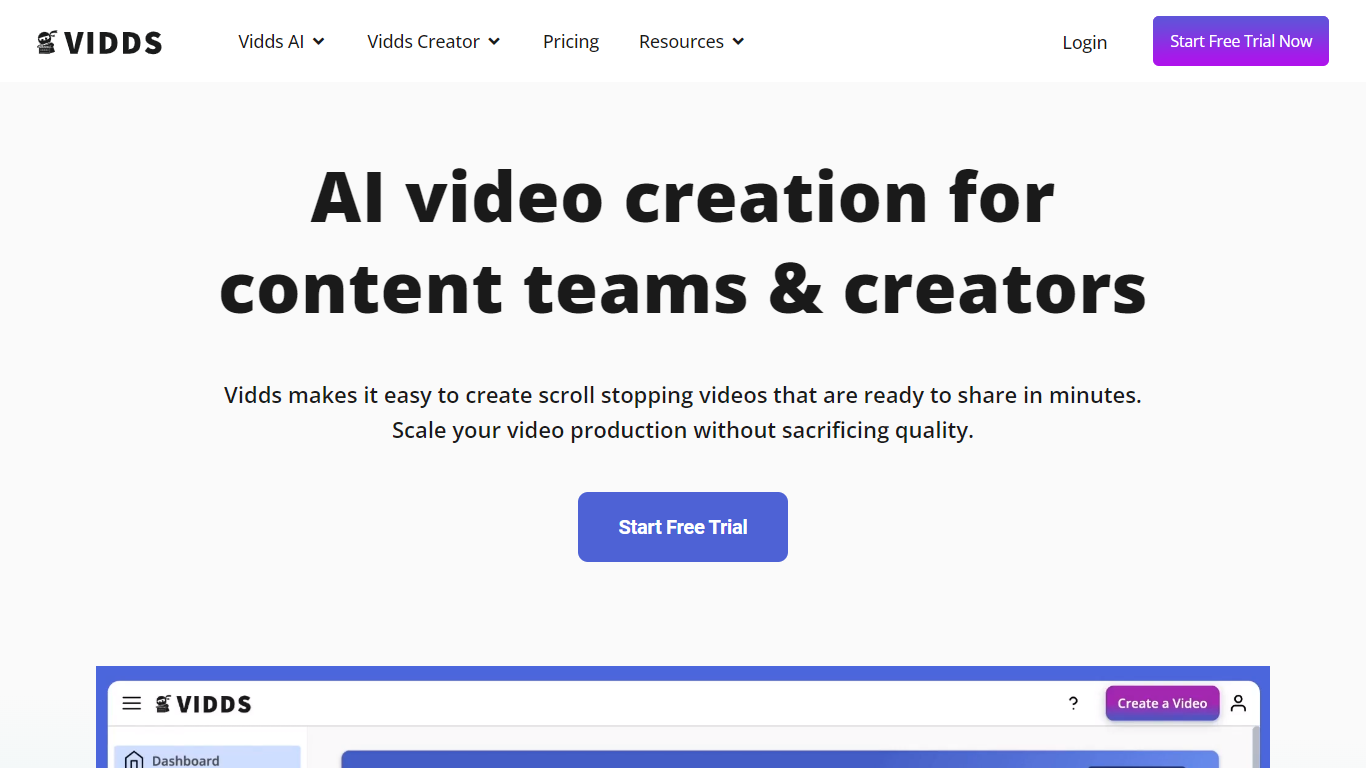

What is Vidds?
Vidds offers a comprehensive suite of online video creation and editing tools designed specifically for content teams and creators. With a focus on scaling content production, Vidds provides an easy-to-use platform that streamlines the video-making process. Content creators can effortlessly develop shopify product videos, social media content, real estate showcases, YouTube videos, and various marketing video types including Meta ads and email marketing videos.
Additionally, Vidds offers unique features like AI video generation and blog-to-video tools that cater to the evolving needs of digital storytellers. Creators can enhance their videos by adding audio, images, text, transitions, and watermarks, or by manipulating video speed and applying filters. All these tools come with the convenience of online accessibility and the option to start with a free trial.
RivetAI
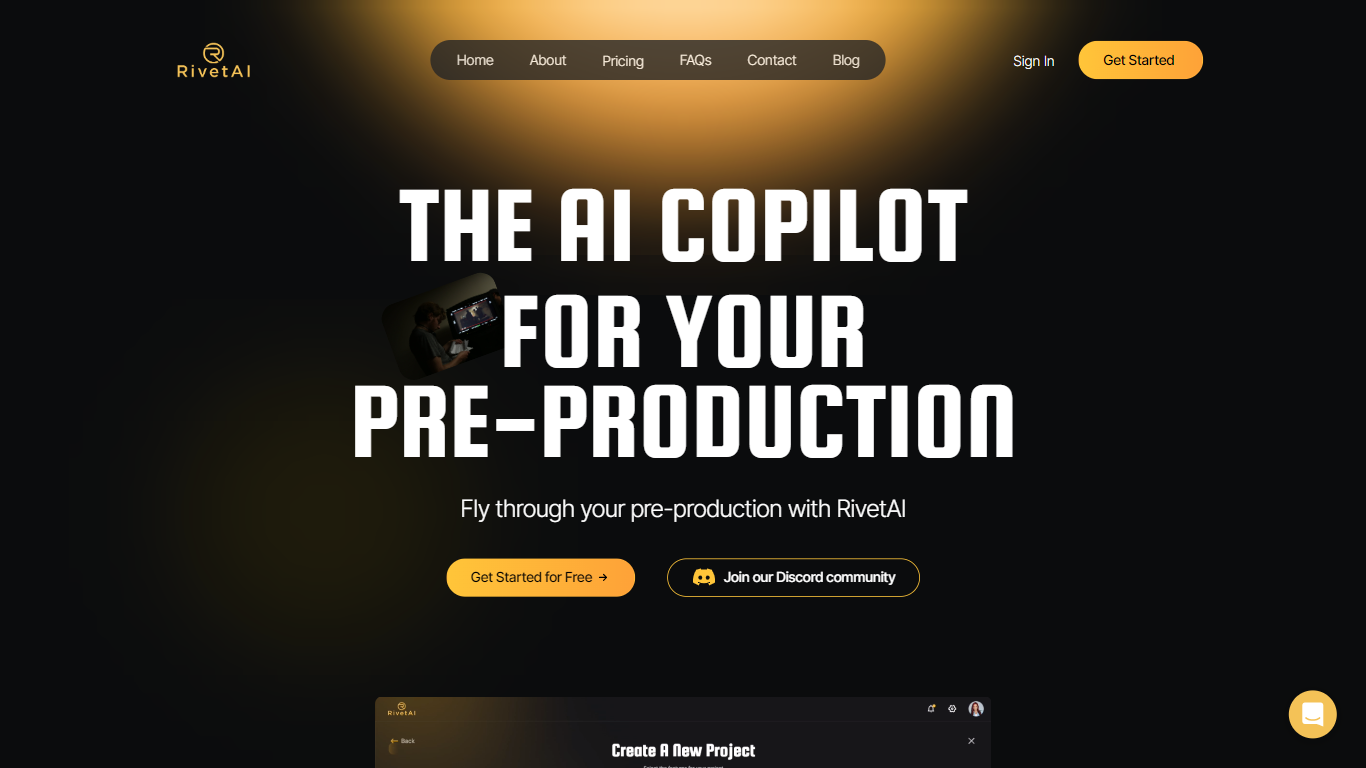
What is RivetAI?
RivetAI is a film and television pre-production platform that keeps scriptwriting, breakdown, scheduling, and budgeting on one shared screenplay. You draft and tag scenes in an industry-standard editor, then downstream modules read the same draft without export handoffs. Writers and production crews buy a per-project license with no subscription, and your script is never used to train AI models.
Most pre-production stacks split script, breakdown, schedule, and budget across separate apps that need constant file exports. RivetAI runs all four on one connected draft, so a scene edit ripples into stripboards and top sheets automatically. Pay-once Writer and Studio licenses also skip recurring SaaS fees that tools like StudioBinder or Movie Magic charge for comparable workflows.
Screenwriters use Writer for tagging, AI breakdown, and coverage while sharing password-gated links with partners. Production teams upgrade to Studio for stripboards, DOOD calendars, budget topsheets, REST API keys, and MCP client integration. Enterprise customers get SAML/OIDC SSO, pooled AI credits, and procurement support for multi-show studios.
Vidds Upvotes
RivetAI Upvotes
Vidds Top Features
AI Video Generator: Leverage artificial intelligence to automate video creation.
Add Audio to Video: Enhance your videos by adding the desired audio tracks.
Add Subtitles to Video: Improve accessibility and engagement with easy subtitle integration.
Change Video Speed Online: Adjust your video's playback speed for better effect or clarity.
Filter Video Online: Apply filters to your videos to achieve the professional look you desire.
RivetAI Top Features
Writer license costs $49.99 per project with 30 AI credits and 2 collaborator seats
Studio license costs $150 per project with 100 AI credits and 9 collaborator seats
Import scripts from Final Draft (.fdx), PDF, Celtx, and Fountain formats
Export to PDF, Final Draft, Fountain, Markdown, and Word (.docx)
Six connected modules sync breakdown, schedule, and budget from one screenplay
REST API and MCP client integration included on the Studio tier
Free tier drafts up to 5 scenes with the same AES-256 encryption as paid licenses
Vidds Category
- Video Editing
RivetAI Category
- Video Editing
Vidds Pricing Type
- Freemium
RivetAI Pricing Type
- Freemium