Video Ai Hug vs LanguageTool
When comparing Video Ai Hug vs LanguageTool, which AI Video Generation tool shines brighter? We look at pricing, alternatives, upvotes, features, reviews, and more.
In a comparison between Video Ai Hug and LanguageTool, which one comes out on top?
When we put Video Ai Hug and LanguageTool side by side, both being AI-powered video generation tools, The community has spoken, Video Ai Hug leads with more upvotes. The number of upvotes for Video Ai Hug stands at 7, and for LanguageTool it's 6.
You don't agree with the result? Cast your vote to help us decide!
Video Ai Hug
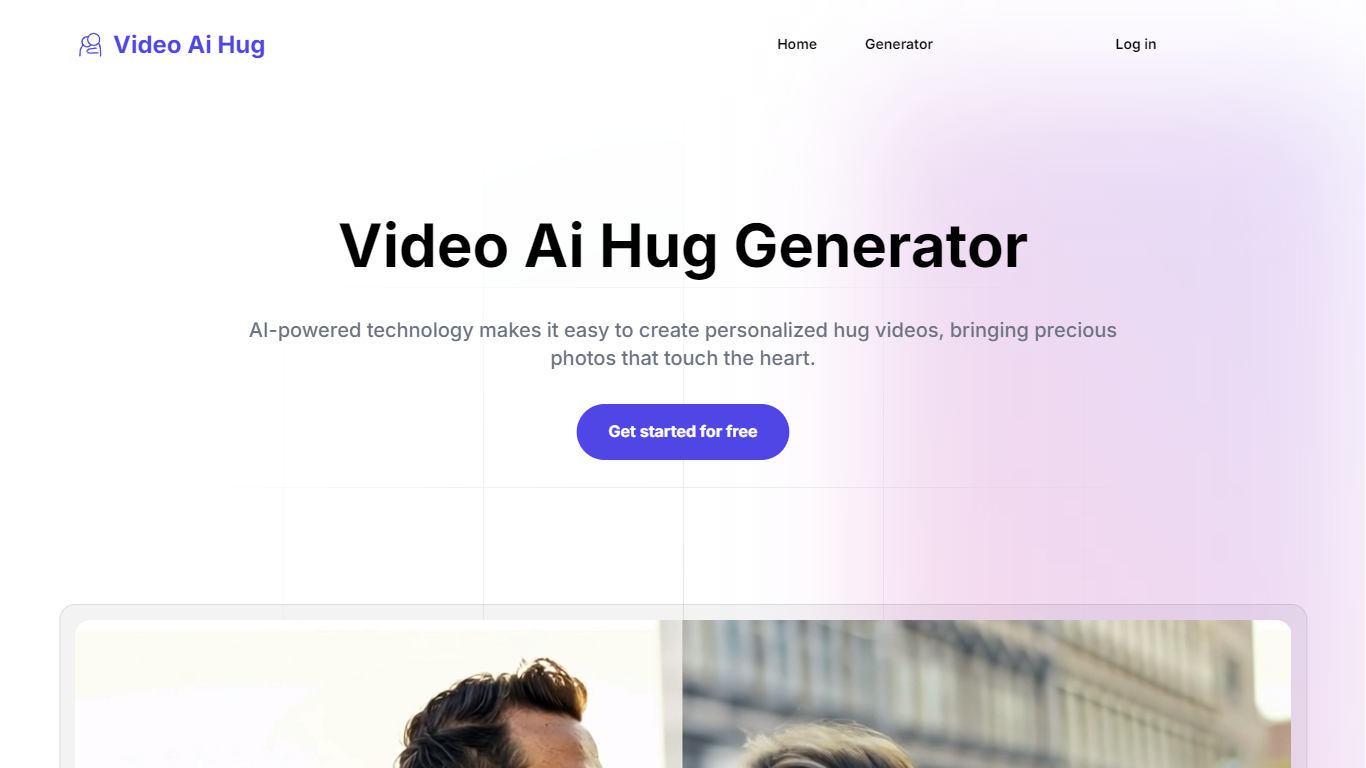

What is Video Ai Hug?
Video Ai Hug turns two portrait photos into a short hug clip you can download and share. Upload each person's photo separately, add a prompt, and the site returns a finished animation in a few minutes.
Most AI video generators chase broad editing or text-to-video workflows. Video Ai Hug stays narrow. It does not try to be a general editor; it optimizes for couples, long-distance partners, and anyone who wants a hug clip from still images without learning animation software.
Pricing runs on prepaid credits with one-time payments rather than subscriptions. Paid packs remove watermarks and include high-quality exports. Credits expire after 1 to 3 months depending on the tier, which suits occasional gift videos more than daily production work.
The workflow fits couples marking anniversaries or Valentine's Day, partners separated by distance, and casual creators who want a shareable romantic clip from phone photos. No professional video skills are required.
LanguageTool
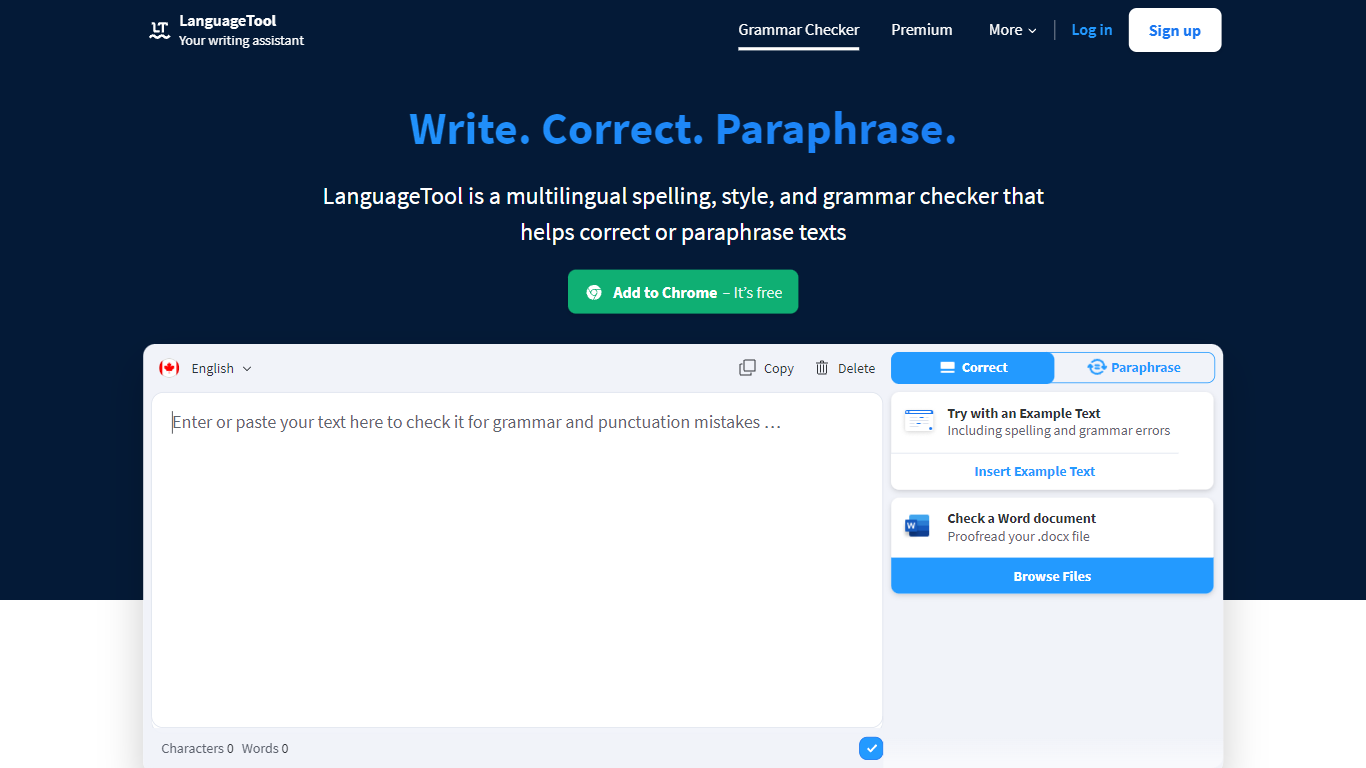
What is LanguageTool?
LanguageTool checks grammar, spelling, punctuation, and style in more than 30 languages through a web editor and browser extensions. Paste or type text to get underlined suggestions for subject-verb agreement, comma placement, word choice, and casing, plus a paraphrasing mode that rewrites sentences to be more formal or concise.
Compared with built-in spell checkers that catch typos only, LanguageTool adds over 20,000 extra style and grammar rules on Premium for English, German, French, Spanish, Dutch, Polish, and Portuguese. Picky Mode pushes even further on advanced punctuation and typography, and Premium raises the per-field character limit to 150,000 for long articles or emails.
Writers, students, and teams use LanguageTool inside Chrome, Firefox, Safari, Edge, Google Docs, Microsoft Word, LibreOffice, Slack, and macOS apps. The free Basic tier covers core grammar checks, while Premium and Team plans add shared style guides, team dictionaries, and unlimited AI paraphrasing.
Video Ai Hug Upvotes
LanguageTool Upvotes
Video Ai Hug Top Features
Upload two separate portrait photos and receive a hug animation in a few minutes
Credit packs span 20 generations for $9.9 up to 300 generations for $54.9
One credit equals one video generation across every paid tier
Paid plans include high-quality exports with no watermark
Deluxe pack includes 100 credits valid for 2 months at $24.9
Free account and trial let you test Video Ai Hug before buying credits
LanguageTool Top Features
Checks grammar and spelling in 30+ languages with automatic language detection
Premium adds 20,000+ extra checks for English, German, French, Spanish, Dutch, Polish, and Portuguese
Browser extensions for Chrome, Firefox, Safari, Edge, and Opera with 4M+ Chrome users
Premium supports up to 150,000 characters per text field
AI paraphrasing rewrites sentences to be more formal, fluid, or shorter
Video Ai Hug Category
- Video Generation
LanguageTool Category
- Video Generation
Video Ai Hug Pricing Type
- Freemium
LanguageTool Pricing Type
- Freemium