Video Editor By VIDIO vs Descript
Compare Video Editor By VIDIO vs Descript and see which AI Video Editing tool is better when we compare features, reviews, pricing, alternatives, upvotes, etc.
Which one is better? Video Editor By VIDIO or Descript?
When we compare Video Editor By VIDIO with Descript, which are both AI-powered video editing tools, Descript is the clear winner in terms of upvotes. Descript has garnered 8 upvotes, and Video Editor By VIDIO has garnered 6 upvotes.
Disagree with the result? Upvote your favorite tool and help it win!
Video Editor By VIDIO


What is Video Editor By VIDIO?
Video Editor By VIDIO lets you edit videos in the browser by describing changes in plain language instead of clicking through timeline menus. Upload a clip, tell the assistant what you want changed, and export the result without installing desktop software. It supports GIF, MP4, MOV, WEBM, and other common formats with a 3GB upload cap.
Traditional editors pack dozens of panels most casual creators never open. Video Editor By VIDIO deliberately keeps the workflow to three steps: upload, chat your request, download. That narrow focus fits social clips, quick captioning, and cleanup jobs where opening Premiere would be overkill.
The tool handles short-form cuts, auto captions, color filters, audio extraction, silence detection, and background noise removal through the same chat interface. VIDIO reports more than 500,000 users, with ratings of 4.8 on G2 and 4.7 on Trustpilot. Content creators, social media managers, and small teams use it when they need fast edits from any device.
Descript
What is Descript?
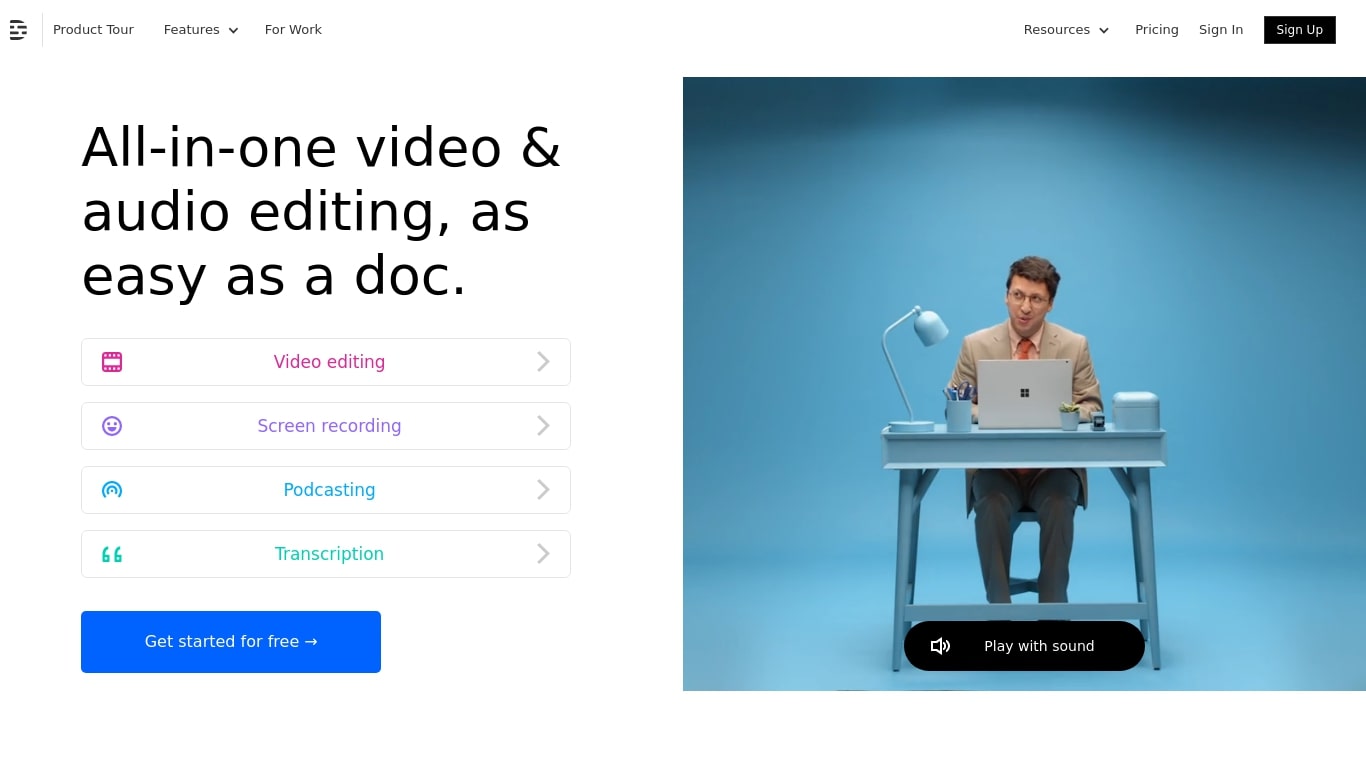
Descript is a video and podcast editor built around a transcript. You record or import media, get an automatic transcript, and edit the timeline by editing text. Creators, marketers, and teams use it to produce tutorials, demos, podcasts, and social clips without living inside a traditional NLE.
The core idea is text-based editing: delete a sentence from the transcript and the matching video or audio disappears. Underlord, Descript's built-in co-editor, can tighten cuts, suggest changes, apply layouts, generate B-roll, and handle repetitive cleanup when you describe what you want in plain language.
It targets people who need polished video but do not want a steep learning curve. Marketing teams ship product demos and webinar recaps. Podcasters edit multitrack audio like a document. Solo creators use Rooms for remote recording, Studio Sound for noisy rooms, and one-click filler word removal to publish faster.
Video Editor By VIDIO Upvotes
Descript Upvotes
Video Editor By VIDIO Top Features
Natural-language editing accepts plain-text requests instead of manual timeline work
Supports GIF, MP4, MOV, MPG, WEBM, and MPEG uploads up to 3GB per file
Stitches up to 5 video clips together in a single conversational edit project
Handles captions, color filters, audio extraction, silence detection, and noise removal
Runs entirely in the browser with no local installation required
Free Basic plan available; Pro 20 starts at $8 per month with 20 credits
Rated 4.8 on G2 and 4.7 on Trustpilot across VIDIO's user base
Descript Top Features
Edit video and audio by editing the transcript, like a document
Underlord co-editor handles cuts, layouts, and visuals from plain instructions
Studio Sound removes noise and boosts voice clarity without extra mics
Strip ums, uhs, and filler words across a project in one click
Record remote podcasts and video in Rooms with separate cloud tracks
Regenerate fixes spoken mistakes by typing the corrected word or phrase
Video Editor By VIDIO Category
- Video Editing
Descript Category
- Video Editing
Video Editor By VIDIO Pricing Type
- Freemium
Descript Pricing Type
- Freemium