Video Editor By VIDIO vs QuickVid
Compare Video Editor By VIDIO vs QuickVid and see which AI Video Editing tool is better when we compare features, reviews, pricing, alternatives, upvotes, etc.
Which one is better? Video Editor By VIDIO or QuickVid?
When we compare Video Editor By VIDIO with QuickVid, which are both AI-powered video editing tools, The upvote count is neck and neck for both Video Editor By VIDIO and QuickVid. Since other aitools.fyi users could decide the winner, the ball is in your court now to cast your vote and help us determine the winner.
Feeling rebellious? Cast your vote and shake things up!
Video Editor By VIDIO


What is Video Editor By VIDIO?
Video Editor By VIDIO lets you edit videos in the browser by describing changes in plain language instead of clicking through timeline menus. Upload a clip, tell the assistant what you want changed, and export the result without installing desktop software. It supports GIF, MP4, MOV, WEBM, and other common formats with a 3GB upload cap.
Traditional editors pack dozens of panels most casual creators never open. Video Editor By VIDIO deliberately keeps the workflow to three steps: upload, chat your request, download. That narrow focus fits social clips, quick captioning, and cleanup jobs where opening Premiere would be overkill.
The tool handles short-form cuts, auto captions, color filters, audio extraction, silence detection, and background noise removal through the same chat interface. VIDIO reports more than 500,000 users, with ratings of 4.8 on G2 and 4.7 on Trustpilot. Content creators, social media managers, and small teams use it when they need fast edits from any device.
QuickVid
What is QuickVid?
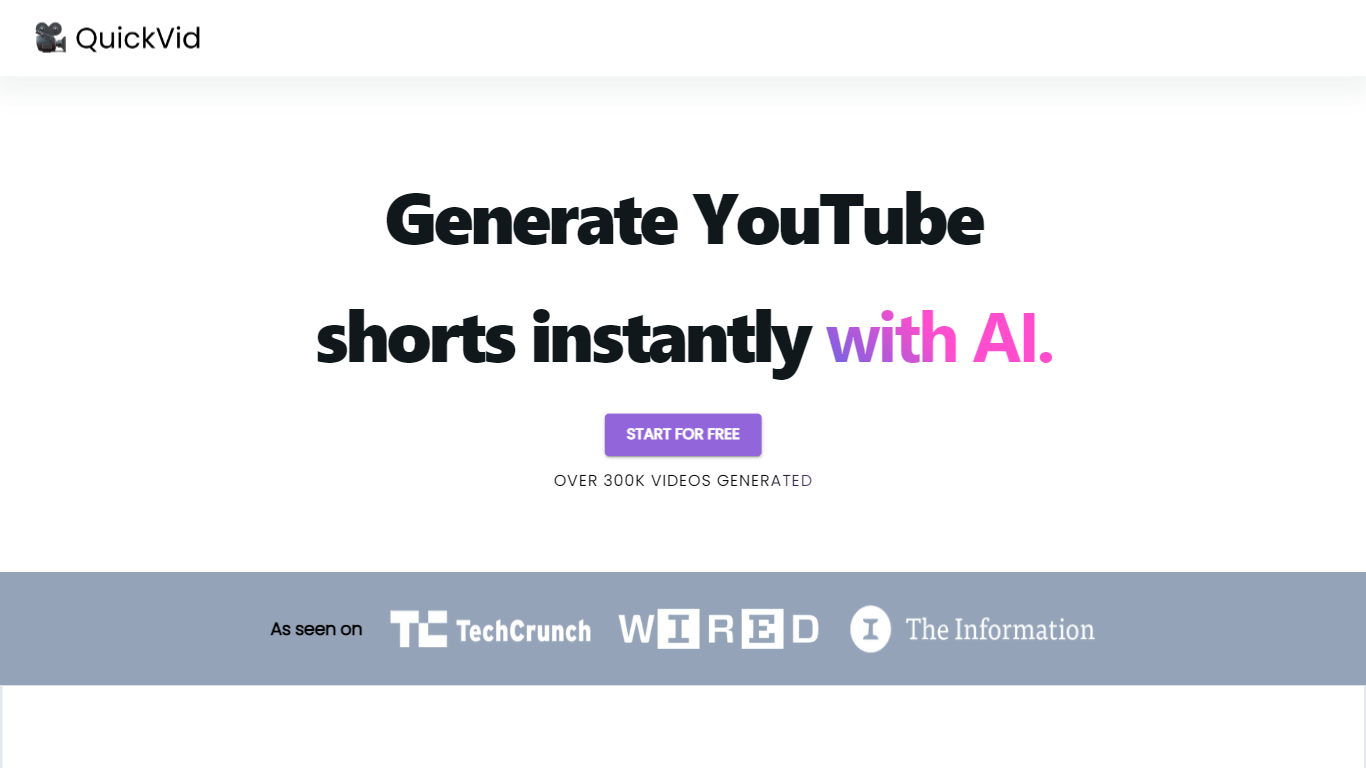
QuickVid is a powerful and efficient tool designed to revolutionize the process of generating YouTube shorts. With QuickVid, users can create captivating and attention-grabbing short videos for YouTube at lightning-fast speeds, saving them valuable time and effort.
Our cutting-edge technology allows users to generate YouTube shorts 10 times faster than traditional video editing methods. QuickVid's intuitive interface and user-friendly features make it easy for both beginners and experienced content creators to produce professional-quality shorts with just a few clicks.
Whether you're a vlogger, an influencer, or a business owner looking to enhance your online presence, QuickVid has got you covered. Our comprehensive range of templates, effects, and customization options ensure that you can create unique and engaging shorts that stand out from the crowd. Say goodbye to the tedious and time-consuming process of video editing and let QuickVid do the heavy lifting for you.
In addition to its exceptional speed and ease of use, QuickVid also offers advanced editing capabilities. Users can trim, merge, and add music or voiceovers to their shorts, giving them full creative control over the final product. With QuickVid, you can unleash your creativity and produce stunning videos that resonate with your audience.
Boost your YouTube channel's growth and engagement with QuickVid's powerful analytics and optimization tools. Our platform provides valuable insights into your video performance, helping you understand what works and what doesn't. With this data-driven approach, you can refine your content strategy and maximize your reach on YouTube.
With QuickVid, you no longer have to spend hours editing videos or struggle with complicated software. Our AI-powered tool simplifies the video creation process, allowing you to focus on what matters most – creating exceptional content. Discover the future of YouTube shorts with QuickVid and experience the power of speed and simplicity.
Video Editor By VIDIO Upvotes
QuickVid Upvotes
Video Editor By VIDIO Top Features
Natural-language editing accepts plain-text requests instead of manual timeline work
Supports GIF, MP4, MOV, MPG, WEBM, and MPEG uploads up to 3GB per file
Stitches up to 5 video clips together in a single conversational edit project
Handles captions, color filters, audio extraction, silence detection, and noise removal
Runs entirely in the browser with no local installation required
Free Basic plan available; Pro 20 starts at $8 per month with 20 credits
Rated 4.8 on G2 and 4.7 on Trustpilot across VIDIO's user base
QuickVid Top Features
No top features listedVideo Editor By VIDIO Category
- Video Editing
QuickVid Category
- Video Editing
Video Editor By VIDIO Pricing Type
- Freemium
QuickVid Pricing Type
- Freemium