Video Insight Pro vs Mode
In the clash of Video Insight Pro vs Mode, which AI Analytics tool emerges victorious? We assess reviews, pricing, alternatives, features, upvotes, and more.
When we put Video Insight Pro and Mode head to head, which one emerges as the victor?
Let's take a closer look at Video Insight Pro and Mode, both of which are AI-driven analytics tools, and see what sets them apart. Both tools are equally favored, as indicated by the identical upvote count. The power is in your hands! Cast your vote and have a say in deciding the winner.
You don't agree with the result? Cast your vote to help us decide!
Video Insight Pro
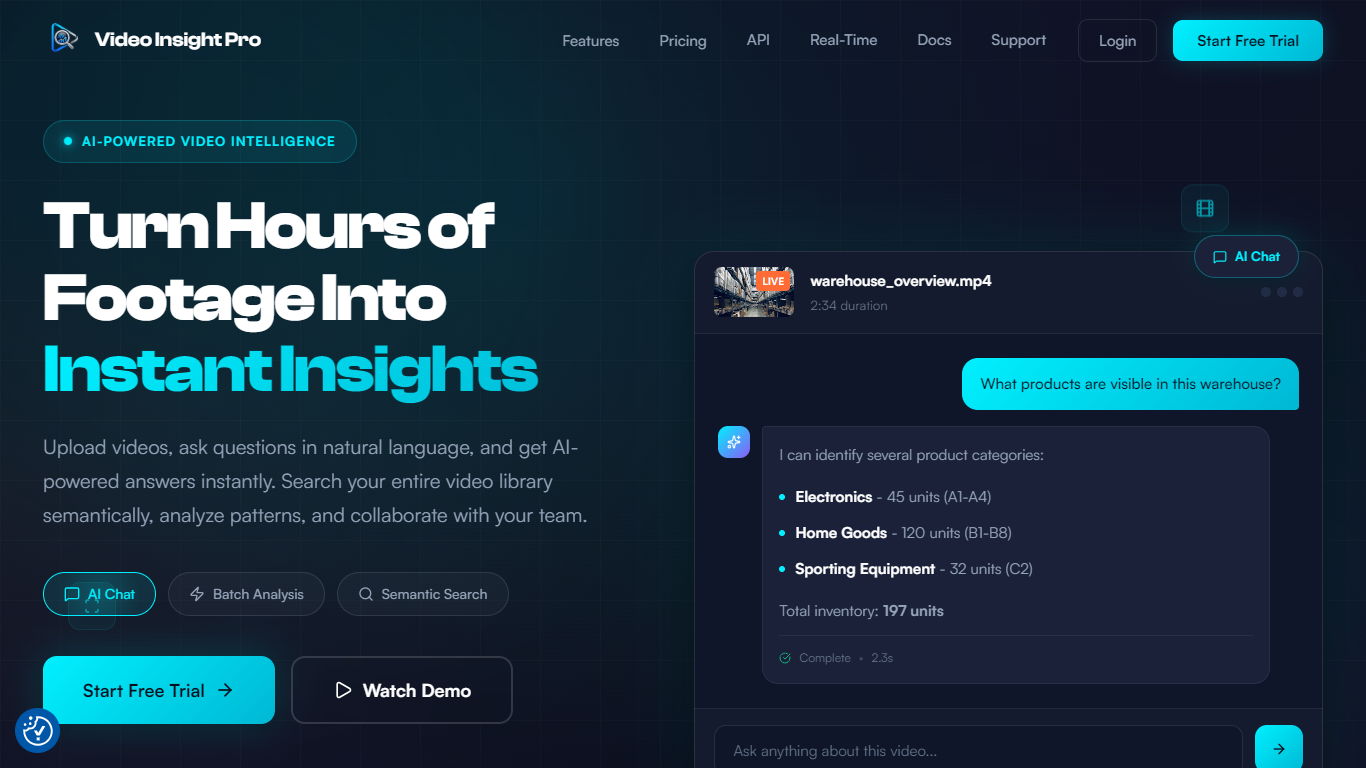

What is Video Insight Pro?
Video Insight Pro is a video analytics platform for teams that need to search, question, and report on large libraries of footage without watching every minute by hand. Upload files or connect storage, then query your library in plain language to find moments, summarize content, and export audit-ready evidence.
Built by Launchable AI Inc. in Ontario, Canada, the product targets security, retail, training, media, and operations teams where video piles up faster than anyone can review it. Semantic search looks at visual content and transcripts, not just filenames, so queries like safety violations or customer complaints surface matching clips with timestamps.
The workspace supports batch analysis across hundreds of videos, reusable analysis templates, role-based team access, and exports to PDF, CSV, JSON, or Markdown. Analysis runs on Google Gemini models with Fast, Pro, and Deep tiers that trade speed for depth depending on the job.
Mode
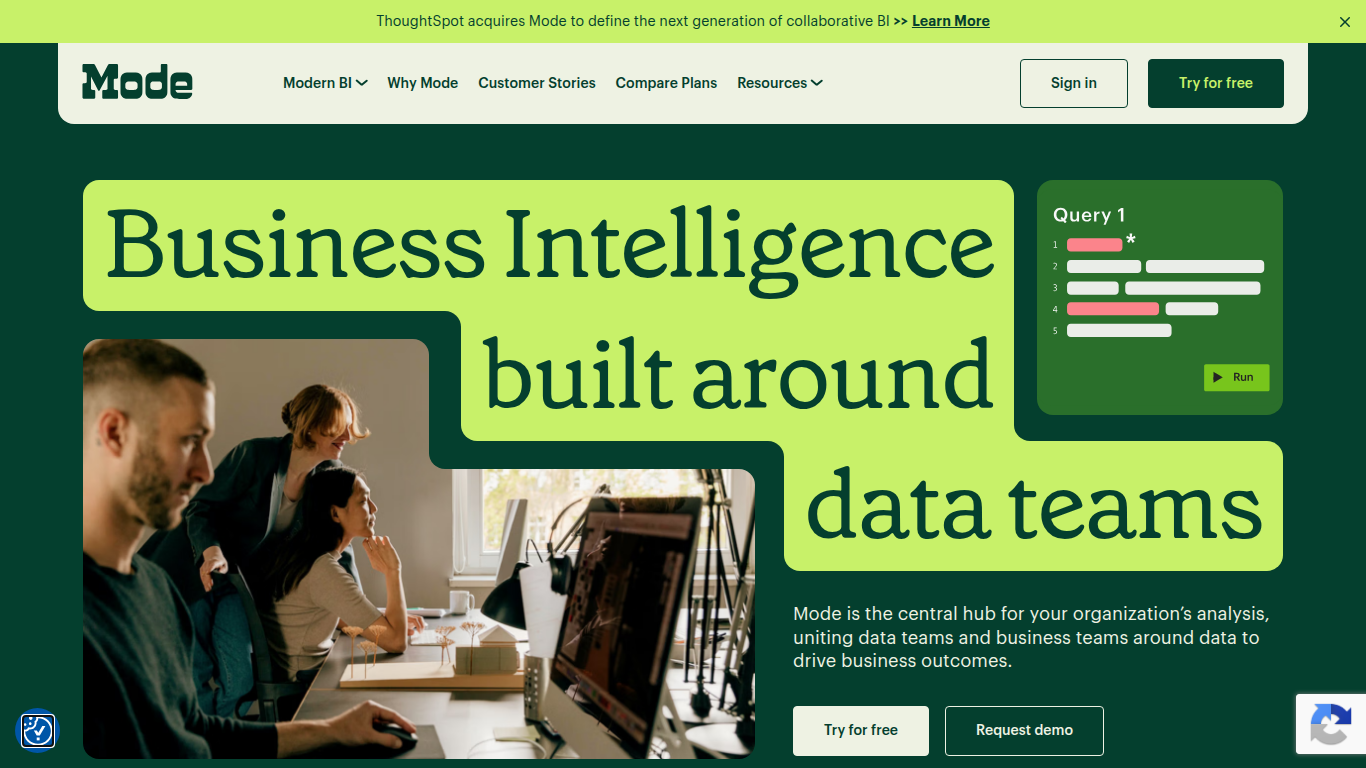
What is Mode?
Mode unites data teams and business teams around SQL, Python, R, and visual analysis in one workspace. Analysts run ad hoc queries, build interactive dashboards, and publish self-service reports without switching tools. The platform connects to major data warehouses and integrates with the dbt Semantic Layer for governed metrics across the organization.
Most BI tools force a choice between analyst-grade depth and business-user simplicity. Mode runs both on the same platform: data teams write SQL and Python notebooks while business users explore curated datasets through drag-and-drop dashboards. Reusable datasets, scheduled reports, and Slack sharing keep everyone on the same numbers without maintaining separate data models for each audience.
Mode targets data analysts, analytics engineers, and business intelligence teams at companies that have invested in a modern data stack. The free Studio plan supports up to 3 users with SQL, Python, and R at 10 MB per query. Pro and Enterprise tiers add 250 GB monthly compute, permissioning, API access, and visualization of tens of millions of rows. ThoughtSpot acquired Mode to combine collaborative BI with search-driven analytics.
Video Insight Pro Upvotes
Mode Upvotes
Video Insight Pro Top Features
Ask questions about any processed video and get timestamped answers in seconds
Search the whole library by describing scenes, not filenames
Run the same analysis template across hundreds of videos at once
Pick Fast, Pro, or Deep Gemini models based on how thorough you need the review
Invite teammates with Admin, Member, or Viewer roles and share folders
Export individual or batch results to PDF, CSV, JSON, or Markdown
Mode Top Features
SQL editor with connected Python and R notebooks using 60+ libraries
Visual exploration of 100,000+ datapoints directly in the browser
Interactive dashboards with drilldowns, filters, and scheduled reports
Reusable datasets curated by data teams for self-service reporting
dbt Semantic Layer integration for governed metrics across the org
Email and Slack sharing with REST API and webhook automation
Custom data apps built with HTML, CSS, and JavaScript for internal tools
Video Insight Pro Category
- Analytics
Mode Category
- Analytics
Video Insight Pro Pricing Type
- Freemium
Mode Pricing Type
- Freemium