CalcGen AI vs Video Insight Pro
When comparing CalcGen AI vs Video Insight Pro, which AI Analytics tool shines brighter? We look at pricing, alternatives, upvotes, features, reviews, and more.
In a comparison between CalcGen AI and Video Insight Pro, which one comes out on top?
When we put CalcGen AI and Video Insight Pro side by side, both being AI-powered analytics tools, Both tools are equally favored, as indicated by the identical upvote count. The power is in your hands! Cast your vote and have a say in deciding the winner.
You don't agree with the result? Cast your vote to help us decide!
CalcGen AI

What is CalcGen AI?
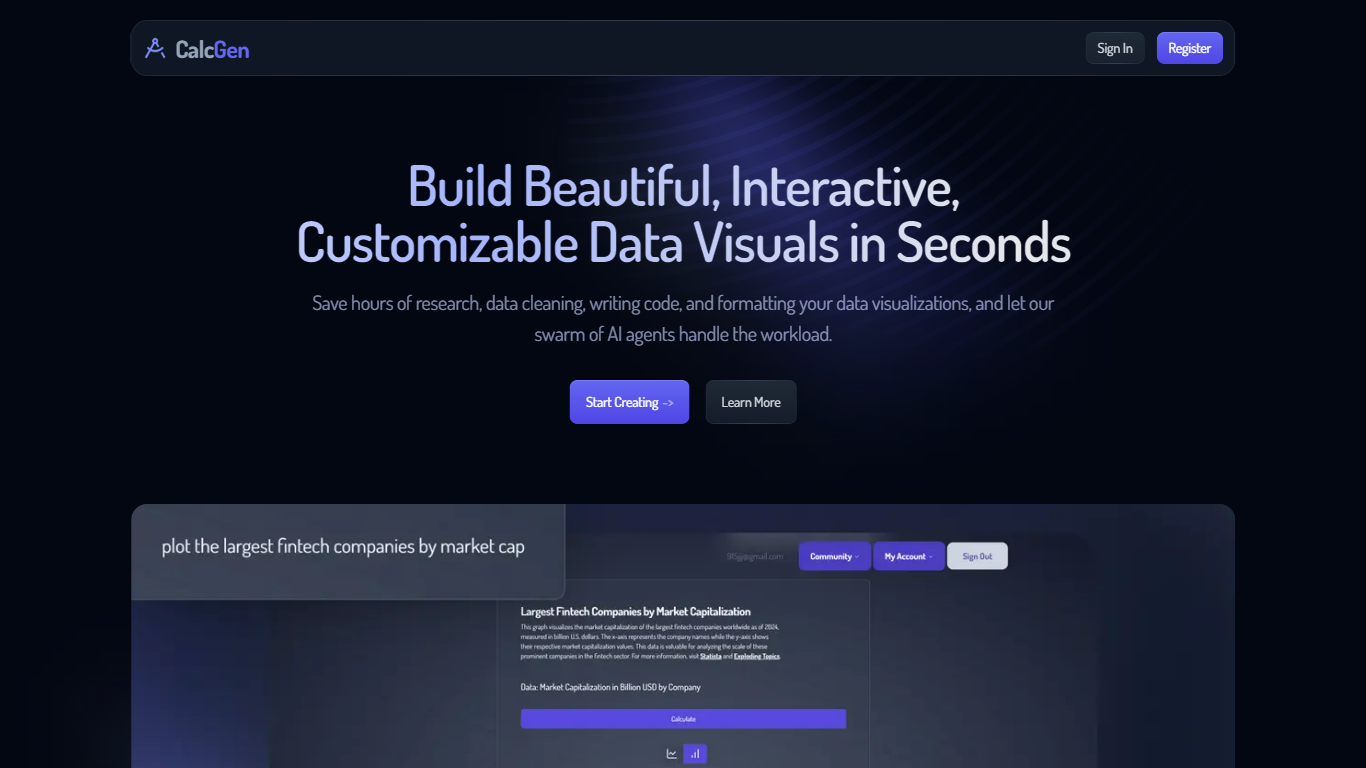
CalcGen AI turns a plain-language question into an interactive chart, graph, or calculator without you writing code or hunting down datasets. Type a prompt like smoking rates in the USA, and a swarm of search, analysis, and visualization agents finds credible sources, writes a summary, and renders a shareable visual you can embed in Notion, PowerPoint, or WordPress.
ChatGPT can sketch a chart from data you paste in. CalcGen goes further by sending a search agent to pull numbers from the web, linking every source, and letting you customize themes, filters, and chart types in a visual editor. The trade-off is beta maturity: the tutorial recommends datasets under 150 points for best results.
Analysts, educators, and marketers use it when they need a polished visualization fast but lack time for spreadsheet cleanup and formatting. CalcGen was featured on Product Hunt as a top 8 launch and in Rundown AI's trending products list in October 2024.
Video Insight Pro
What is Video Insight Pro?
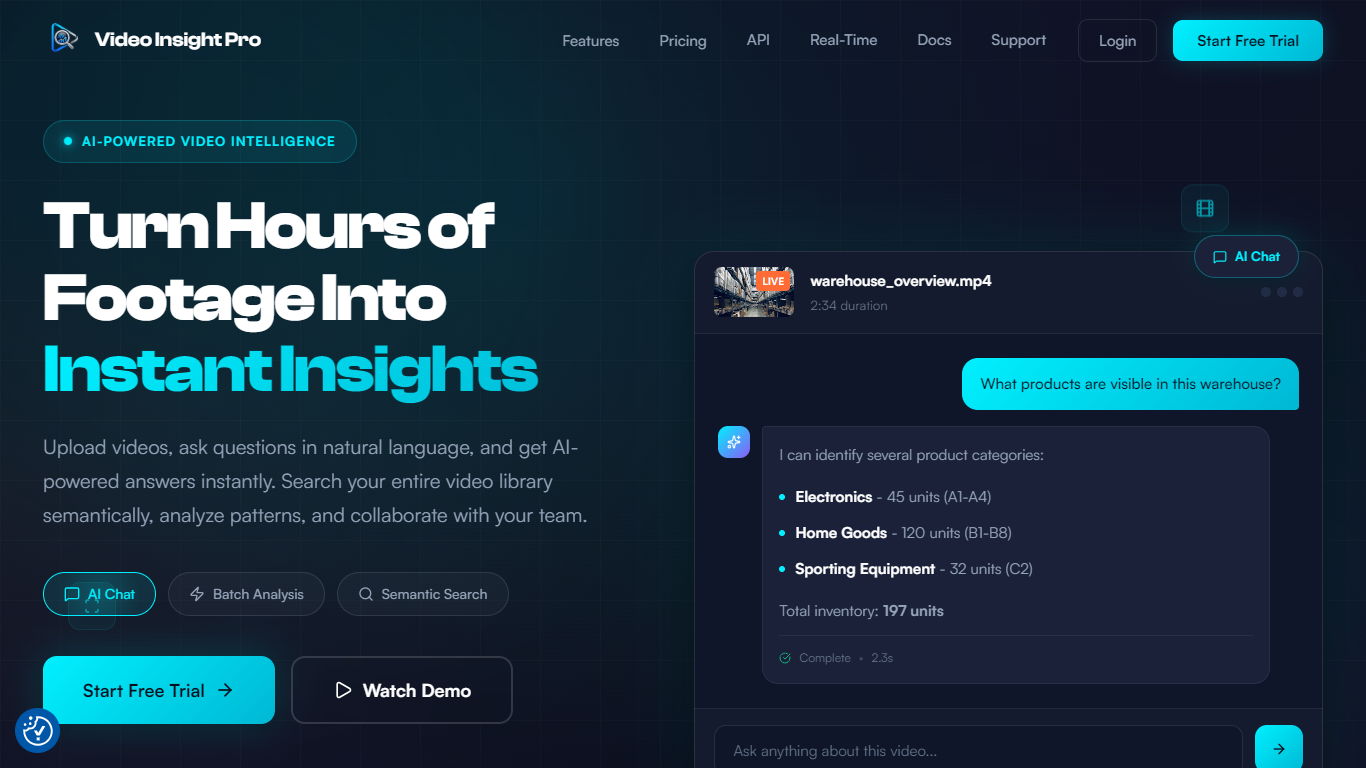
Video Insight Pro is a video analytics platform for teams that need to search, question, and report on large libraries of footage without watching every minute by hand. Upload files or connect storage, then query your library in plain language to find moments, summarize content, and export audit-ready evidence.
Built by Launchable AI Inc. in Ontario, Canada, the product targets security, retail, training, media, and operations teams where video piles up faster than anyone can review it. Semantic search looks at visual content and transcripts, not just filenames, so queries like safety violations or customer complaints surface matching clips with timestamps.
The workspace supports batch analysis across hundreds of videos, reusable analysis templates, role-based team access, and exports to PDF, CSV, JSON, or Markdown. Analysis runs on Google Gemini models with Fast, Pro, and Deep tiers that trade speed for depth depending on the job.
CalcGen AI Upvotes
Video Insight Pro Upvotes
CalcGen AI Top Features
Search Agent finds data online and links credible sources to every visualization
Analysis Agent writes chart titles and detailed data summaries automatically
Visualization Agent builds interactive charts with custom filters and sorting from prompts
Embeds into Notion, PowerPoint, WordPress, Wix, and Miro
Theme library lets you match charts to your brand design language
Custom graph calculators plot equations dynamically from user inputs
Paid plans start at $9.99 per month according to the welcome page
Video Insight Pro Top Features
Ask questions about any processed video and get timestamped answers in seconds
Search the whole library by describing scenes, not filenames
Run the same analysis template across hundreds of videos at once
Pick Fast, Pro, or Deep Gemini models based on how thorough you need the review
Invite teammates with Admin, Member, or Viewer roles and share folders
Export individual or batch results to PDF, CSV, JSON, or Markdown
CalcGen AI Category
- Analytics
Video Insight Pro Category
- Analytics
CalcGen AI Pricing Type
- Freemium
Video Insight Pro Pricing Type
- Freemium