Video To Blog vs SummarAIze
In the contest of Video To Blog vs SummarAIze, which AI Content Creation tool is the champion? We evaluate pricing, alternatives, upvotes, features, reviews, and more.
If you had to choose between Video To Blog and SummarAIze, which one would you go for?
When we examine Video To Blog and SummarAIze, both of which are AI-enabled content creation tools, what unique characteristics do we discover? Both tools have received the same number of upvotes from aitools.fyi users. The power is in your hands! Cast your vote and have a say in deciding the winner.
Want to flip the script? Upvote your favorite tool and change the game!
Video To Blog


What is Video To Blog?
Video To Blog turns spoken video and audio into publish-ready blog articles. Paste a YouTube link, upload a file, drop in a transcript, record audio, or connect a channel, and the service outputs structured posts with headings, screenshots, smart links, metadata, and calls to action you can send to a website, newsletter, or download as HTML, Markdown, PDF, or Word.
Transcript-to-ChatGPT workflows still leave you stitching screenshots, links, and publishing steps by hand. Video To Blog bundles those production tasks: auto screenshots from the source video, reusable CTA blocks, SEO and GEO formatting, YouTube upload automations, and a built-in Publications feature for hosting a blog plus email newsletter on a custom domain. The homepage cites 500,000+ articles created and a 4.8 average across 500+ reviews on Trustpilot, G2, and Capterra.
YouTube creators, podcasters, agencies, and teams publishing sermons or webinars are the target users. Pricing starts free with one monthly upload, scales to Business at $69 per month (yearly billing) for 50 videos, and every paid tier adds publications, website integrations, and longer runtime limits.
SummarAIze
What is SummarAIze?
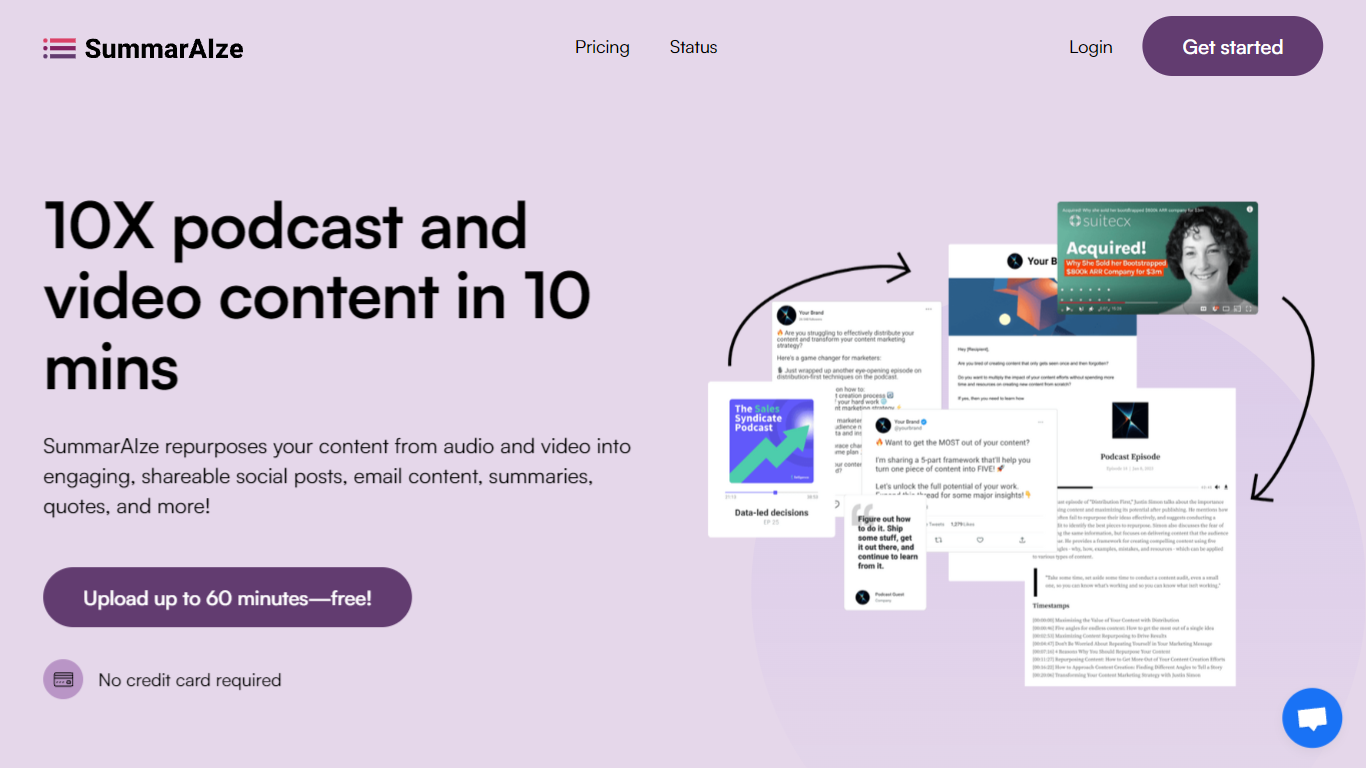
Transform audio and video recordings into social posts, email newsletters, blog articles, and video clips in minutes. This platform acts as an automated content repurposing workflow that eliminates manual rewatching and writing.
Unlike traditional transcription or single-function writing tools, the system utilizes a credit model where 1 credit equals either 1 minute of transcription or 1 generated asset. Users configure Brand Kits to maintain a consistent voice, tone, and set of style rules across every project without repeating context.
The software supports large file uploads up to 10GB in formats like MP3, WAV, M4A, MP4, MOV, and M4V. Integrations with Google Drive, Dropbox, Zoom, and YouTube enable seamless file importing from existing storage services.
Collaboration features include shareable links for sending results directly to clients or team members without requiring logins. Plans start at $29 per month for the Creator tier and scale up to $149 per month for the Business tier.
Video To Blog Upvotes
SummarAIze Upvotes
Video To Blog Top Features
Imports YouTube links, uploaded video/audio, transcripts, Google Drive files, and channel automations
Auto screenshots pull key visual moments from source videos into each article
Smart links and reusable CTA blocks insert internal and external links automatically
Publications host a blog, email newsletter, and custom domain without extra services
Free plan includes 1 monthly upload for videos up to 30 minutes with no credit card
Pro plan ($39/mo yearly) allows 15 monthly uploads up to 1.5 hours with 3 team members
Exports finished posts as HTML, Markdown, PDF, or Word and publishes to connected websites
SummarAIze Top Features
Brand Kits to save your tone, audience, keywords, and style rules for 100 percent on-brand assets
Ask SummarAIze chat interface to generate additional assets or refine existing content without limits
Large file support handling uploads up to 10GB for multilingual audio and video recordings
Flexible credit system where 1 credit equals 1 minute of transcription or 1 generated asset
Cloud integrations supporting direct file imports from Google Drive, Dropbox, Zoom, and YouTube
Shareable links allowing one-click sharing with clients and team members without requiring logins
Video To Blog Category
- Content Creation
SummarAIze Category
- Content Creation
Video To Blog Pricing Type
- Freemium
SummarAIze Pricing Type
- Freemium