Video Transcriber AI vs Clockwise
Compare Video Transcriber AI vs Clockwise and see which AI Meeting Assistant tool is better when we compare features, reviews, pricing, alternatives, upvotes, etc.
Which one is better? Video Transcriber AI or Clockwise?
When we compare Video Transcriber AI with Clockwise, which are both AI-powered meeting assistant tools, Both tools have received the same number of upvotes from aitools.fyi users. Every vote counts! Cast yours and contribute to the decision of the winner.
Don't agree with the result? Cast your vote and be a part of the decision-making process!
Video Transcriber AI

What is Video Transcriber AI?
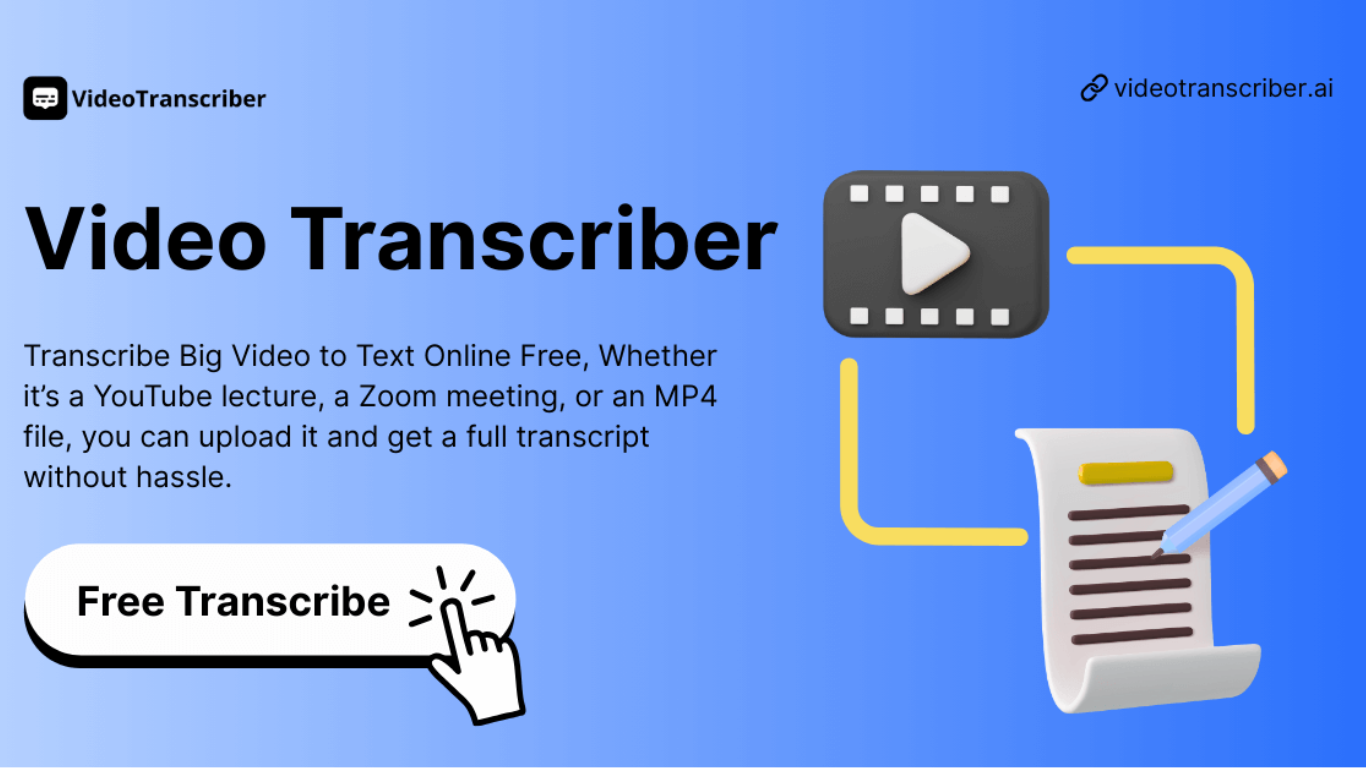
Video Transcriber AI is a meeting and media transcription web app that turns uploaded videos, audio files, or platform links into editable text with speaker labels. You drag in MP4, WAV, or a YouTube URL, pick a note mode like Smart Summary, and download TXT or SRT output from the browser.
Many transcription sites cap free users hard or hide speaker diarization behind enterprise tiers. Video Transcriber AI splits work into Basic and Premium quotas: the free plan allows 10 Basic quotas per day (up to 20 minutes of transcript or translation) while paid plans raise monthly limits and file size caps from 500 MB to 5 GB per upload.
It fits creators, journalists, students, and teams who need YouTube, TikTok, Zoom, or local file support in one place. The product also ships a Transcript API with timestamped JSON, SRT, and VTT export for developers who want the same engine inside their own apps.
Clockwise
What is Clockwise?
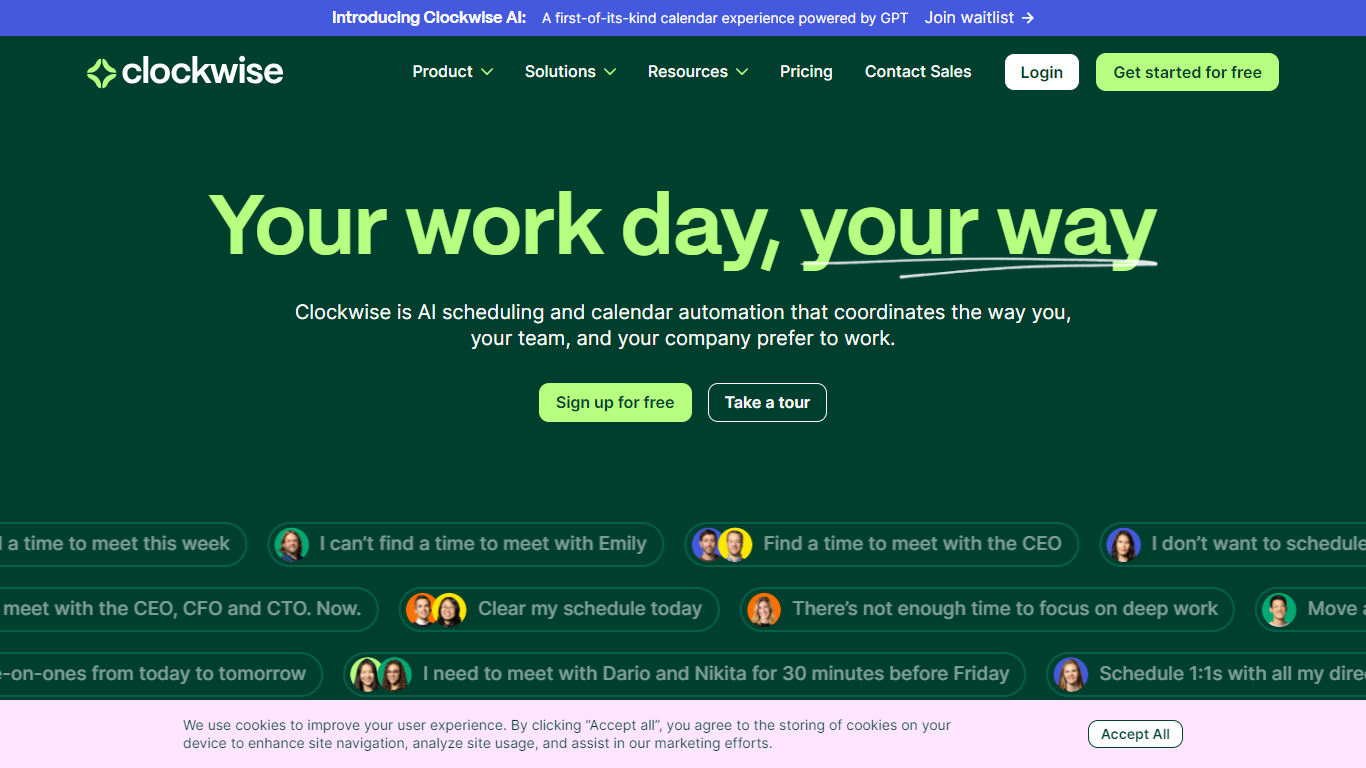
Clockwise is an innovative time management calendar that leverages advanced AI technology to streamline scheduling and optimize calendars for teams and individuals. By understanding the unique preferences and work habits of users, Clockwise adjusts schedules dynamically to ensure flexibility, minimize disruptions, and create blocks of uninterrupted focus time. It integrates seamlessly with popular tools like Slack and Asana, enhancing productivity without the hassle of manual calendar management.
No more struggling with finding suitable meeting times or sacrificing deep work sessions. Clockwise allows users to take control of their day with a few simple clicks. Start using Clockwise for free and experience a smarter way to manage your time and workflow.
Video Transcriber AI Upvotes
Clockwise Upvotes
Video Transcriber AI Top Features
Free tier includes 10 Basic quotas per day covering up to 20 minutes of transcript work
Supports 200+ languages with automatic detection and translation
Processes up to 5 audio or video files simultaneously in the queue
Paid plans raise per-file limits from 500 MB on Free to 5 GB on Basic and above
Transcript API accepts YouTube, TikTok, Instagram, and direct uploads in one REST endpoint
Exports SRT, VTT, TXT, and timestamped JSON for subtitles or developer pipelines
Clockwise Top Features
AI Scheduler: Adds intelligence to calendar management for optimized scheduling.
Focus Time: Allocates uninterrupted blocks of time for deep work.
Flexible Meetings: Adapts meeting times for team convenience and productivity.
Scheduling Links: Facilitates easy meeting setup with external parties.
Slack & Asana Integrations: Seamlessly integrates with popular team collaboration tools.
Video Transcriber AI Category
- Meeting Assistant
Clockwise Category
- Meeting Assistant
Video Transcriber AI Pricing Type
- Freemium
Clockwise Pricing Type
- Freemium