Video Transcriber AI vs Colibri
In the contest of Video Transcriber AI vs Colibri, which AI Meeting Assistant tool is the champion? We evaluate pricing, alternatives, upvotes, features, reviews, and more.
If you had to choose between Video Transcriber AI and Colibri, which one would you go for?
When we examine Video Transcriber AI and Colibri, both of which are AI-enabled meeting assistant tools, what unique characteristics do we discover? With more upvotes, Video Transcriber AI is the preferred choice. Video Transcriber AI has received 7 upvotes from aitools.fyi users, while Colibri has received 6 upvotes.
Not your cup of tea? Upvote your preferred tool and stir things up!
Video Transcriber AI

What is Video Transcriber AI?
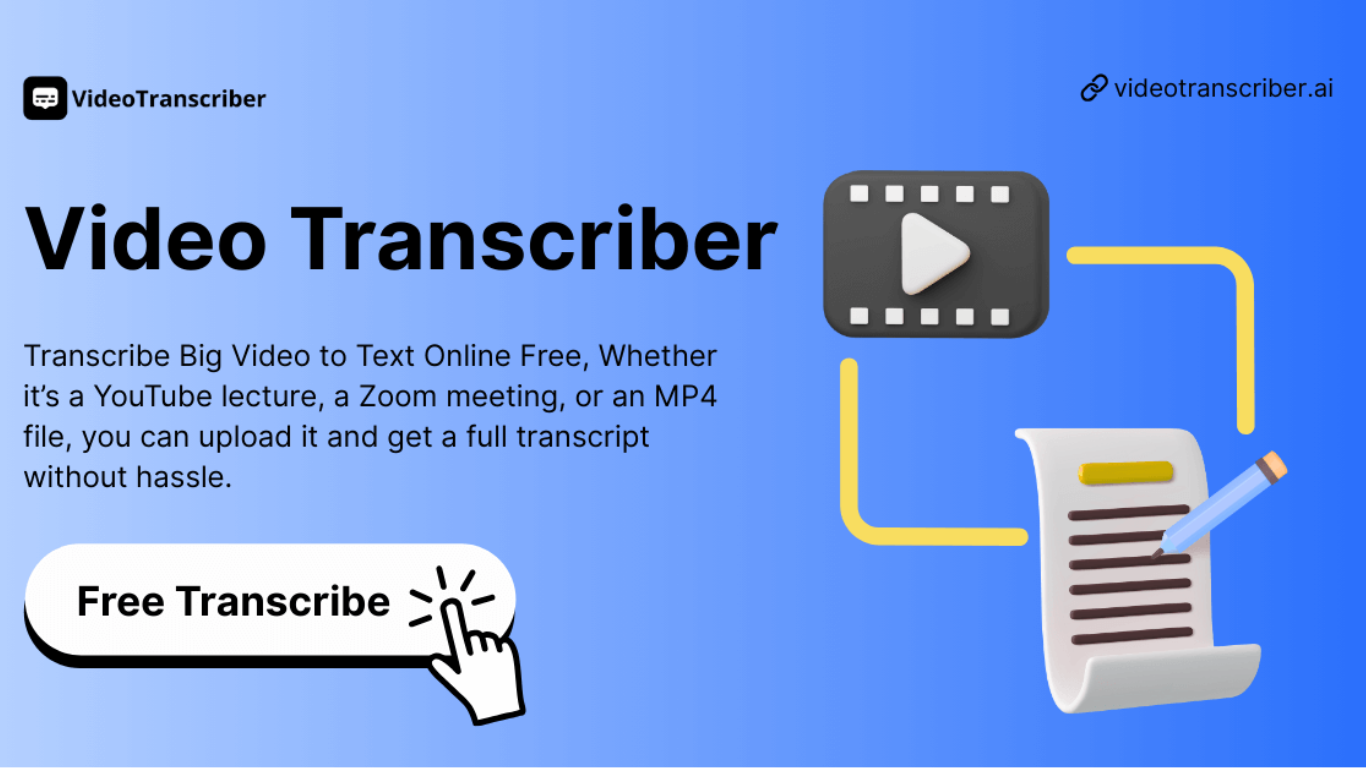
Video Transcriber AI is a meeting and media transcription web app that turns uploaded videos, audio files, or platform links into editable text with speaker labels. You drag in MP4, WAV, or a YouTube URL, pick a note mode like Smart Summary, and download TXT or SRT output from the browser.
Many transcription sites cap free users hard or hide speaker diarization behind enterprise tiers. Video Transcriber AI splits work into Basic and Premium quotas: the free plan allows 10 Basic quotas per day (up to 20 minutes of transcript or translation) while paid plans raise monthly limits and file size caps from 500 MB to 5 GB per upload.
It fits creators, journalists, students, and teams who need YouTube, TikTok, Zoom, or local file support in one place. The product also ships a Transcript API with timestamped JSON, SRT, and VTT export for developers who want the same engine inside their own apps.
Colibri
What is Colibri?
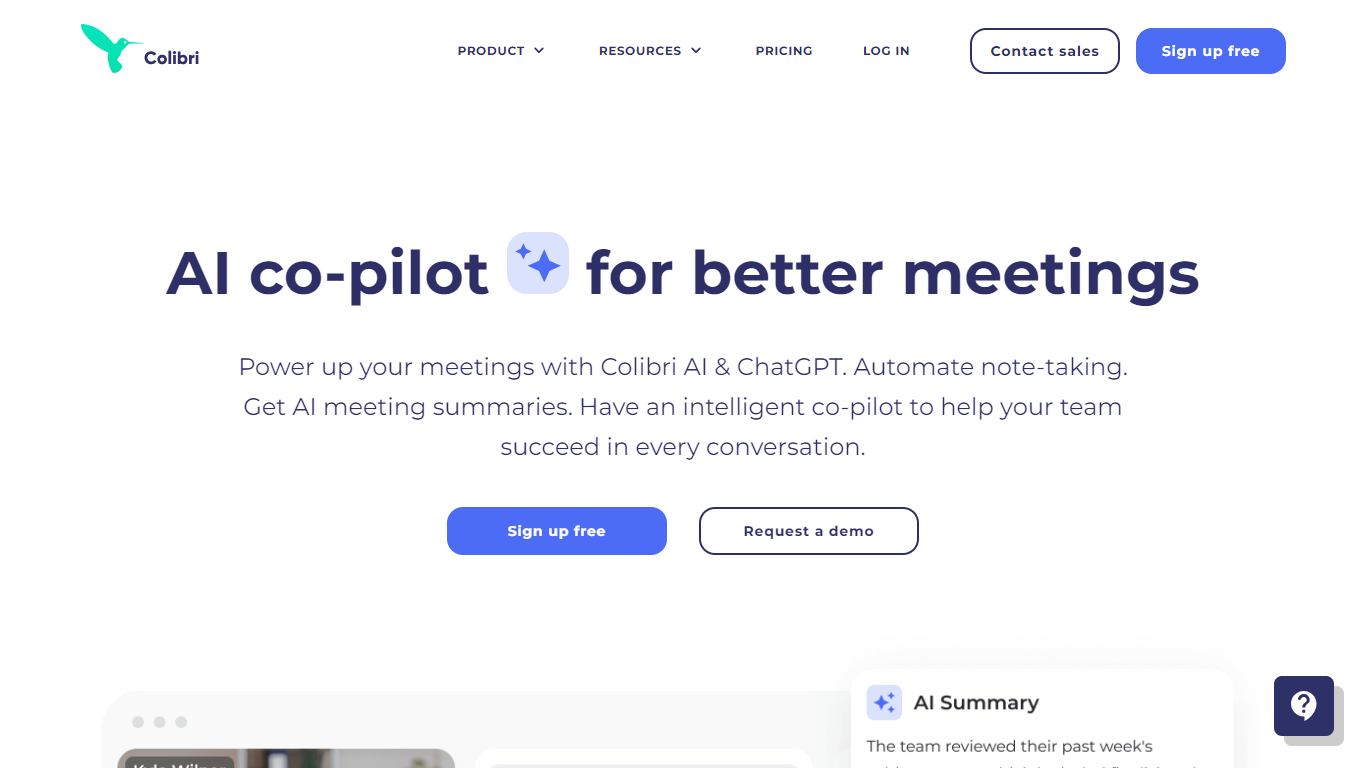
Colibri is an AI-powered meeting assistant designed to transform how teams capture, analyze, and act on conversations. It automatically records calls, transcribes speech in real time, and generates concise, searchable meeting summaries that highlight key points and action items. The platform supports a variety of meeting types, including phone calls, video conferences, depositions, and court reporting, making it versatile for different professional needs.
Beyond transcription, Colibri offers conversation intelligence features such as topic detection, customer question extraction, and team performance analytics. Sales teams benefit from the Sales Copilot, which provides real-time AI guidance and coaching during calls, helping reps handle objections and follow playbooks effectively. Legal professionals can use Colibri Legal for live rough drafts and final transcripts with certified transcriptionists.
Colibri integrates with popular tools like Zoom, Slack, and Salesforce, embedding directly into existing workflows. Its searchable call library and AI-powered agendas help teams stay organized and focused. The platform emphasizes accuracy with a proprietary speech-to-text engine and supports real-time coaching and generative AI features to speed up meeting follow-ups and content creation.
The company behind Colibri is a team of AI and machine learning experts with backgrounds at Google and Nuance, focused on making work smarter through advanced speech recognition and generative AI. Colibri offers flexible pricing plans, including a free tier, to accommodate individuals and teams of all sizes.
Video Transcriber AI Upvotes
Colibri Upvotes
Video Transcriber AI Top Features
Free tier includes 10 Basic quotas per day covering up to 20 minutes of transcript work
Supports 200+ languages with automatic detection and translation
Processes up to 5 audio or video files simultaneously in the queue
Paid plans raise per-file limits from 500 MB on Free to 5 GB on Basic and above
Transcript API accepts YouTube, TikTok, Instagram, and direct uploads in one REST endpoint
Exports SRT, VTT, TXT, and timestamped JSON for subtitles or developer pipelines
Colibri Top Features
📝 Real-time transcription captures every word during meetings to ensure accuracy and reduce manual note-taking.
📚 Searchable call library stores recordings, transcripts, and summaries for easy review and sharing across teams.
🚦 AI-powered agendas and smart checklists keep meetings on track by automatically marking discussed items.
🎯 Sales Copilot offers live cue cards and real-time coaching to help sales reps handle objections and follow playbooks.
⚖️ Colibri Legal provides live rough drafts and professional final transcripts for depositions and court reporting.
Video Transcriber AI Category
- Meeting Assistant
Colibri Category
- Meeting Assistant
Video Transcriber AI Pricing Type
- Freemium
Colibri Pricing Type
- Freemium