Video Transcriber AI vs Felo Subtitles - Chrome Web Store
Compare Video Transcriber AI vs Felo Subtitles - Chrome Web Store and see which AI Meeting Assistant tool is better when we compare features, reviews, pricing, alternatives, upvotes, etc.
Which one is better? Video Transcriber AI or Felo Subtitles - Chrome Web Store?
When we compare Video Transcriber AI with Felo Subtitles - Chrome Web Store, which are both AI-powered meeting assistant tools, With more upvotes, Video Transcriber AI is the preferred choice. Video Transcriber AI has attracted 7 upvotes from aitools.fyi users, and Felo Subtitles - Chrome Web Store has attracted 6 upvotes.
Don't agree with the result? Cast your vote and be a part of the decision-making process!
Video Transcriber AI

What is Video Transcriber AI?
Video Transcriber AI is a meeting and media transcription web app that turns uploaded videos, audio files, or platform links into editable text with speaker labels. You drag in MP4, WAV, or a YouTube URL, pick a note mode like Smart Summary, and download TXT or SRT output from the browser.
Many transcription sites cap free users hard or hide speaker diarization behind enterprise tiers. Video Transcriber AI splits work into Basic and Premium quotas: the free plan allows 10 Basic quotas per day (up to 20 minutes of transcript or translation) while paid plans raise monthly limits and file size caps from 500 MB to 5 GB per upload.
It fits creators, journalists, students, and teams who need YouTube, TikTok, Zoom, or local file support in one place. The product also ships a Transcript API with timestamped JSON, SRT, and VTT export for developers who want the same engine inside their own apps.
Felo Subtitles - Chrome Web Store
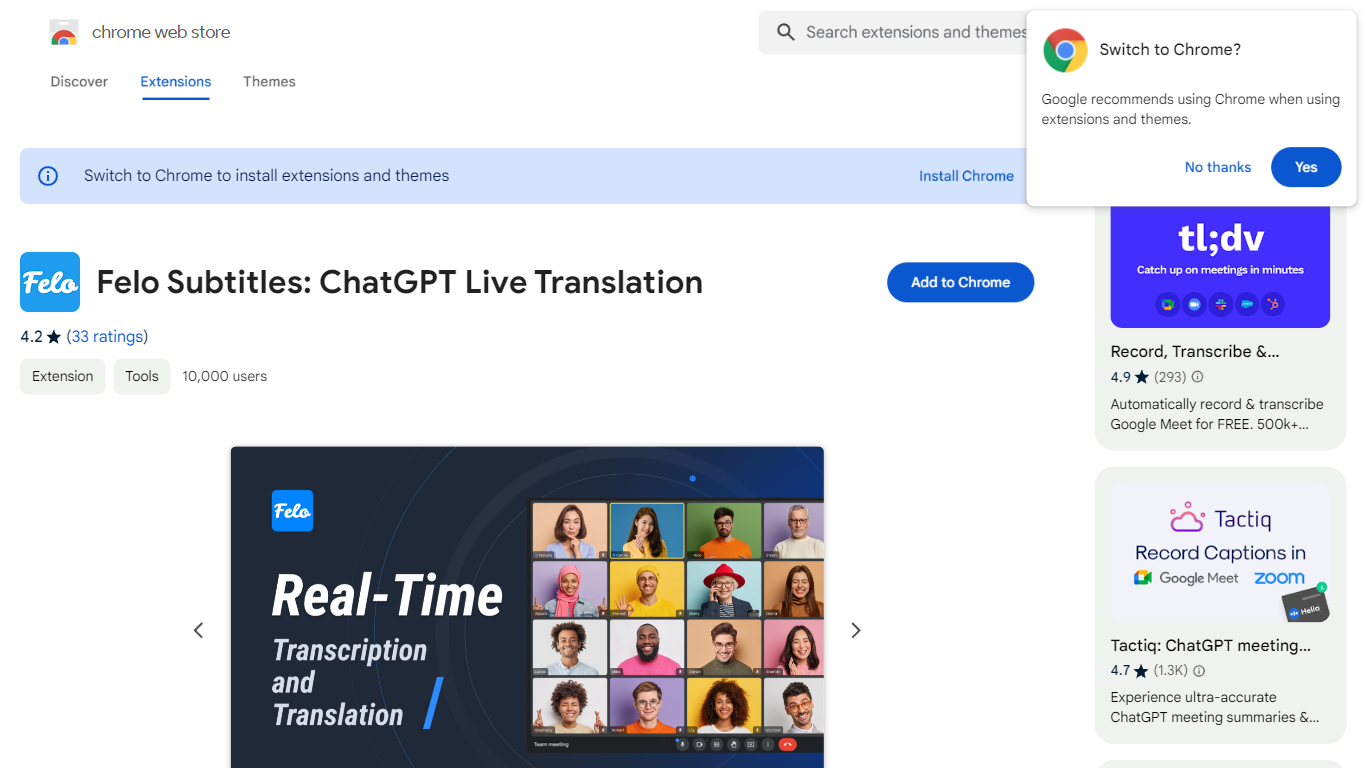
What is Felo Subtitles - Chrome Web Store?
Felo Subtitles adds live captions and translation to Google Meet on the web, YouTube Live, Twitch, and Facebook Live through a Chrome extension. It transcribes browser audio in 23 languages and translates into 20 target languages using ChatGPT. You can save generated subtitles as a TXT file after a session.
Many meeting caption tools send a bot participant into your call. Felo Subtitles runs in the browser tab for Google Meet web and YouTube Live, so you can turn captions on mid-meeting without inviting a bot. Version 3.0.7 also added two-way translation between two selected languages for cross-language calls and streams.
International teams, webinar hosts, and live stream viewers who need bilingual captions fit the use case. The extension lists 50,000 users on the Chrome Web Store, with in-app purchases available; Zoom and Microsoft Teams desktop apps require Felo's separate desktop app at subtitles.felo.me.
Video Transcriber AI Upvotes
Felo Subtitles - Chrome Web Store Upvotes
Video Transcriber AI Top Features
Free tier includes 10 Basic quotas per day covering up to 20 minutes of transcript work
Supports 200+ languages with automatic detection and translation
Processes up to 5 audio or video files simultaneously in the queue
Paid plans raise per-file limits from 500 MB on Free to 5 GB on Basic and above
Transcript API accepts YouTube, TikTok, Instagram, and direct uploads in one REST endpoint
Exports SRT, VTT, TXT, and timestamped JSON for subtitles or developer pipelines
Felo Subtitles - Chrome Web Store Top Features
Transcribes browser audio in 23 languages including English, Japanese, and Spanish
Translates live captions into 20 target languages using ChatGPT
Works on Google Meet web and YouTube Live without a meeting bot participant
Saves generated subtitles as a TXT document from the extension
Version 3.0.7 adds two-way translation between two selected languages
Chrome Web Store listing shows 50,000 users and extension size 1.78 MiB
Video Transcriber AI Category
- Meeting Assistant
Felo Subtitles - Chrome Web Store Category
- Meeting Assistant
Video Transcriber AI Pricing Type
- Freemium
Felo Subtitles - Chrome Web Store Pricing Type
- Freemium