Video Transcriber AI vs Foxymeets
In the face-off between Video Transcriber AI vs Foxymeets, which AI Meeting Assistant tool takes the crown? We scrutinize features, alternatives, upvotes, reviews, pricing, and more.
When we put Video Transcriber AI and Foxymeets head to head, which one emerges as the victor?
If we were to analyze Video Transcriber AI and Foxymeets, both of which are AI-powered meeting assistant tools, what would we find? The upvote count shows a clear preference for Video Transcriber AI. Video Transcriber AI has garnered 7 upvotes, and Foxymeets has garnered 6 upvotes.
Not your cup of tea? Upvote your preferred tool and stir things up!
Video Transcriber AI

What is Video Transcriber AI?
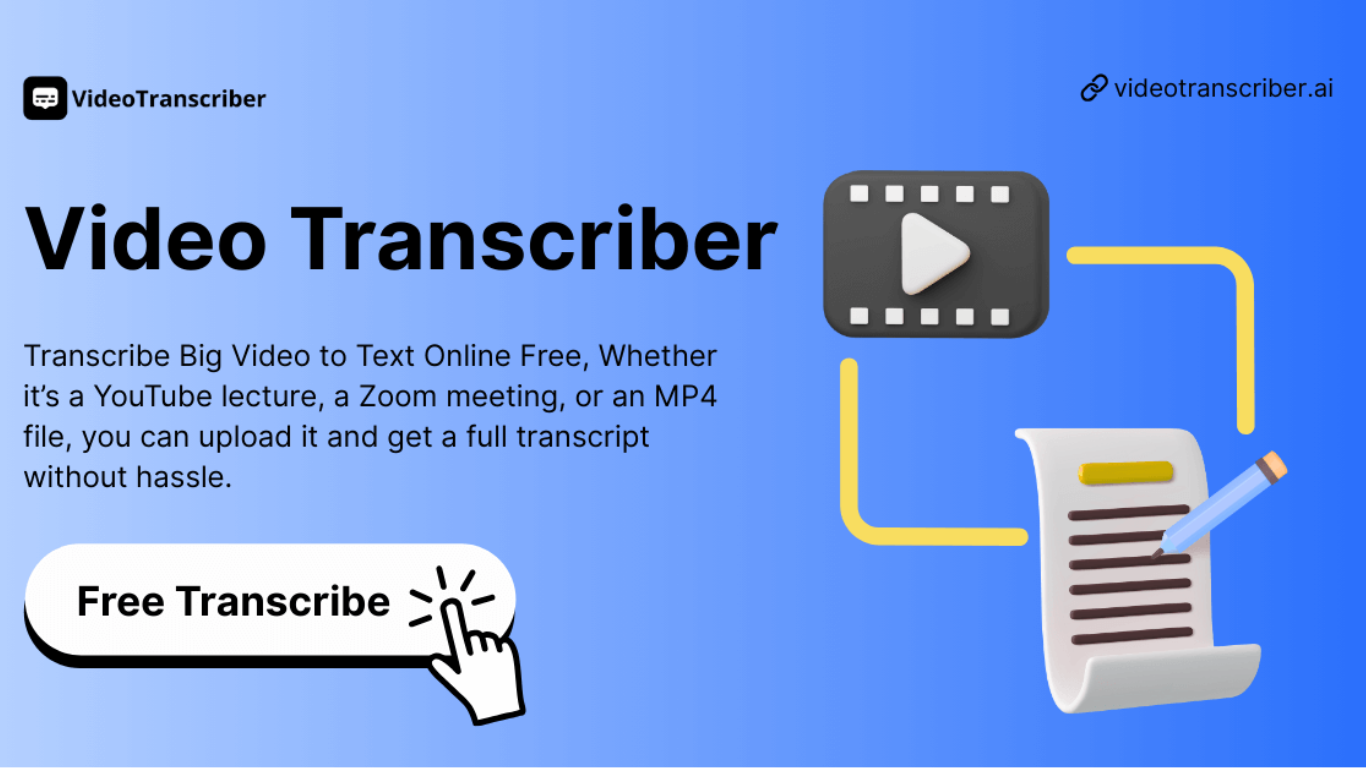
Video Transcriber AI is a meeting and media transcription web app that turns uploaded videos, audio files, or platform links into editable text with speaker labels. You drag in MP4, WAV, or a YouTube URL, pick a note mode like Smart Summary, and download TXT or SRT output from the browser.
Many transcription sites cap free users hard or hide speaker diarization behind enterprise tiers. Video Transcriber AI splits work into Basic and Premium quotas: the free plan allows 10 Basic quotas per day (up to 20 minutes of transcript or translation) while paid plans raise monthly limits and file size caps from 500 MB to 5 GB per upload.
It fits creators, journalists, students, and teams who need YouTube, TikTok, Zoom, or local file support in one place. The product also ships a Transcript API with timestamped JSON, SRT, and VTT export for developers who want the same engine inside their own apps.
Foxymeets
What is Foxymeets?
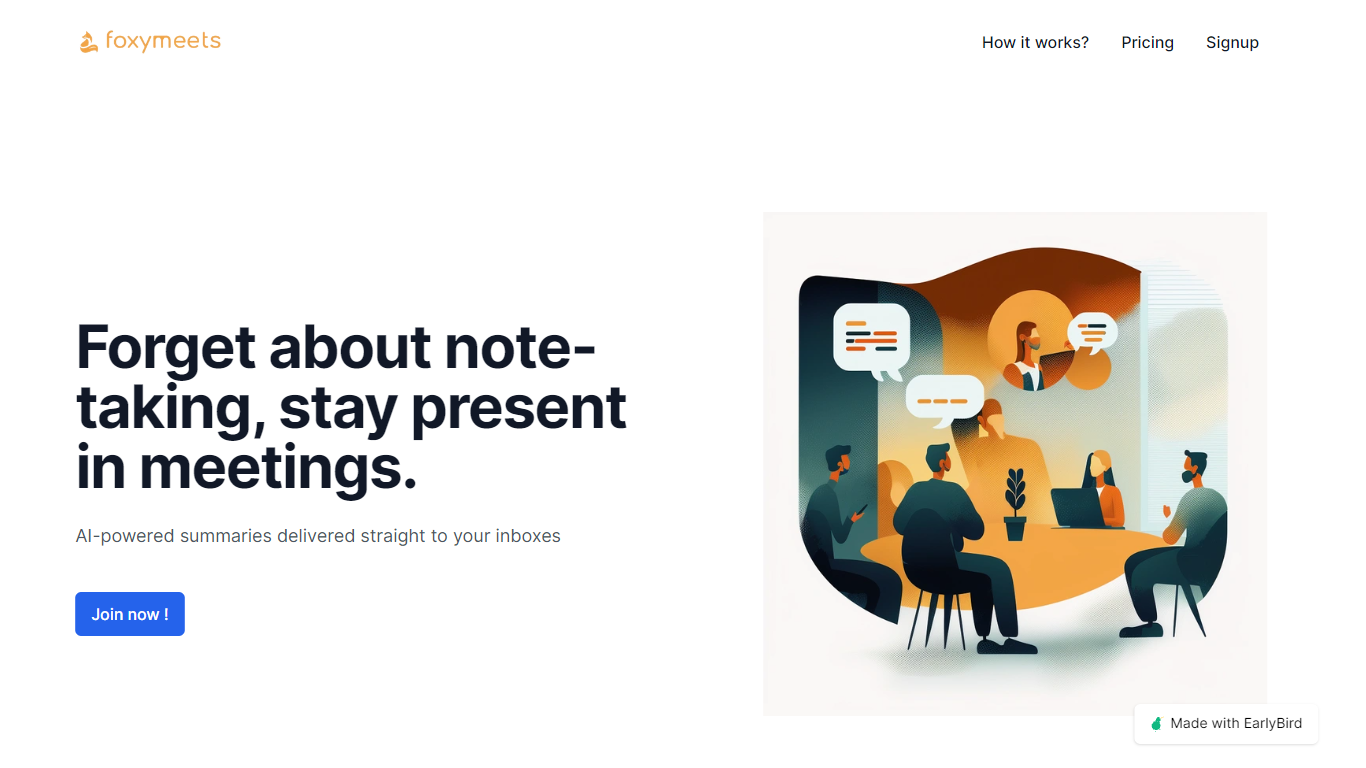
Foxymeets revolutionizes the way you handle meeting documentation by automating meeting summaries and notes through sophisticated AI technology, ensuring they're promptly delivered to your inbox. With an intuitive 'pay as you go' plan, Foxymeets caters to a seamless user experience allowing you to fully engage in your meetings without the worry of taking notes. By leveraging tools such as Google Calendar or your custom meeting URLs, Foxymeets adapts to your workflow with ease. After meetings conclude, key points are extracted and compiled into concise summaries, which amounts to approximately 10% of the original meeting duration, ensuring quick and efficient reviews. Scaling to your needs, FoxyMeets imposes no restrictions on meeting length and offers robust customer support, including a fair refund policy and a willingness to discuss potential improvements or feature additions. With the promise of a fair refund policy, and the possibility to include multiple members on a single plan, Foxymeets is dedicated to enhancing your meeting experience.
Video Transcriber AI Upvotes
Foxymeets Upvotes
Video Transcriber AI Top Features
Free tier includes 10 Basic quotas per day covering up to 20 minutes of transcript work
Supports 200+ languages with automatic detection and translation
Processes up to 5 audio or video files simultaneously in the queue
Paid plans raise per-file limits from 500 MB on Free to 5 GB on Basic and above
Transcript API accepts YouTube, TikTok, Instagram, and direct uploads in one REST endpoint
Exports SRT, VTT, TXT, and timestamped JSON for subtitles or developer pipelines
Foxymeets Top Features
AI-Powered Meeting Summaries: Automatically generates concise summaries of meetings sent directly to your inbox.
Seamless Integration: Works with Google Calendar or direct meeting URLs for easy setup.
Focus on the Meeting: Frees participants from note-taking to fully engage in the discussion.
Scalable Subscription: Offers a 'pay as you go' model at $1.25 per meeting hour per user.
Customer Support and Feedback: Encourages feedback for improvements and provides discounts and fair refunds.
Video Transcriber AI Category
- Meeting Assistant
Foxymeets Category
- Meeting Assistant
Video Transcriber AI Pricing Type
- Freemium
Foxymeets Pricing Type
- Freemium