Video Transcriber AI vs Meetext
In the clash of Video Transcriber AI vs Meetext, which AI Meeting Assistant tool emerges victorious? We assess reviews, pricing, alternatives, features, upvotes, and more.
When we put Video Transcriber AI and Meetext head to head, which one emerges as the victor?
Let's take a closer look at Video Transcriber AI and Meetext, both of which are AI-driven meeting assistant tools, and see what sets them apart. There's no clear winner in terms of upvotes, as both tools have received the same number. Join the aitools.fyi users in deciding the winner by casting your vote.
Don't agree with the result? Cast your vote and be a part of the decision-making process!
Video Transcriber AI
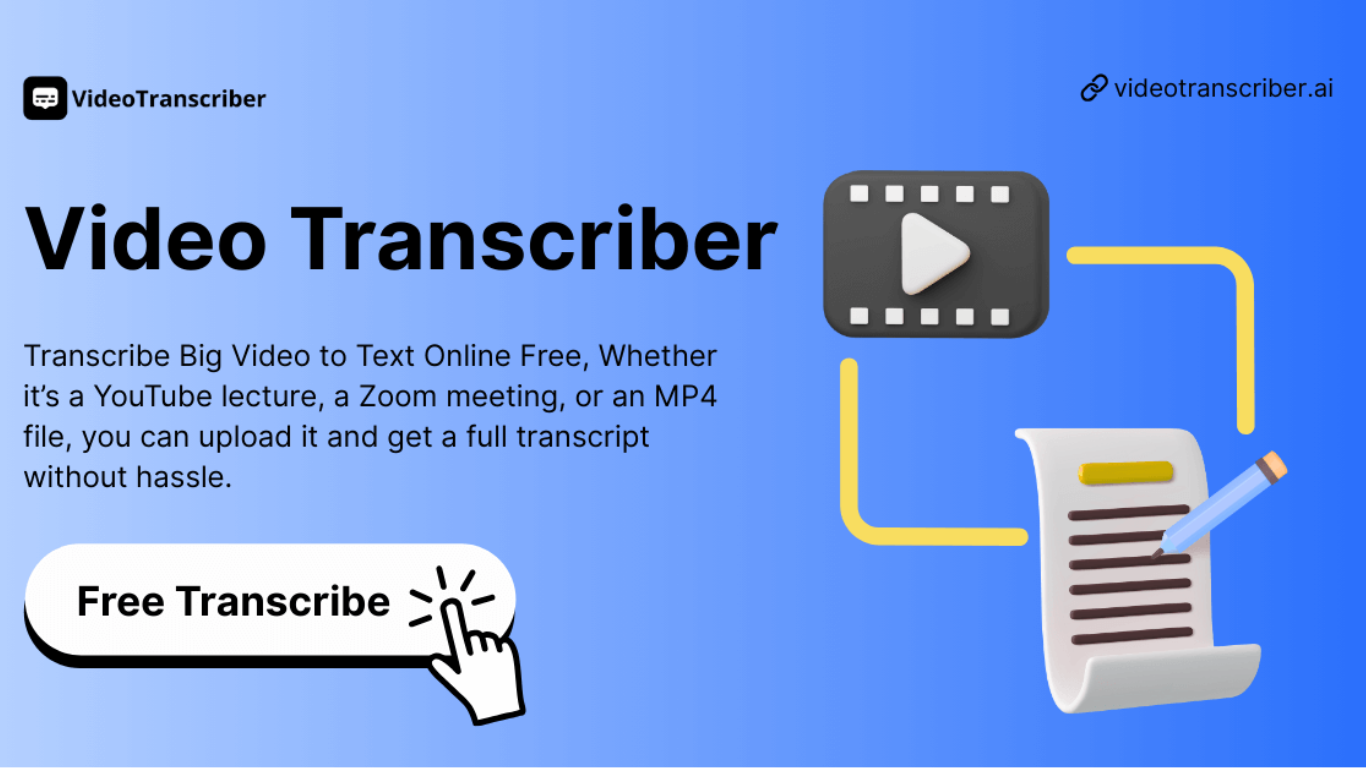

What is Video Transcriber AI?
Video Transcriber AI is a meeting and media transcription web app that turns uploaded videos, audio files, or platform links into editable text with speaker labels. You drag in MP4, WAV, or a YouTube URL, pick a note mode like Smart Summary, and download TXT or SRT output from the browser.
Many transcription sites cap free users hard or hide speaker diarization behind enterprise tiers. Video Transcriber AI splits work into Basic and Premium quotas: the free plan allows 10 Basic quotas per day (up to 20 minutes of transcript or translation) while paid plans raise monthly limits and file size caps from 500 MB to 5 GB per upload.
It fits creators, journalists, students, and teams who need YouTube, TikTok, Zoom, or local file support in one place. The product also ships a Transcript API with timestamped JSON, SRT, and VTT export for developers who want the same engine inside their own apps.
Meetext
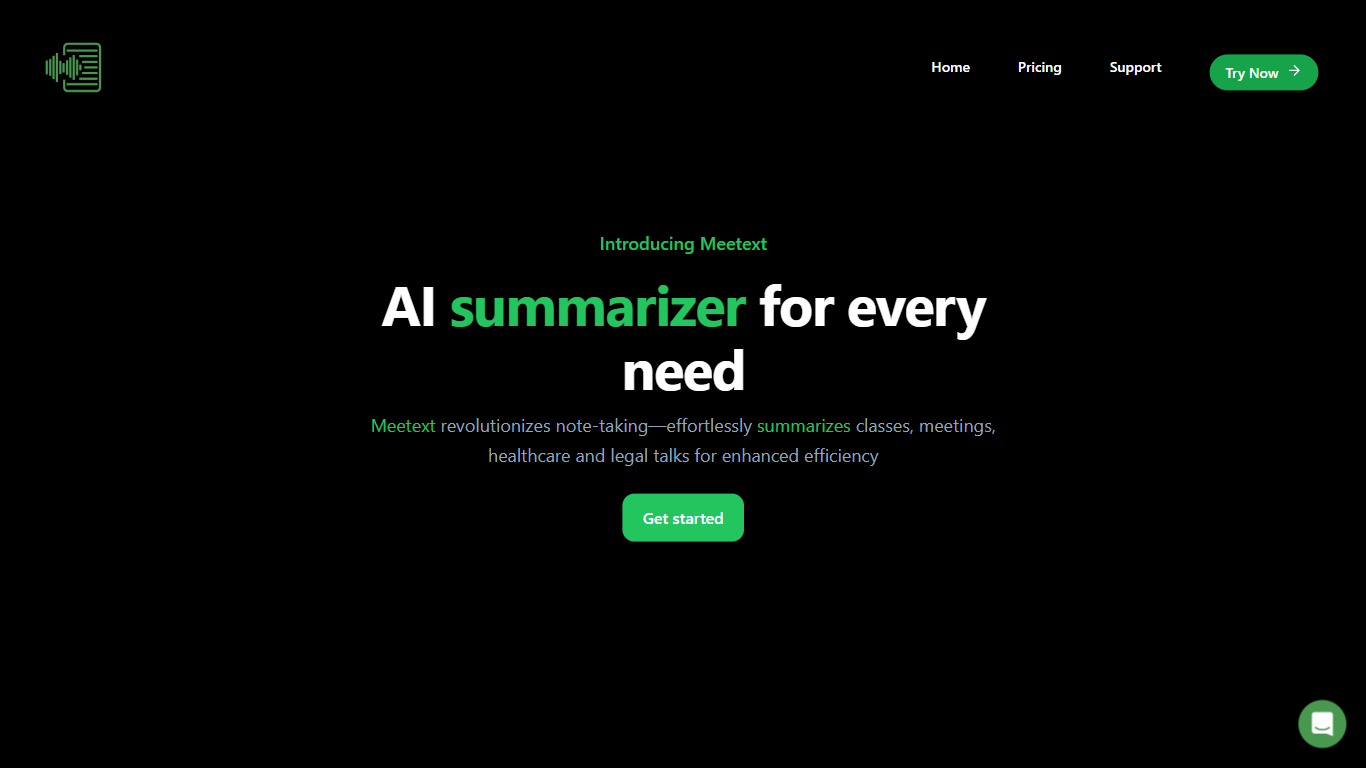
What is Meetext?
Meetext helps users organize and conduct meetings efficiently by simplifying scheduling, coordination, and collaboration. It connects with popular calendar and communication tools to streamline meeting setup and participant invitations.
What sets Meetext apart is its focus on real-time collaboration during meetings, allowing users to share notes, documents, and decisions instantly. This feature helps keep everyone aligned and productive, unlike basic scheduling tools that lack integrated collaboration.
Meetext also emphasizes user privacy and data security, ensuring sensitive meeting content remains protected. Its clean and intuitive interface reduces the learning curve, enabling users to focus on meeting content rather than technical complexities.
Additional features include automated meeting reminders and follow-up task tracking, which help keep projects moving forward. Meetext supports multi-device access, allowing users to join and contribute from anywhere, enhancing flexibility and convenience.
Video Transcriber AI Upvotes
Meetext Upvotes
Video Transcriber AI Top Features
Free tier includes 10 Basic quotas per day covering up to 20 minutes of transcript work
Supports 200+ languages with automatic detection and translation
Processes up to 5 audio or video files simultaneously in the queue
Paid plans raise per-file limits from 500 MB on Free to 5 GB on Basic and above
Transcript API accepts YouTube, TikTok, Instagram, and direct uploads in one REST endpoint
Exports SRT, VTT, TXT, and timestamped JSON for subtitles or developer pipelines
Meetext Top Features
📅 Easy Scheduling: Connects with calendars like Google Calendar to quickly set up meetings and send invites.
💬 Real-Time Collaboration: Share notes and files instantly during meetings to stay aligned.
🔔 Automated Reminders: Sends alerts to participants to reduce no-shows and keep meetings on track.
🔒 Privacy Focused: Protects your meeting data with strong security measures.
✅ Task Tracking: Assign and monitor follow-up tasks directly from meeting notes.
Video Transcriber AI Category
- Meeting Assistant
Meetext Category
- Meeting Assistant
Video Transcriber AI Pricing Type
- Freemium
Meetext Pricing Type
- Freemium