Video Transcriber AI vs Reclaim AI
In the face-off between Video Transcriber AI vs Reclaim AI, which AI Meeting Assistant tool takes the crown? We scrutinize features, alternatives, upvotes, reviews, pricing, and more.
When we put Video Transcriber AI and Reclaim AI head to head, which one emerges as the victor?
If we were to analyze Video Transcriber AI and Reclaim AI, both of which are AI-powered meeting assistant tools, what would we find? The users have made their preference clear, Video Transcriber AI leads in upvotes. Video Transcriber AI has been upvoted 7 times by aitools.fyi users, and Reclaim AI has been upvoted 6 times.
Don't agree with the result? Cast your vote and be a part of the decision-making process!
Video Transcriber AI

What is Video Transcriber AI?
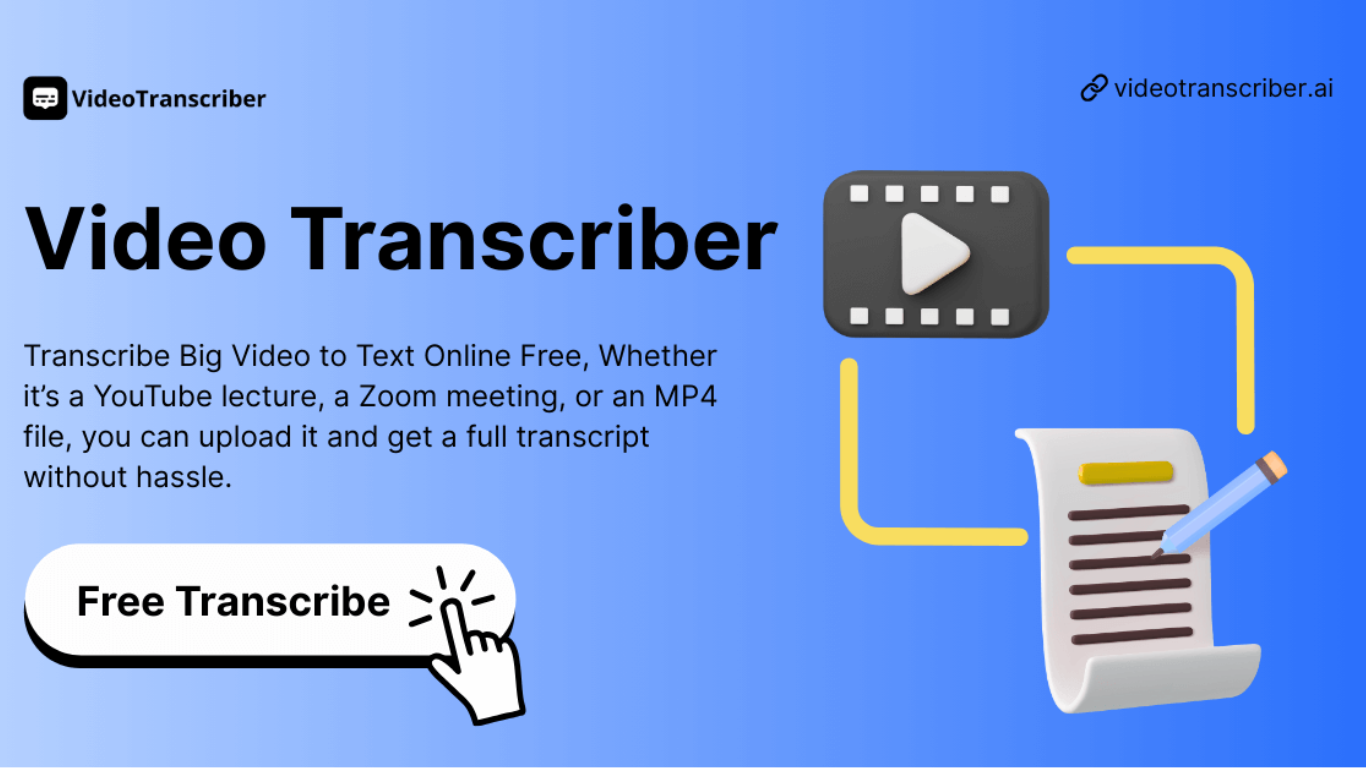
Video Transcriber AI is a meeting and media transcription web app that turns uploaded videos, audio files, or platform links into editable text with speaker labels. You drag in MP4, WAV, or a YouTube URL, pick a note mode like Smart Summary, and download TXT or SRT output from the browser.
Many transcription sites cap free users hard or hide speaker diarization behind enterprise tiers. Video Transcriber AI splits work into Basic and Premium quotas: the free plan allows 10 Basic quotas per day (up to 20 minutes of transcript or translation) while paid plans raise monthly limits and file size caps from 500 MB to 5 GB per upload.
It fits creators, journalists, students, and teams who need YouTube, TikTok, Zoom, or local file support in one place. The product also ships a Transcript API with timestamped JSON, SRT, and VTT export for developers who want the same engine inside their own apps.
Reclaim AI
What is Reclaim AI?
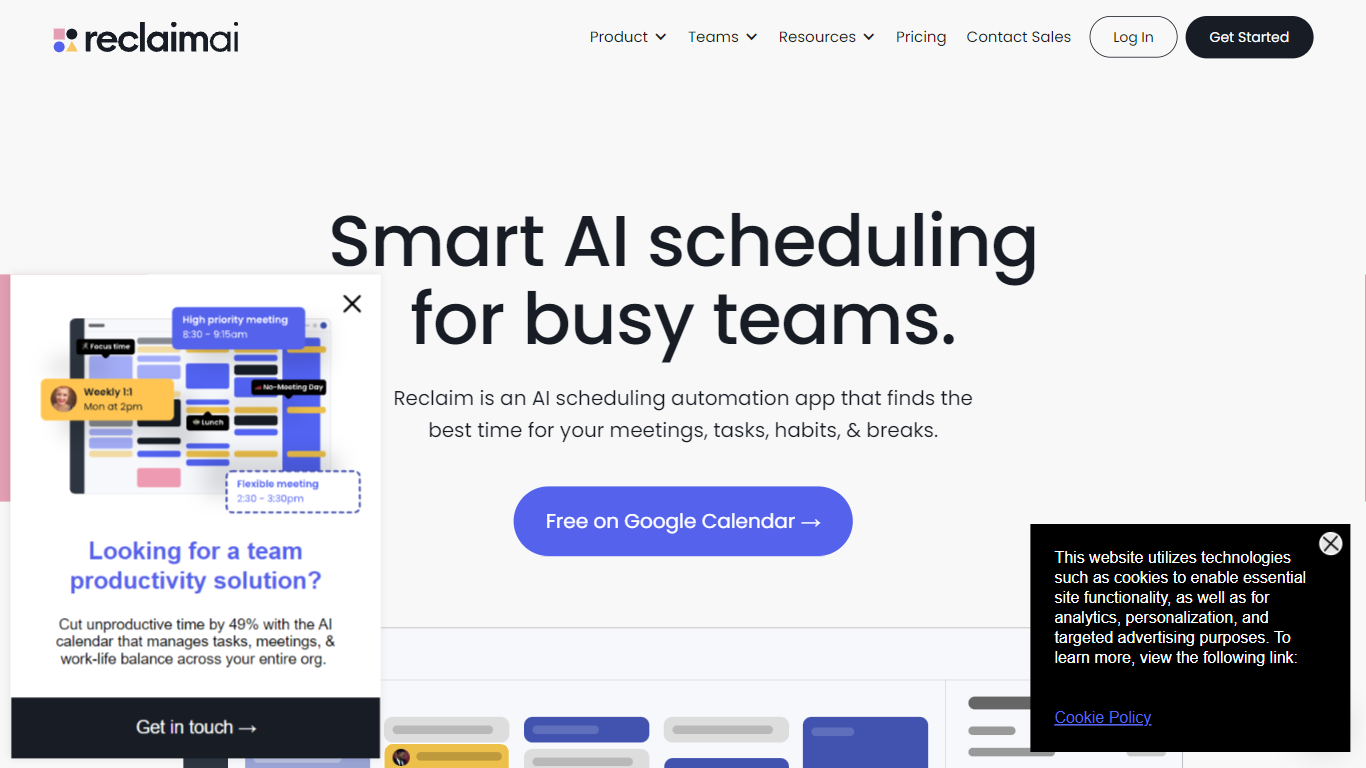
Reclaim AI automates the scheduling of tasks, habits, meetings, and breaks by intelligently managing your calendar to optimize productivity and protect focus time. It connects with Google Calendar and Outlook Calendar, syncing multiple calendars to prevent conflicts and ensure work-life balance.
What sets Reclaim AI apart is its AI-powered assistant that dynamically adjusts your schedule based on priorities and workload, offering features like buffer time between meetings and smart scheduling links. Unlike basic calendar tools, it provides workforce analytics and team-wide controls to improve meeting culture and time management.
Reclaim AI supports integrations with Slack, Asana, Jira, Zoom, and more, making it a versatile tool for individuals and teams. It offers a free Lite plan with essential features and paid Starter, Business, and Enterprise plans for advanced scheduling capabilities and organizational insights.
This tool is designed to help marketing, sales, engineering, product, finance, HR teams, and executive assistants streamline their calendars, reduce meeting overload, and increase focus time through AI-driven automation and analytics.
Video Transcriber AI Upvotes
Reclaim AI Upvotes
Video Transcriber AI Top Features
Free tier includes 10 Basic quotas per day covering up to 20 minutes of transcript work
Supports 200+ languages with automatic detection and translation
Processes up to 5 audio or video files simultaneously in the queue
Paid plans raise per-file limits from 500 MB on Free to 5 GB on Basic and above
Transcript API accepts YouTube, TikTok, Instagram, and direct uploads in one REST endpoint
Exports SRT, VTT, TXT, and timestamped JSON for subtitles or developer pipelines
Reclaim AI Top Features
🗓️ AI-Powered Scheduling: Automatically schedules tasks, habits, meetings, and breaks to optimize your calendar.
🔗 Calendar Sync: Supports syncing multiple calendars including Google Calendar and Outlook Calendar to avoid conflicts.
⏳ Buffer Time: Automatically schedules breaks and travel time between meetings to reduce burnout.
📊 Workforce Analytics: Provides insights into how teams spend their time to improve productivity and meeting culture.
🤖 AI Assistant: Conversational AI helps plan, prioritize, and optimize schedules with preview and approval controls.
📅 Scheduling Links: Shares smart meeting availability with 524% more options than typical scheduling tools.
💼 Plans: Free Lite plan available; paid Starter, Business, and Enterprise plans unlock advanced features and team-wide controls.
Video Transcriber AI Category
- Meeting Assistant
Reclaim AI Category
- Meeting Assistant
Video Transcriber AI Pricing Type
- Freemium
Reclaim AI Pricing Type
- Freemium