Video Transcriber AI vs Skeleton Fingers
Explore the showdown between Video Transcriber AI vs Skeleton Fingers and find out which AI Meeting Assistant tool wins. We analyze upvotes, features, reviews, pricing, alternatives, and more.
When comparing Video Transcriber AI and Skeleton Fingers, which one rises above the other?
When we contrast Video Transcriber AI with Skeleton Fingers, both of which are exceptional AI-operated meeting assistant tools, and place them side by side, we can spot several crucial similarities and divergences. The community has spoken, Video Transcriber AI leads with more upvotes. Video Transcriber AI has received 7 upvotes from aitools.fyi users, while Skeleton Fingers has received 6 upvotes.
Think we got it wrong? Cast your vote and show us who's boss!
Video Transcriber AI

What is Video Transcriber AI?
Video Transcriber AI is a web-based tool designed to convert spoken content in videos into accurate, editable text quickly and without the need for downloads or sign-ups. It supports a wide range of video formats including MP4, YouTube links, Zoom recordings, and more, making it accessible for various users who need fast transcription services. The tool operates entirely online, allowing users to upload videos directly through their browser and receive transcripts in seconds.
This tool is ideal for students, educators, professionals, content creators, researchers, and journalists who require reliable transcripts for study notes, lesson plans, meeting records, captions, scripts, or research documentation. Its ability to recognize multiple speakers and support multiple languages enhances its usability across diverse scenarios and user needs.
One of the key strengths of Video Transcriber AI is its flexibility in transcription accuracy modes, letting users choose between faster processing or higher precision depending on their priorities. The speaker recognition feature helps identify who is speaking, which is especially useful for meetings and interviews. Additionally, it supports batch processing, allowing up to 20 videos to be transcribed simultaneously, which saves time for users handling multiple files.
The platform supports large video files up to 1GB, accommodating long lectures, webinars, or meetings without requiring users to split files. Transcripts can be downloaded in editable formats such as TXT or SRT, enabling easy editing and repurposing for captions, notes, or content creation. The service is free to use with no account creation required, lowering barriers for immediate access.
Technically, the tool leverages AI-powered speech recognition technology to convert audio to text with high accuracy, depending on audio quality and background noise. It processes files securely through encrypted connections, ensuring user data privacy. The interface is straightforward, focusing on ease of use with drag-and-drop upload and simple download options.
Overall, Video Transcriber AI offers a practical and efficient solution for converting video content into text, supporting a broad user base with diverse transcription needs. Its no-cost, no-sign-up model combined with multi-language support and speaker labeling makes it a valuable resource for anyone looking to save time and improve accessibility of video content.
Skeleton Fingers
What is Skeleton Fingers?
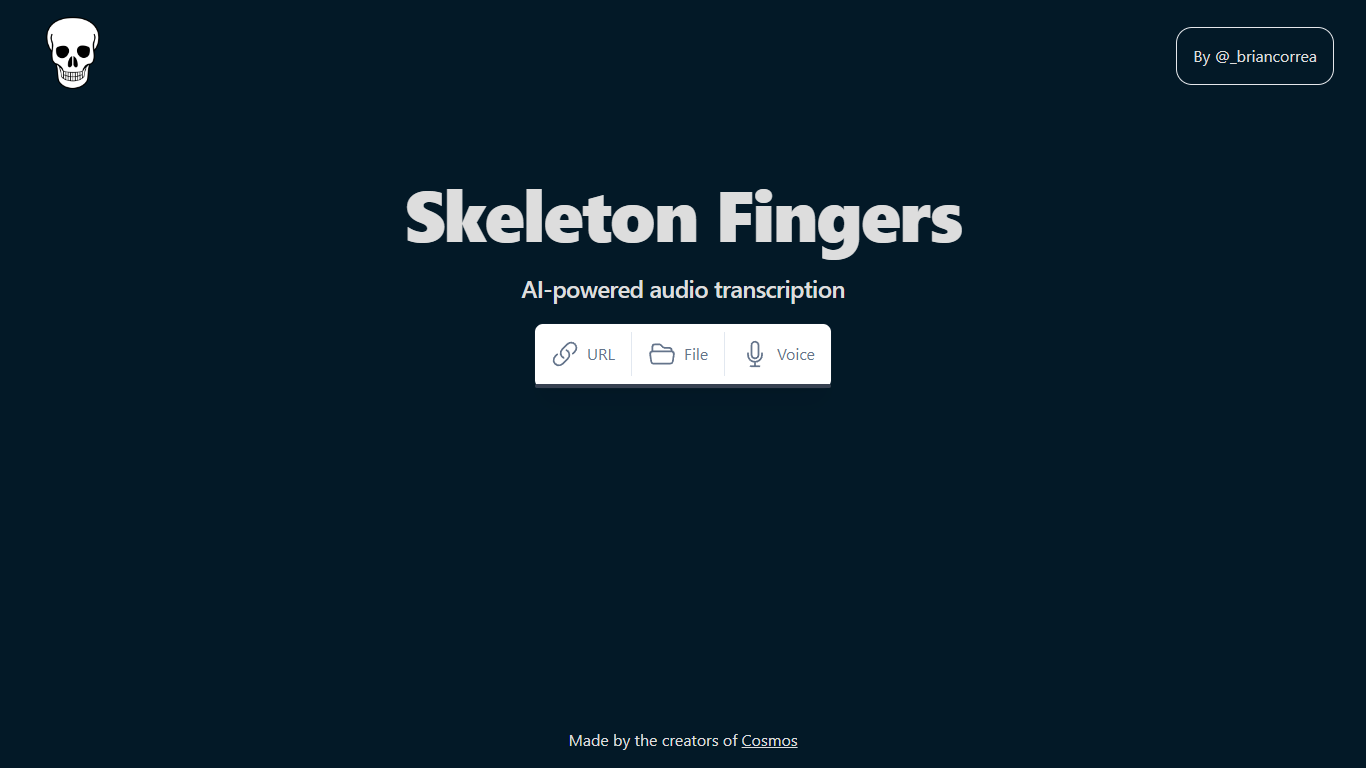
AI-powered audio transcription is a revolutionary tool that simplifies the process of converting speech into text. This state-of-the-art technology provides users the convenience of transcribing audio content directly from their web browser without the need for specialized software.
Whether you have audio links, files, or wish to record your voice in real-time, this robust tool is designed to accommodate various user needs.
The transcriptions are fast, accurate, and easily accessible, making it an ideal choice for professionals, students, content creators, and anyone in need of high-quality text representation of audio data.
The platform's intuitive interface ensures a seamless user experience, allowing for effortless navigation and operation. With its in-browser functionality, you can start transcribing immediately, saving time and enhancing productivity.
Video Transcriber AI Upvotes
Skeleton Fingers Upvotes
Video Transcriber AI Top Features
⚡ Fast transcription: Get video transcripts in seconds without downloads or delays.
🎥 Supports multiple formats: Works with MP4, YouTube, Zoom recordings, and more for flexible use.
🗣️ Speaker recognition: Identifies who is speaking to clarify conversations and meetings.
🌍 Multi-language support: Transcribe videos in English and many other languages.
📂 Batch processing: Upload and transcribe up to 20 videos at once to save time.
Skeleton Fingers Top Features
In-Browser Functionality: No software installation required; transcribe directly within your browser.
Supports Multiple Sources: Transcribe from links, files, or use voice recording.
User-Friendly Interface: Intuitive design for easy operation and navigation.
High Accuracy: Advanced AI ensures accurate transcription of audio to text.
Enhanced Productivity: Quick and reliable transcriptions to save time and streamline workflows.
Video Transcriber AI Category
- Meeting Assistant
Skeleton Fingers Category
- Meeting Assistant
Video Transcriber AI Pricing Type
- Free
Skeleton Fingers Pricing Type
- Freemium