Video Transcriber AI vs Spinach AI (formerly Spinach)
In the battle of Video Transcriber AI vs Spinach AI (formerly Spinach), which AI Meeting Assistant tool comes out on top? We compare reviews, pricing, alternatives, upvotes, features, and more.
Between Video Transcriber AI and Spinach AI (formerly Spinach), which one is superior?
Upon comparing Video Transcriber AI with Spinach AI (formerly Spinach), which are both AI-powered meeting assistant tools, In the race for upvotes, Video Transcriber AI takes the trophy. Video Transcriber AI has garnered 7 upvotes, and Spinach AI (formerly Spinach) has garnered 6 upvotes.
Think we got it wrong? Cast your vote and show us who's boss!
Video Transcriber AI

What is Video Transcriber AI?
Video Transcriber AI is a meeting and media transcription web app that turns uploaded videos, audio files, or platform links into editable text with speaker labels. You drag in MP4, WAV, or a YouTube URL, pick a note mode like Smart Summary, and download TXT or SRT output from the browser.
Many transcription sites cap free users hard or hide speaker diarization behind enterprise tiers. Video Transcriber AI splits work into Basic and Premium quotas: the free plan allows 10 Basic quotas per day (up to 20 minutes of transcript or translation) while paid plans raise monthly limits and file size caps from 500 MB to 5 GB per upload.
It fits creators, journalists, students, and teams who need YouTube, TikTok, Zoom, or local file support in one place. The product also ships a Transcript API with timestamped JSON, SRT, and VTT export for developers who want the same engine inside their own apps.
Spinach AI (formerly Spinach)
What is Spinach AI (formerly Spinach)?
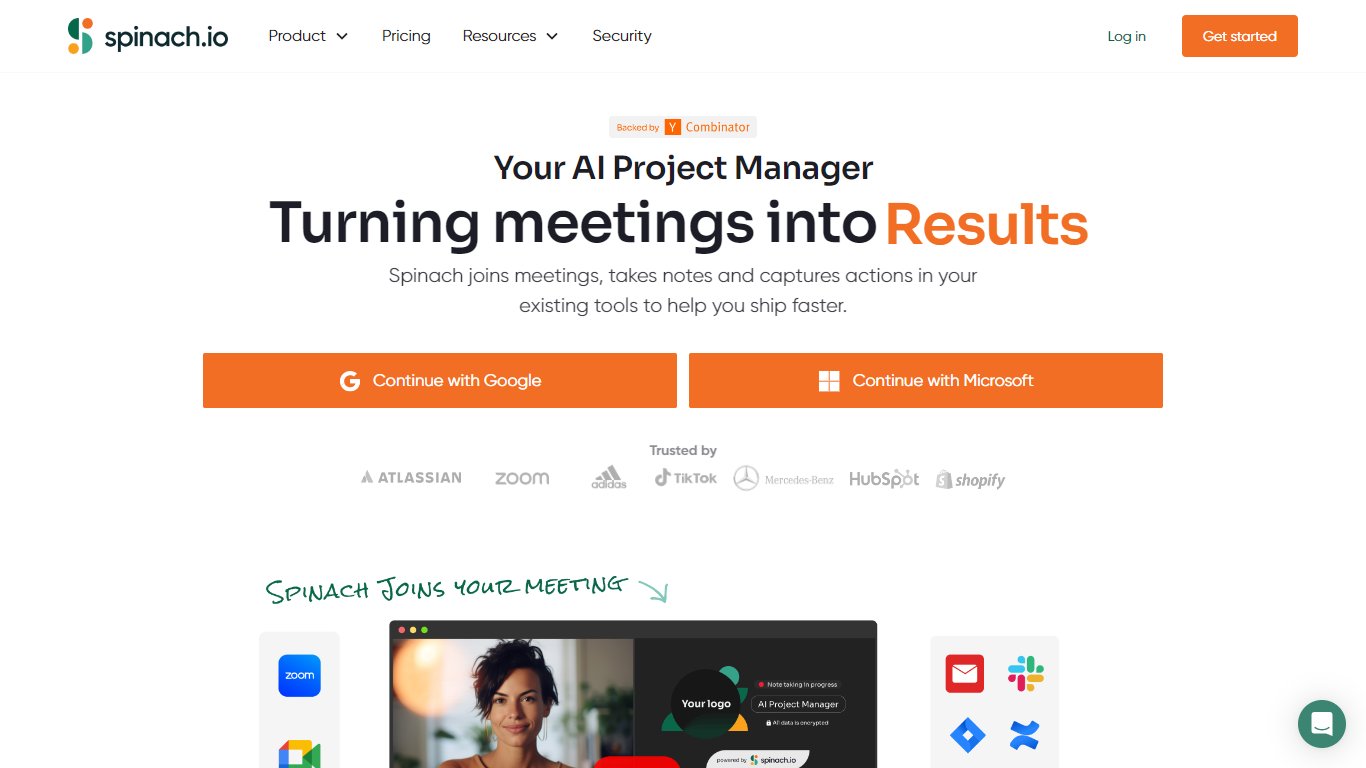
Spinach AI joins your video calls, records the conversation, and turns it into transcripts and summaries you can search later. The meeting assistant works with Zoom, Google Meet, Microsoft Teams, and Slack, and supports transcription across 100 languages. Connect your calendar once and Spinach shows up automatically for scheduled calls.
Where most notetakers stop at a wall of text, Spinach pushes action items into the tools your team already uses. It files tickets in Jira, Linear, Asana, ClickUp, or Monday.com, updates Salesforce and HubSpot fields, and posts recaps to Slack without someone copying notes after the call. The Pro plan charges $2.90 per meeting hour with unlimited users, which suits teams that want workflow automation without buying a seat for every occasional attendee.
Engineering and product teams get the most out of Spinach during standups, sprint planning, and retrospectives, where decisions and blockers need to land in a tracker the same day. Sales, customer success, HR, and recruiting teams use it to capture buyer questions, onboarding commitments, and interview notes. Spinach is SOC 2 Type II, GDPR, and HIPAA compliant, and the company states customer data is never used to train its models.
Video Transcriber AI Upvotes
Spinach AI (formerly Spinach) Upvotes
Video Transcriber AI Top Features
Free tier includes 10 Basic quotas per day covering up to 20 minutes of transcript work
Supports 200+ languages with automatic detection and translation
Processes up to 5 audio or video files simultaneously in the queue
Paid plans raise per-file limits from 500 MB on Free to 5 GB on Basic and above
Transcript API accepts YouTube, TikTok, Instagram, and direct uploads in one REST endpoint
Exports SRT, VTT, TXT, and timestamped JSON for subtitles or developer pipelines
Spinach AI (formerly Spinach) Top Features
Transcribes meetings in 100+ languages across Zoom, Google Meet, and Microsoft Teams
Free Starter plan includes unlimited meeting recording and transcription with no minute caps
Routes action items to Jira, Linear, Asana, ClickUp, or Monday.com with one-click ticket creation
Pro plan bills $2.90 per meeting hour with unlimited users instead of per-seat pricing
SOC 2 Type II, GDPR, and HIPAA compliant with customer data never used for model training
Connects to Salesforce, HubSpot, Slack, and Zapier to update CRMs and send recaps after calls
Video Transcriber AI Category
- Meeting Assistant
Spinach AI (formerly Spinach) Category
- Meeting Assistant
Video Transcriber AI Pricing Type
- Freemium
Spinach AI (formerly Spinach) Pricing Type
- Freemium