Video Transcriber AI vs Sup Bot
In the face-off between Video Transcriber AI vs Sup Bot , which AI Meeting Assistant tool takes the crown? We scrutinize features, alternatives, upvotes, reviews, pricing, and more.
In a face-off between Video Transcriber AI and Sup Bot , which one takes the crown?
If we were to analyze Video Transcriber AI and Sup Bot , both of which are AI-powered meeting assistant tools, what would we find? Video Transcriber AI stands out as the clear frontrunner in terms of upvotes. Video Transcriber AI has garnered 7 upvotes, and Sup Bot has garnered 6 upvotes.
Feeling rebellious? Cast your vote and shake things up!
Video Transcriber AI
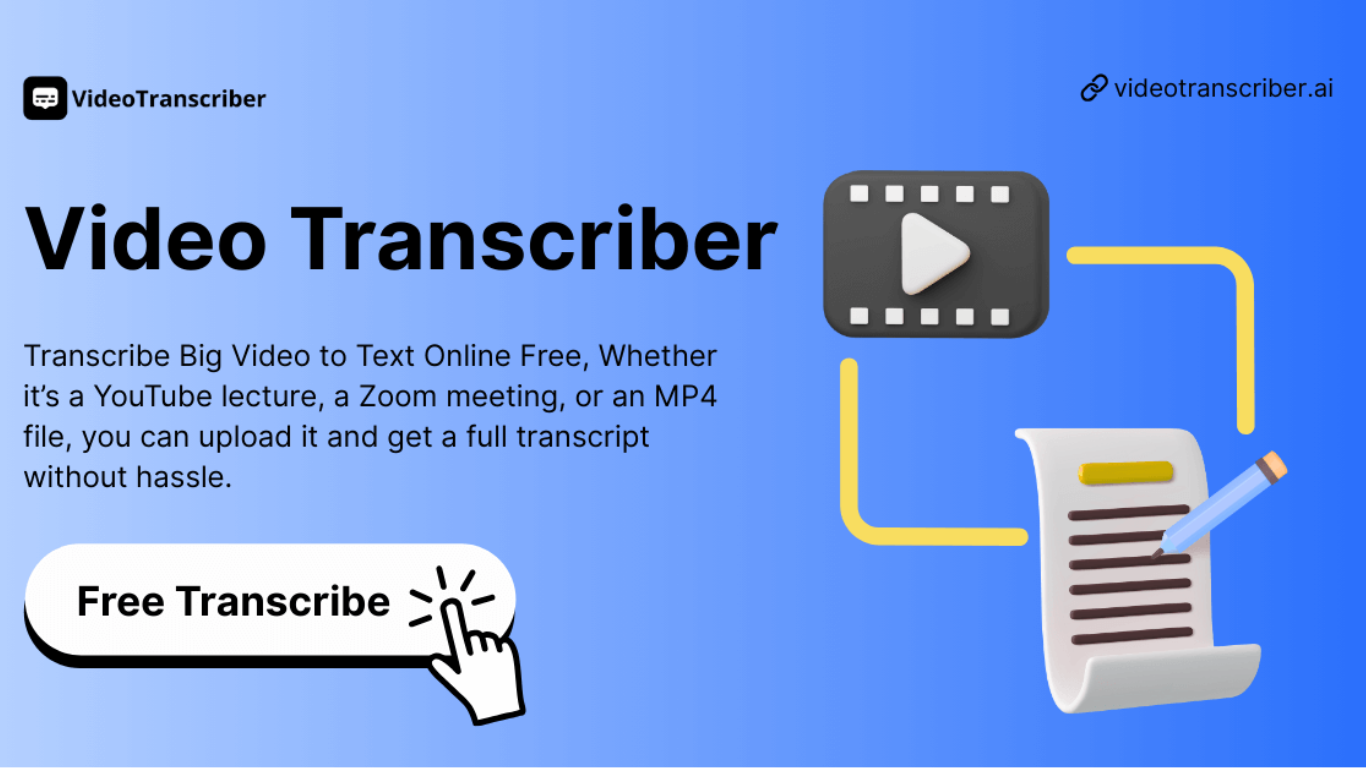

What is Video Transcriber AI?
Video Transcriber AI is a meeting and media transcription web app that turns uploaded videos, audio files, or platform links into editable text with speaker labels. You drag in MP4, WAV, or a YouTube URL, pick a note mode like Smart Summary, and download TXT or SRT output from the browser.
Many transcription sites cap free users hard or hide speaker diarization behind enterprise tiers. Video Transcriber AI splits work into Basic and Premium quotas: the free plan allows 10 Basic quotas per day (up to 20 minutes of transcript or translation) while paid plans raise monthly limits and file size caps from 500 MB to 5 GB per upload.
It fits creators, journalists, students, and teams who need YouTube, TikTok, Zoom, or local file support in one place. The product also ships a Transcript API with timestamped JSON, SRT, and VTT export for developers who want the same engine inside their own apps.
Sup Bot
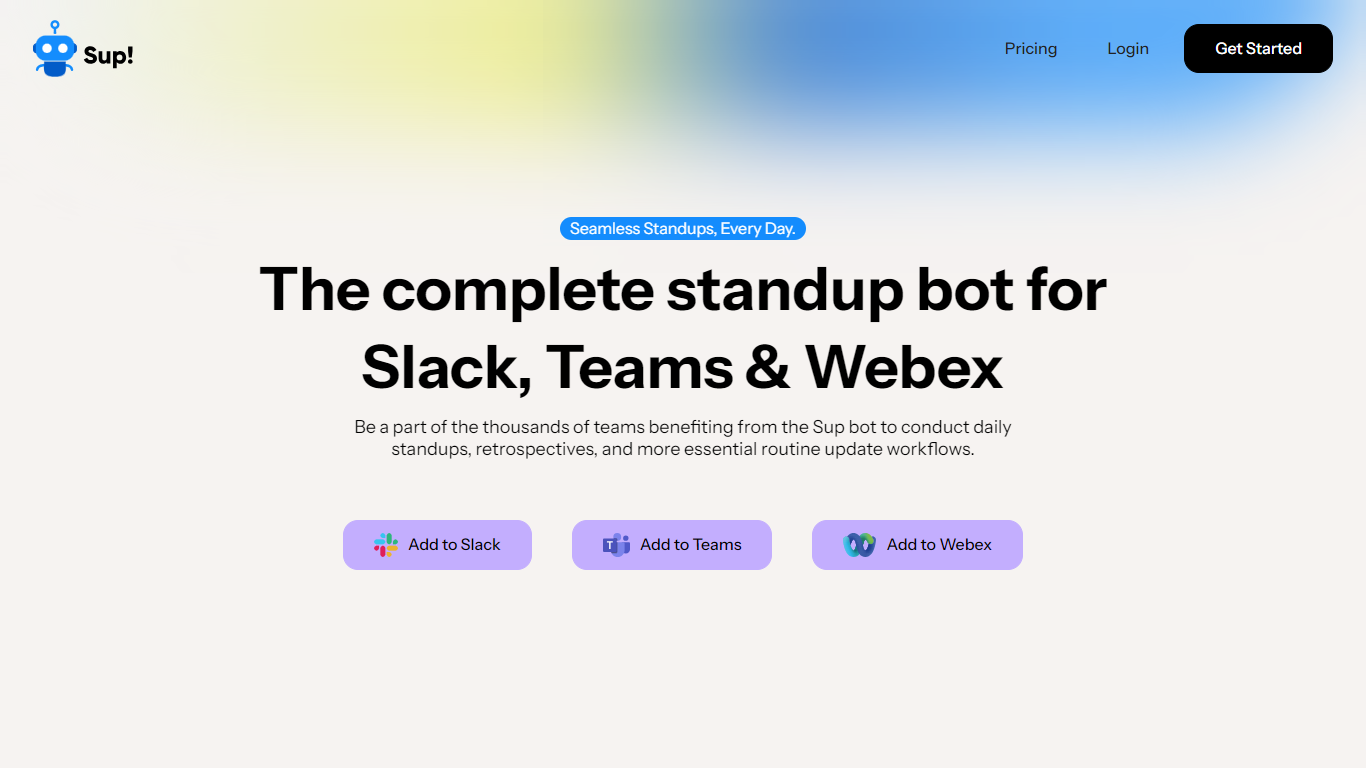
What is Sup Bot ?
Sup Bot is a chat-app meeting assistant that runs asynchronous standups, retros, and follow-ups inside Slack, Microsoft Teams, or Webex. Teams answer scheduled prompts on their own schedule instead of joining a live call, and managers get summaries, stats, and exports from one workspace dashboard.
Most standup bots charge per active user, which gets expensive fast as headcount grows. Sup Bot sells modular plans at flat monthly rates per workspace (for example, $29 per month for Stand-ups with up to 100 members), so adding participants to a follow-up does not change the bill. The same workspace can add separate modules for PTO tracking, forms, and WFH/WFO workflows.
It fits distributed engineering teams, scrum masters, and HR admins who want standup answers, leave requests, mood checks, and quick polls in the chat tool people already use. Integrations with Google Calendar and Google Sheets keep leave calendars and reporting tied to the workflows Sup Bot runs in Slack, Teams, or Webex.
Video Transcriber AI Upvotes
Sup Bot Upvotes
Video Transcriber AI Top Features
Free tier includes 10 Basic quotas per day covering up to 20 minutes of transcript work
Supports 200+ languages with automatic detection and translation
Processes up to 5 audio or video files simultaneously in the queue
Paid plans raise per-file limits from 500 MB on Free to 5 GB on Basic and above
Transcript API accepts YouTube, TikTok, Instagram, and direct uploads in one REST endpoint
Exports SRT, VTT, TXT, and timestamped JSON for subtitles or developer pipelines
Sup Bot Top Features
Runs async standups, retros, and follow-ups in Slack, MS Teams, or Webex
Flat-rate Stand-ups plan at $29 per month for workspaces up to 100 members
Free tier includes 1 active follow-up for up to 15 members
PTO tracking with Google Calendar sync and automatic Slack OOO status updates
14-day free trial on all paid modules before downgrade to Free
Anonymous mood tracking on standup follow-ups with reporting history
Google Sheets integration for exporting standup stats and reports
Video Transcriber AI Category
- Meeting Assistant
Sup Bot Category
- Meeting Assistant
Video Transcriber AI Pricing Type
- Freemium
Sup Bot Pricing Type
- Freemium