Video Transcriber AI vs Versational
In the contest of Video Transcriber AI vs Versational, which AI Meeting Assistant tool is the champion? We evaluate pricing, alternatives, upvotes, features, reviews, and more.
If you had to choose between Video Transcriber AI and Versational, which one would you go for?
When we examine Video Transcriber AI and Versational, both of which are AI-enabled meeting assistant tools, what unique characteristics do we discover? The community has spoken, Video Transcriber AI leads with more upvotes. Video Transcriber AI has been upvoted 7 times by aitools.fyi users, and Versational has been upvoted 6 times.
Feeling rebellious? Cast your vote and shake things up!
Video Transcriber AI

What is Video Transcriber AI?
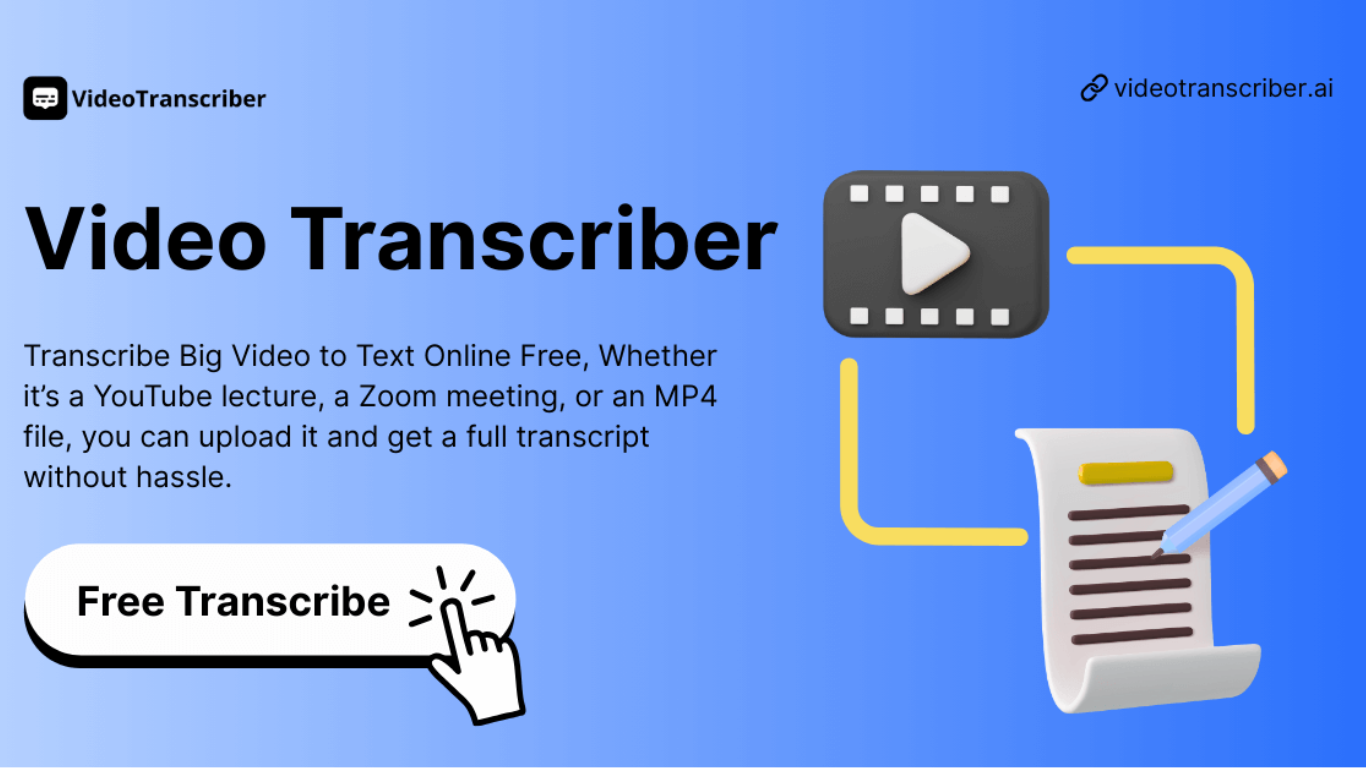
Video Transcriber AI is a meeting and media transcription web app that turns uploaded videos, audio files, or platform links into editable text with speaker labels. You drag in MP4, WAV, or a YouTube URL, pick a note mode like Smart Summary, and download TXT or SRT output from the browser.
Many transcription sites cap free users hard or hide speaker diarization behind enterprise tiers. Video Transcriber AI splits work into Basic and Premium quotas: the free plan allows 10 Basic quotas per day (up to 20 minutes of transcript or translation) while paid plans raise monthly limits and file size caps from 500 MB to 5 GB per upload.
It fits creators, journalists, students, and teams who need YouTube, TikTok, Zoom, or local file support in one place. The product also ships a Transcript API with timestamped JSON, SRT, and VTT export for developers who want the same engine inside their own apps.
Versational
What is Versational?
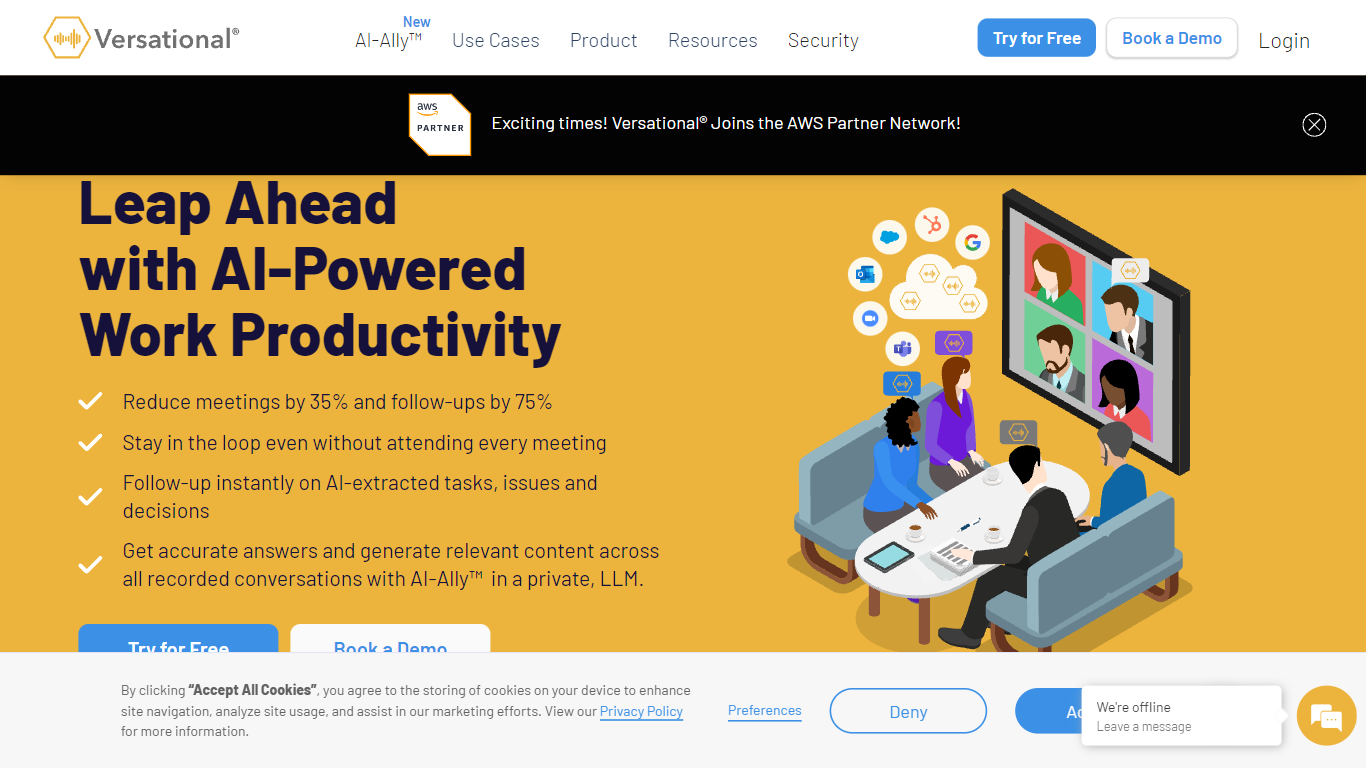
Versational is a meeting assistant that records calls, transcribes them, and turns conversations into summaries, action items, and searchable insights. It connects to Zoom, Microsoft Teams, and Google Meet, then layers AI analysis on top of every recording so teams can skip manual note-taking.
Where most meeting bots stop at a transcript, Versational pushes further with AI-Ally, a private LLM assistant that queries across your entire recording library at once. That cross-meeting search is the main differentiator: you can ask about meetings you missed, pull quotes for marketing content, or spot recurring customer objections without replaying hours of video.
Sales teams use it to track buying signals and sync follow-ups to HubSpot or Salesforce. Project managers get standup summaries, issue tracking, and exports to Asana, Jira, or Monday.com. The Basic plan is free with five recordings; paid tiers add unlimited storage, team dashboards, and Microsoft Teams channel summaries.
Video Transcriber AI Upvotes
Versational Upvotes
Video Transcriber AI Top Features
Free tier includes 10 Basic quotas per day covering up to 20 minutes of transcript work
Supports 200+ languages with automatic detection and translation
Processes up to 5 audio or video files simultaneously in the queue
Paid plans raise per-file limits from 500 MB on Free to 5 GB on Basic and above
Transcript API accepts YouTube, TikTok, Instagram, and direct uploads in one REST endpoint
Exports SRT, VTT, TXT, and timestamped JSON for subtitles or developer pipelines
Versational Top Features
AI-Ally queries across all recordings at once, not just a single meeting transcript
Basic plan includes 5 recordings free with no credit card required
Plus plan at $22 per user per month adds unlimited recordings and a private LLM
Collab plan starts at $8 per user per month with a 5-user minimum for team dashboards
Integrates with Zoom, Teams, Google Meet, HubSpot, Salesforce, Asana, and Jira
97% transcript accuracy with speaker auto-assignment and sentiment timelines
Video Transcriber AI Category
- Meeting Assistant
Versational Category
- Meeting Assistant
Video Transcriber AI Pricing Type
- Freemium
Versational Pricing Type
- Freemium