VideoDubber vs CloneDub
Dive into the comparison of VideoDubber vs CloneDub and discover which AI Translation tool stands out. We examine alternatives, upvotes, features, reviews, pricing, and beyond.
When comparing VideoDubber and CloneDub, which one rises above the other?
When we compare VideoDubber and CloneDub, two exceptional translation tools powered by artificial intelligence, and place them side by side, several key similarities and differences come to light. Both tools are equally favored, as indicated by the identical upvote count. Join the aitools.fyi users in deciding the winner by casting your vote.
Disagree with the result? Upvote your favorite tool and help it win!
VideoDubber
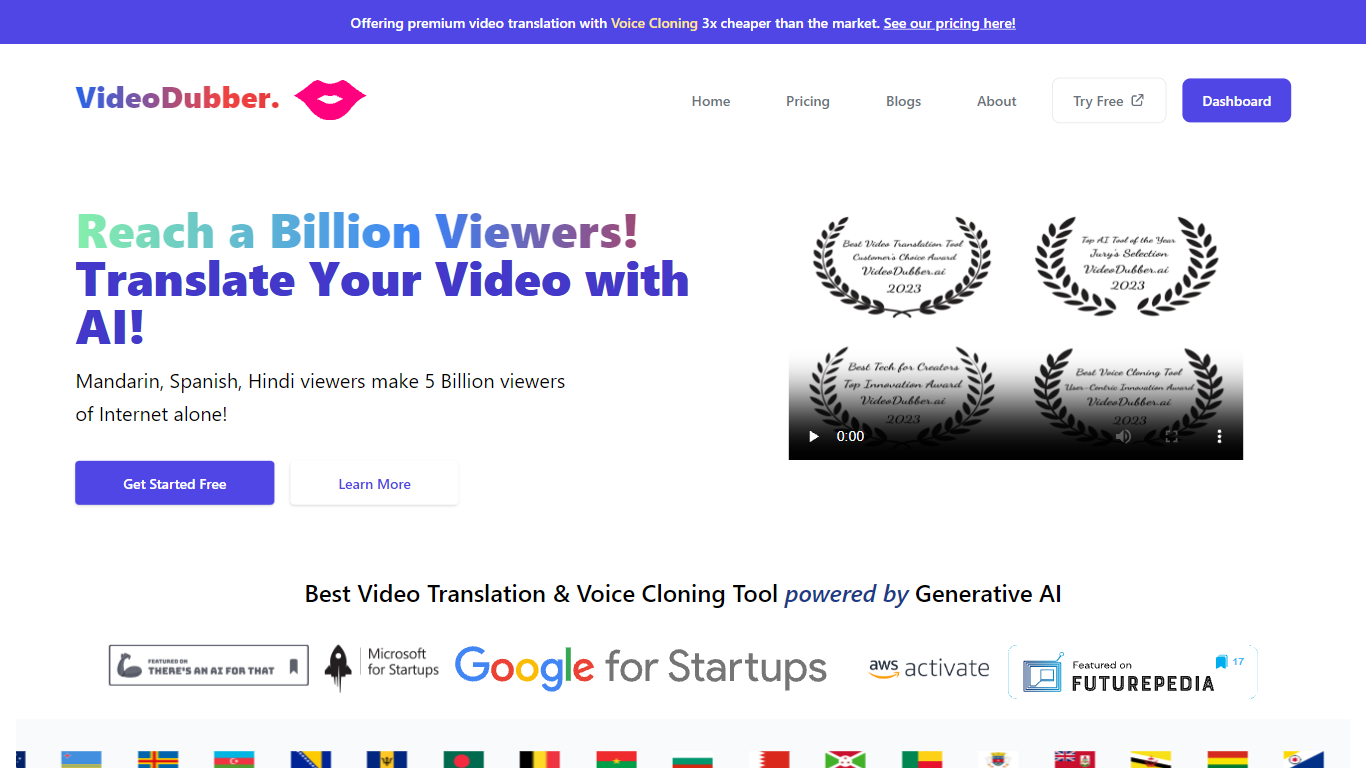

What is VideoDubber?
VideoDubber is a video translation and dubbing platform that turns uploaded footage into localized versions with cloned voices, lip sync, and subtitles. You upload a video, pick a target language, and get back a dubbed MP4 or subtitle files in SRT or VTT format. The service covers 150+ languages and handles multi-speaker projects with per-speaker voice selection.
Where most voice tools stop at audio-only dubbing, VideoDubber bundles frame-accurate lip sync (SyncPRO) and unlimited post-export edits in the same workflow. Its per-minute pricing undercuts ElevenLabs on the comparison table the site publishes, and editing scripts or re-exporting does not trigger metered revision fees on any plan.
YouTubers, e-learning teams, and marketing departments use VideoDubber to localize course libraries, YouTube channels, and promotional videos without reshooting. The platform also ships a REST API with translate, dub, and lipsync endpoints for teams embedding dubbing into a CMS or LMS pipeline.
CloneDub
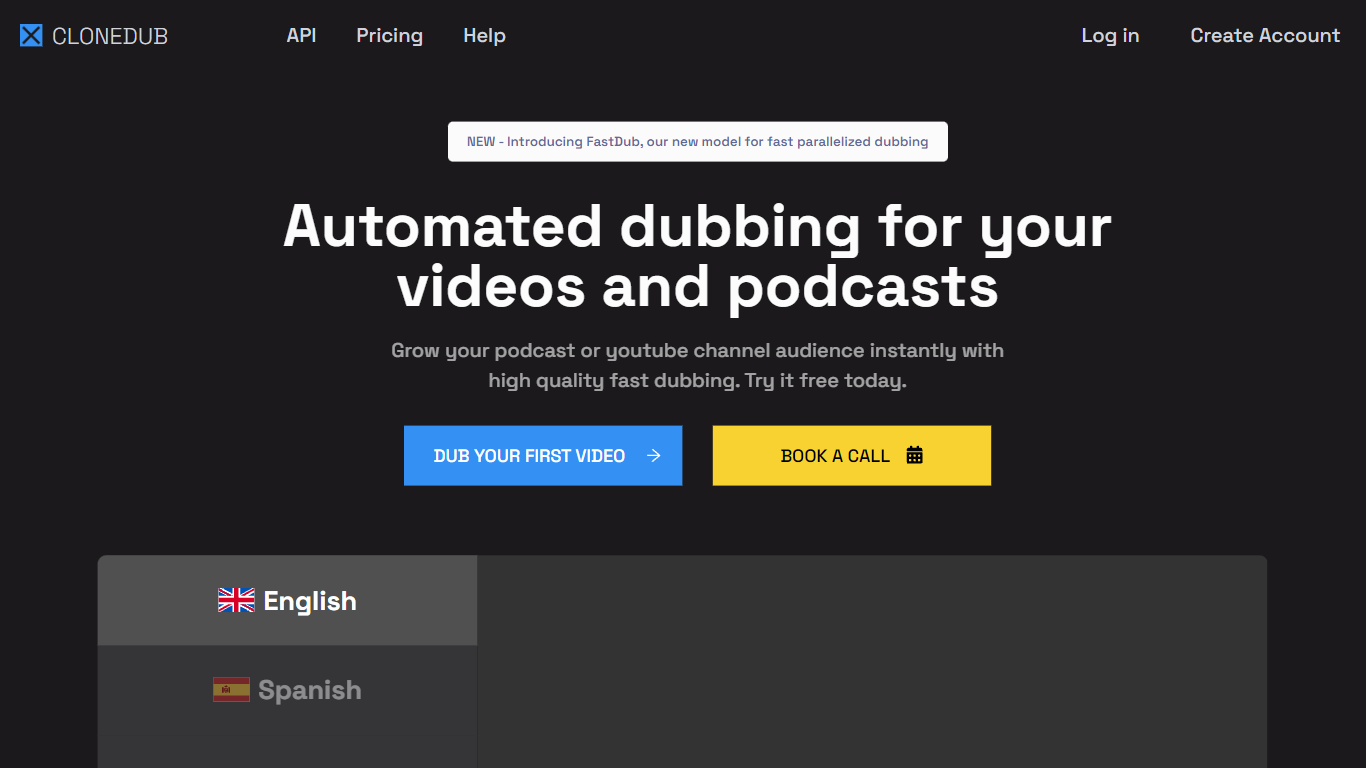
What is CloneDub?
CloneDub turns podcasts and YouTube videos into localized versions in other languages while trying to keep the original speaker voice, background music, and sound effects. You upload audio or video, pick a target language, and download dubbed files plus optional SRT subtitles from the dashboard.
Most dubbing tools swap in a generic narrator and strip the mix down to dialogue. CloneDub focuses on voice cloning plus translation, and it recently added FastDub for faster parallel processing. Pricing is minute-based rather than per-seat, which fits creators dubbing a handful of long episodes each month instead of enterprise localization teams running thousands of clips.
The product targets podcasters, YouTube channel owners, and small media teams who want multilingual reach without hiring voice actors for every language. Plans cap uploads at 2 hours per file and support 27 languages on the published pricing table.
VideoDubber Upvotes
CloneDub Upvotes
VideoDubber Top Features
150+ target languages with 180+ voice options listed on the about page
VoicePARROT voice cloning trained on 200K+ hours of real speech for natural dubbing
SyncPRO frame-accurate lip sync that tracks dubbed audio syllable by syllable
Export finished projects as SRT, VTT, or fully dubbed MP4 from one editor
REST API with POST /v1/translate, /v1/dub, and /v1/lipsync endpoints plus job polling
Glossary locking keeps product names and key terms consistent across languages
Unlimited script edits and re-exports with no metered revision fees on any plan
CloneDub Top Features
Dubs into 27 languages including English, Spanish, Hindi, French, German, Japanese, and Arabic
Accepts MP3, OGG, WAV, FLAC, AVI, MP4, MKV, AIFF, and AAC uploads up to 2 hours per file
Without voice cloning, dubbing typically finishes in about 50 to 60 percent of the source runtime
Basic plan includes 12 dubbing minutes per month for $10, with overage at $1 per minute
Exports dubbed video, audio, and SRT subtitle files from a single workflow
FastDub model supports parallelized dubbing for faster turnaround on longer content
Pro and Premium tiers add custom voice cloning; Basic does not
VideoDubber Category
- Translation
CloneDub Category
- Translation
VideoDubber Pricing Type
- Freemium
CloneDub Pricing Type
- Paid