VideoIdeas.ai vs Spikes Studio
Compare VideoIdeas.ai vs Spikes Studio and see which AI Video Generation tool is better when we compare features, reviews, pricing, alternatives, upvotes, etc.
Which one is better? VideoIdeas.ai or Spikes Studio?
When we compare VideoIdeas.ai with Spikes Studio, which are both AI-powered video generation tools, VideoIdeas.ai stands out as the clear frontrunner in terms of upvotes. The upvote count for VideoIdeas.ai is 77, and for Spikes Studio it's 16.
Does the result make you go "hmm"? Cast your vote and turn that frown upside down!
VideoIdeas.ai
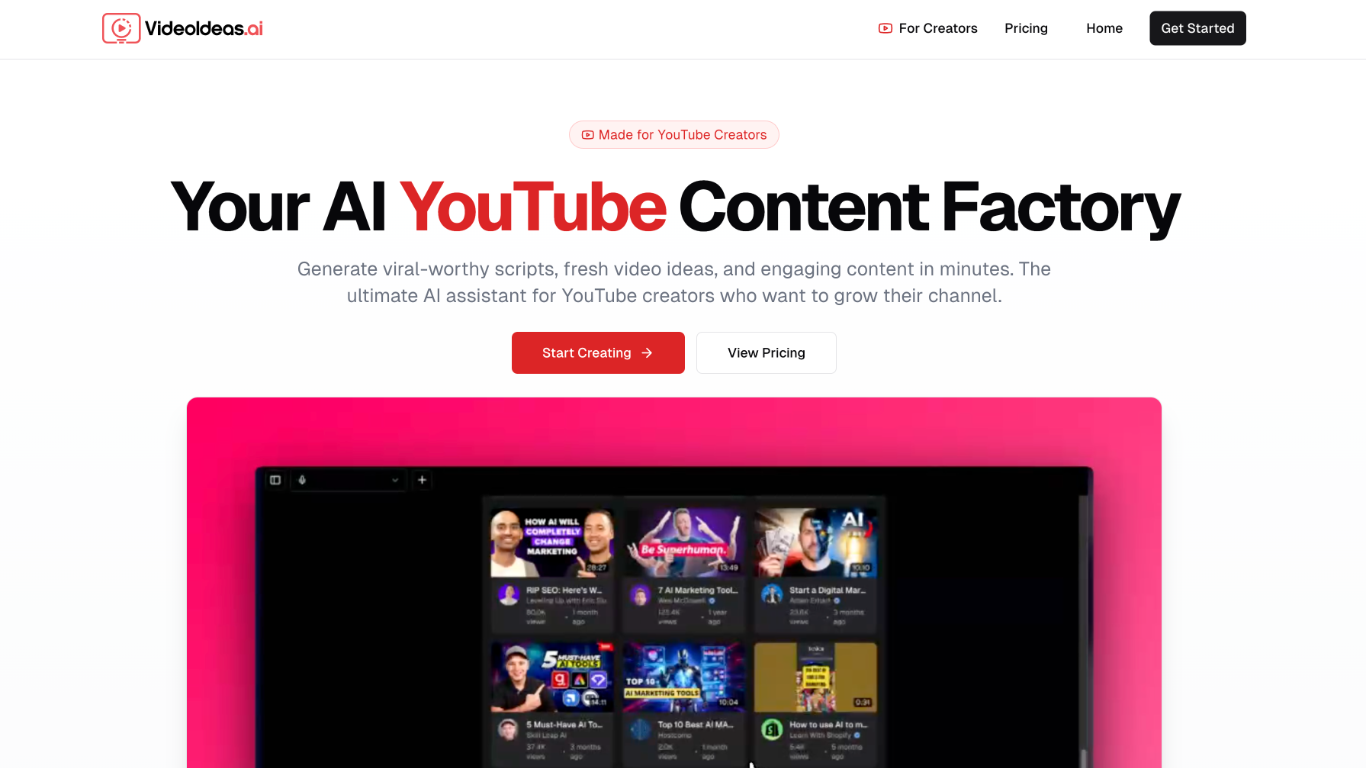

What is VideoIdeas.ai?
VideoIdeas.ai turns a YouTube niche or channel into ready-to-film scripts, hooks, and talking points from one web app. Pick a format like long-form videos, Shorts, or ads, and the platform returns copy you can record right away. It handles the pre-production stage for video creators, not rendering or editing footage.
Most AI writers treat YouTube as another text output. VideoIdeas.ai pulls from your existing channel to suggest topics that fit what you already publish, and its Style Cloning feature replicates the tone of named creators. Pro and Teams plans add Speaker Style customization, while Teams supports up to five collaborators. The trade-off is tight focus: every workflow starts and ends with YouTube scripts and ideas.
Solo YouTubers use it to keep uploads consistent without long research sessions. Marketing agencies and content teams on the Teams plan batch client concepts and ad scripts in one place. Creators who need TikTok, Instagram Reels, or non-YouTube formats will want a broader tool.
Spikes Studio
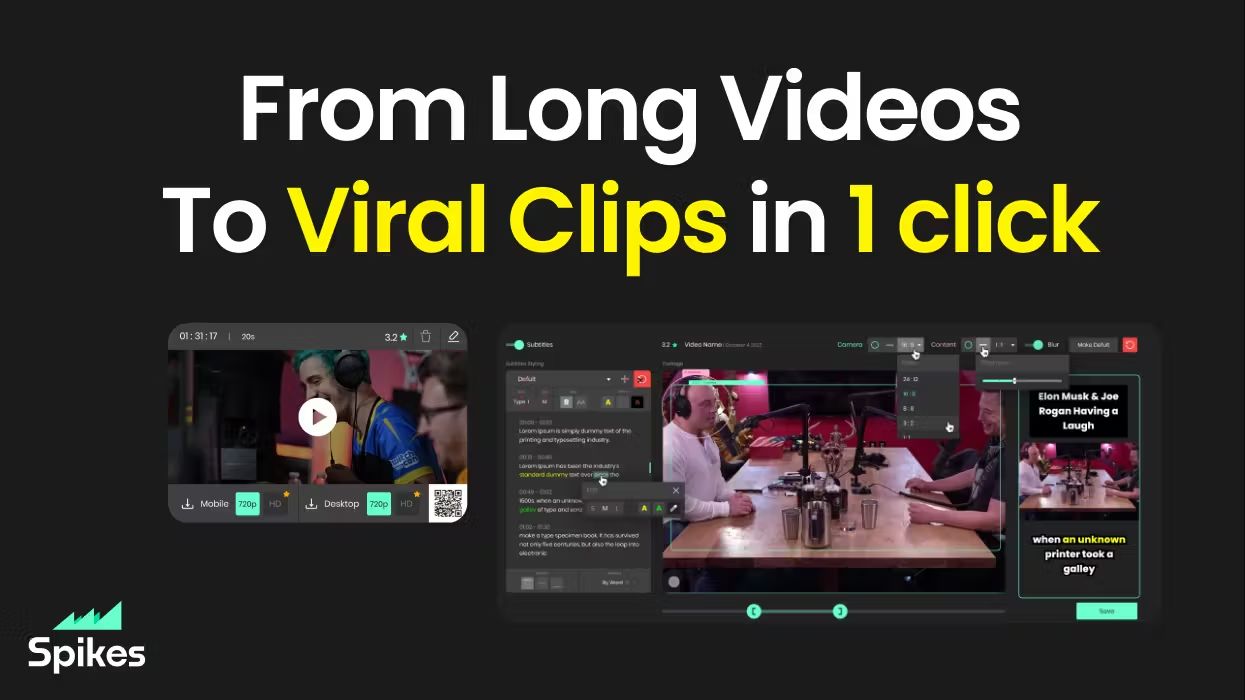
What is Spikes Studio?
Spikes Studio turns long videos into short clips sized for TikTok, Instagram Reels, and YouTube Shorts. Upload a file or pull from a stream, and its in-house model flags standout moments, adds animated captions in 99+ languages, and exports platform-ready formats from one dashboard.
Generic clip tools stop at cutting highlights. Spikes bundles scheduling, cross-posting, and per-clip analytics so you are not bouncing between an editor, a caption app, and a social calendar. Paid tiers unlock 1080p output, AI B-roll, virality scoring, and longer cloud storage; the free plan caps you at 30 minutes of processed video per month with a watermark.
Creators, podcasters, and agencies use it to repurpose webinars, Twitch broadcasts, and sermons without rebuilding each clip by hand. The web editor also handles standalone files up to five minutes through the Add Captions tab when you only need reframing and effects.
VideoIdeas.ai Upvotes
Spikes Studio Upvotes
VideoIdeas.ai Top Features
Basic plan includes 10 scripts per month; Pro allows 30 and Teams is unlimited
Channel analysis suggests new video topics from your existing YouTube uploads
Speaker Style customization on Pro and Teams replicates any creator's tone
Outputs scripts for long-form videos, YouTube Shorts, and video ads from one workflow
Teams plan supports up to 5 members with collaboration tools
7-day free trial on all plans with monthly or annual billing (17% off annual)
Spikes Studio Top Features
In-house AI trained on hundreds of thousands of broadcasts flags highlight moments across 99+ caption languages
Free plan processes up to 30 minutes of video per month with no credit card required
Basic plan at $12.99 per month exports 720p clips with 7-day cloud storage
PRO+ at $14.09 per month adds 1080p output, animated captions, and 90-day storage
Built-in social scheduler posts to TikTok, YouTube, Facebook, and LinkedIn from one calendar
Web editor handles files up to 5 minutes with auto-reframe, effects, titles, and hashtag suggestions
VideoIdeas.ai Category
- Video Generation
Spikes Studio Category
- Video Generation
VideoIdeas.ai Pricing Type
- Freemium
Spikes Studio Pricing Type
- Freemium