
Last updated 08-13-2026
Category:
Overall Rating:
5.0 🏆
Reviews:
Privacy and Your Privacy Choices
Join thousands of AI enthusiasts in the World of AI!
Spikes Studio
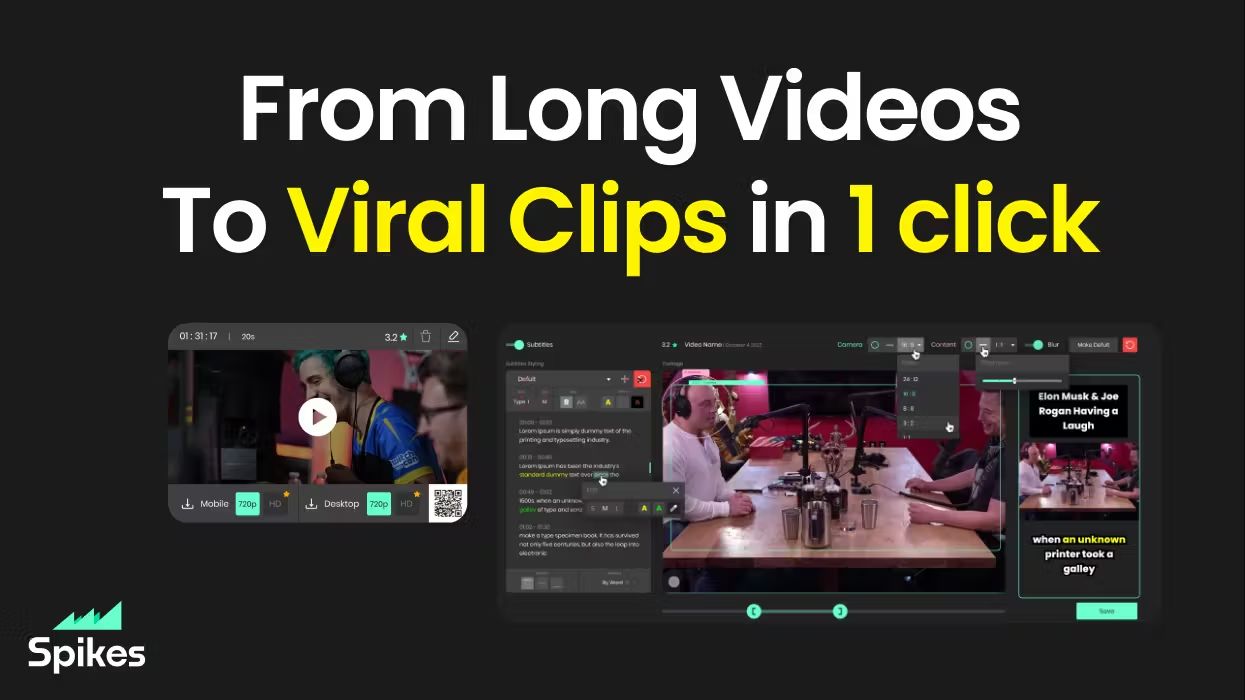
Spikes Studio turns long videos into short clips sized for TikTok, Instagram Reels, and YouTube Shorts. Upload a file or pull from a stream, and its in-house model flags standout moments, adds animated captions in 99+ languages, and exports platform-ready formats from one dashboard.
Generic clip tools stop at cutting highlights. Spikes bundles scheduling, cross-posting, and per-clip analytics so you are not bouncing between an editor, a caption app, and a social calendar. Paid tiers unlock 1080p output, AI B-roll, virality scoring, and longer cloud storage; the free plan caps you at 30 minutes of processed video per month with a watermark.
Creators, podcasters, and agencies use it to repurpose webinars, Twitch broadcasts, and sermons without rebuilding each clip by hand. The web editor also handles standalone files up to five minutes through the Add Captions tab when you only need reframing and effects.
In-house AI trained on hundreds of thousands of broadcasts flags highlight moments across 99+ caption languages
Free plan processes up to 30 minutes of video per month with no credit card required
Basic plan at $12.99 per month exports 720p clips with 7-day cloud storage
PRO+ at $14.09 per month adds 1080p output, animated captions, and 90-day storage
Built-in social scheduler posts to TikTok, YouTube, Facebook, and LinkedIn from one calendar
Web editor handles files up to 5 minutes with auto-reframe, effects, titles, and hashtag suggestions
Free tier includes 30 minutes of processing monthly with no credit card.
Scheduling and analytics live in the same tool as clipping and captions.
Supports 99+ languages for transcription and captioning.
One-click reframing targets TikTok, Instagram Reels, and YouTube Shorts formats.
Free exports carry a watermark until you upgrade to a paid plan.
Basic plan storage expires after 7 days, so you must download clips quickly.
Web editor caps standalone uploads at 5 minutes per file.
Is Spikes Studio free to use?
Yes. Spikes Studio is free to use for up to 30 minutes of processed video each month. Sign-up requires only an email address, and paid plans remove the export watermark.
Does Spikes Studio add watermarks?
Spikes Studio watermarks videos on the free plan. Subscribing to Basic, PRO+, or Enterprise removes the watermark on exported clips.
Which languages does Spikes Studio support?
Spikes Studio supports more than 99 languages for transcription and auto-captions. You can transcribe a video in its original language and generate captions for global audiences.
Can Spikes Studio schedule social posts?
Yes. Spikes Studio connects LinkedIn, TikTok, Facebook, and YouTube accounts so you can schedule and publish clips from the same dashboard that edits them.
What resolution do Spikes Studio plans export?
Spikes Studio Basic exports 720p clips. PRO+ and Enterprise export 1080p. Enterprise also includes unlimited storage lifespan versus 7 days on Basic and 90 days on PRO+.
How long can I edit in the Spikes Studio web editor?
Spikes Studio lets you edit any video up to 5 minutes in the Add Captions tab. You can add captions, reframe to vertical, apply auto-effects, and get a title, description, and hashtag suggestions.
Category:
Pricing:
Tags:
Tech used:
Overall Rating:
5.0 🏆
Reviews:
Privacy and Your Privacy Choices