Spikes Studio vs Pictory AI
In the battle of Spikes Studio vs Pictory AI, which AI Video Generation tool comes out on top? We compare reviews, pricing, alternatives, upvotes, features, and more.
Between Spikes Studio and Pictory AI, which one is superior?
Upon comparing Spikes Studio with Pictory AI, which are both AI-powered video generation tools, The community has spoken, Pictory AI leads with more upvotes. The upvote count for Pictory AI is 41, and for Spikes Studio it's 16.
Want to flip the script? Upvote your favorite tool and change the game!
Spikes Studio
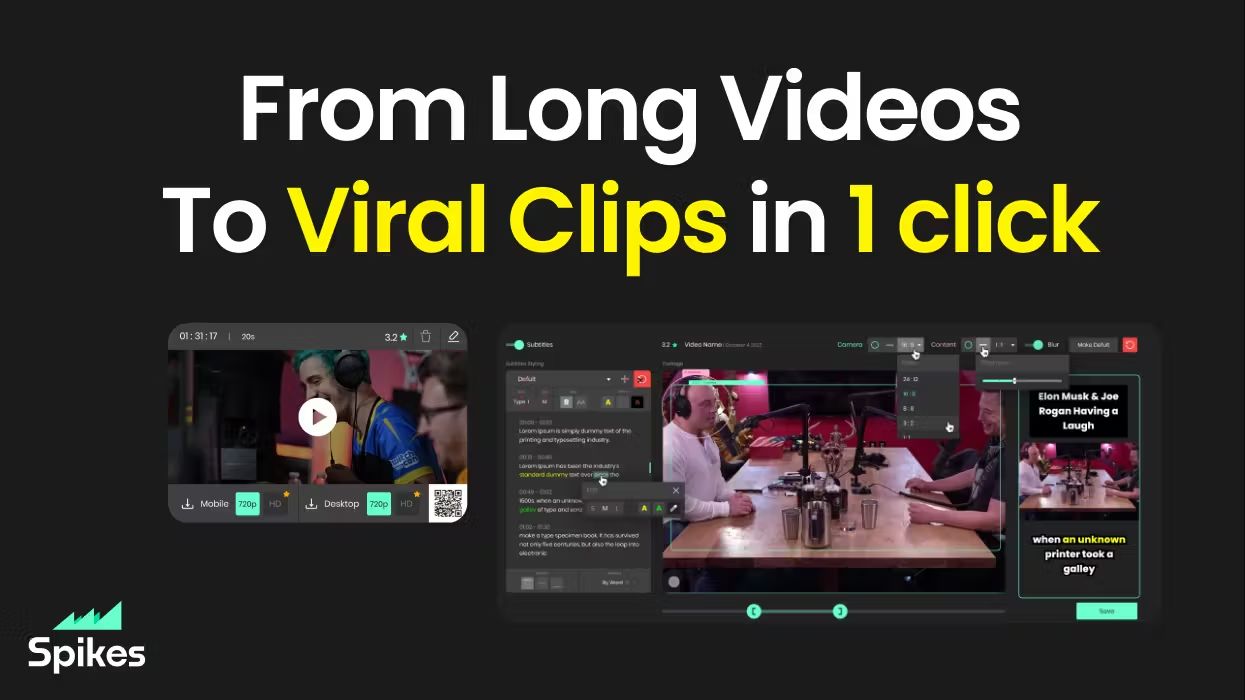

What is Spikes Studio?
Spikes Studio turns long videos into short clips sized for TikTok, Instagram Reels, and YouTube Shorts. Upload a file or pull from a stream, and its in-house model flags standout moments, adds animated captions in 99+ languages, and exports platform-ready formats from one dashboard.
Generic clip tools stop at cutting highlights. Spikes bundles scheduling, cross-posting, and per-clip analytics so you are not bouncing between an editor, a caption app, and a social calendar. Paid tiers unlock 1080p output, AI B-roll, virality scoring, and longer cloud storage; the free plan caps you at 30 minutes of processed video per month with a watermark.
Creators, podcasters, and agencies use it to repurpose webinars, Twitch broadcasts, and sermons without rebuilding each clip by hand. The web editor also handles standalone files up to five minutes through the Add Captions tab when you only need reframing and effects.
Pictory AI
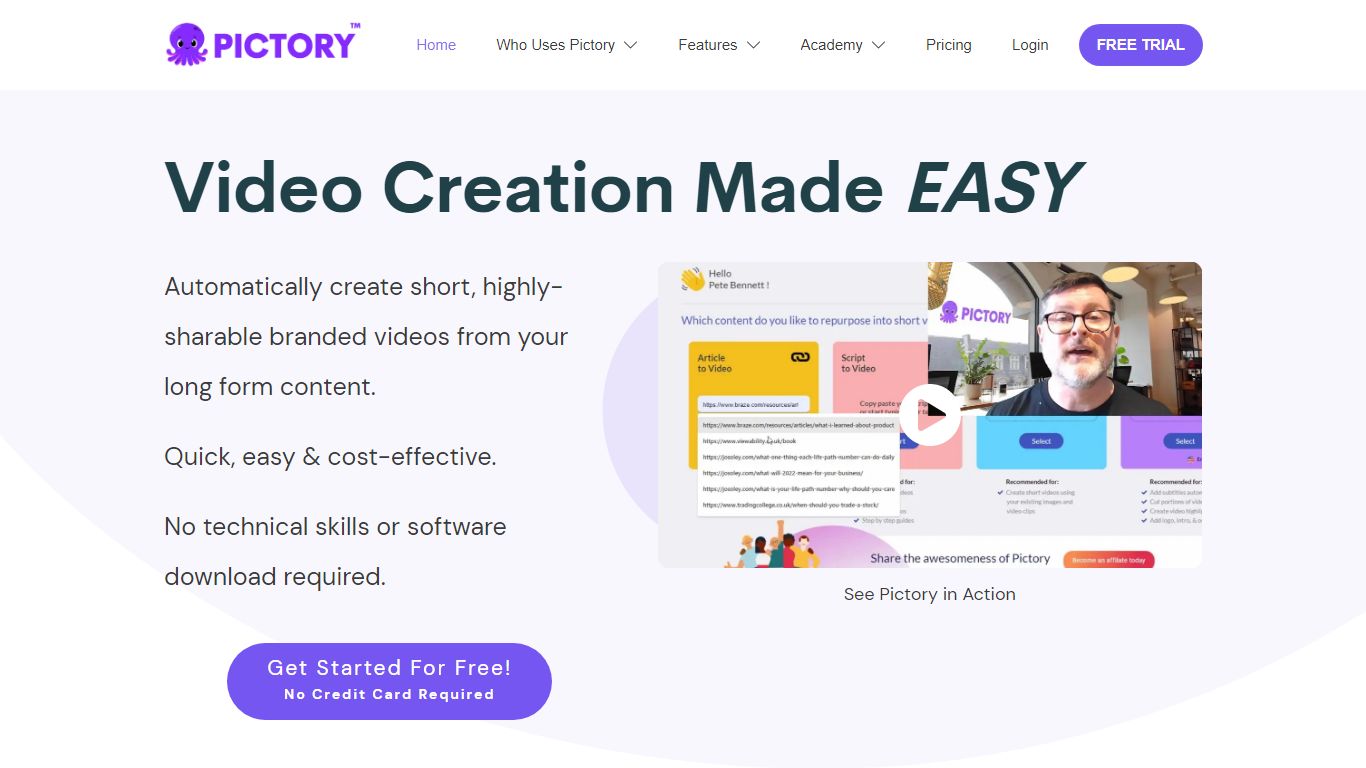
What is Pictory AI?
Pictory AI turns scripts, blog posts, PowerPoint decks, URLs, audio files, and screen recordings into finished marketing videos without a traditional timeline editor. You feed text or existing media into Pictory, and it builds scenes with stock footage, Gen AI visuals, automatic captions, realistic voices, and optional AI avatars ready for social or training channels.
Desktop editors expect you to hunt B-roll and manually chop long webinars into clips. Pictory automates structure, highlights key moments from long recordings, and resizes exports for multiple platforms, which is why teams use it to repurpose Zoom calls and articles instead of rebuilding each cut by hand.
Marketers, course creators, and enterprise video teams adopt Pictory to ship more video from content they already own. The homepage advertises a 14-day free trial with no credit card required and plans that start at $25 per month on annual billing.
Spikes Studio Upvotes
Pictory AI Upvotes
Spikes Studio Top Features
In-house AI trained on hundreds of thousands of broadcasts flags highlight moments across 99+ caption languages
Free plan processes up to 30 minutes of video per month with no credit card required
Basic plan at $12.99 per month exports 720p clips with 7-day cloud storage
PRO+ at $14.09 per month adds 1080p output, animated captions, and 90-day storage
Built-in social scheduler posts to TikTok, YouTube, Facebook, and LinkedIn from one calendar
Web editor handles files up to 5 minutes with auto-reframe, effects, titles, and hashtag suggestions
Pictory AI Top Features
14-day free trial includes 3 video project exports on pictory.ai
Starter plan is $25 per month billed annually with 2,400 video minutes per year
Professional plan adds custom avatars and voice cloning at $35 per month annually
Library includes 5 million Getty Images and Storyblocks clips on Starter
Rated 4.7 out of 5 on G2 according to the Pictory homepage
Spikes Studio Category
- Video Generation
Pictory AI Category
- Video Generation
Spikes Studio Pricing Type
- Freemium
Pictory AI Pricing Type
- Freemium