Spikes Studio vs Fliki
Dive into the comparison of Spikes Studio vs Fliki and discover which AI Video Generation tool stands out. We examine alternatives, upvotes, features, reviews, pricing, and beyond.
When comparing Spikes Studio and Fliki, which one rises above the other?
When we compare Spikes Studio and Fliki, two exceptional video generation tools powered by artificial intelligence, and place them side by side, several key similarities and differences come to light. In the race for upvotes, Fliki takes the trophy. The upvote count for Fliki is 34, and for Spikes Studio it's 16.
Want to flip the script? Upvote your favorite tool and change the game!
Spikes Studio
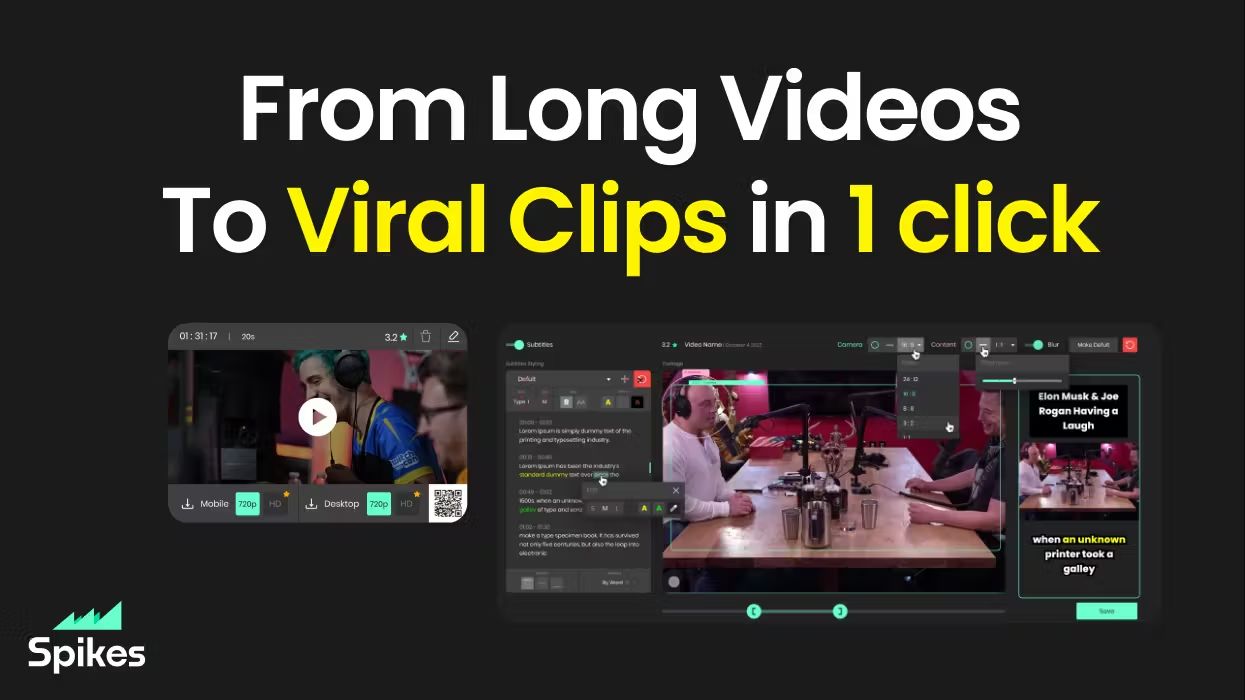

What is Spikes Studio?
Spikes Studio turns long videos into short clips sized for TikTok, Instagram Reels, and YouTube Shorts. Upload a file or pull from a stream, and its in-house model flags standout moments, adds animated captions in 99+ languages, and exports platform-ready formats from one dashboard.
Generic clip tools stop at cutting highlights. Spikes bundles scheduling, cross-posting, and per-clip analytics so you are not bouncing between an editor, a caption app, and a social calendar. Paid tiers unlock 1080p output, AI B-roll, virality scoring, and longer cloud storage; the free plan caps you at 30 minutes of processed video per month with a watermark.
Creators, podcasters, and agencies use it to repurpose webinars, Twitch broadcasts, and sermons without rebuilding each clip by hand. The web editor also handles standalone files up to five minutes through the Add Captions tab when you only need reframing and effects.
Fliki
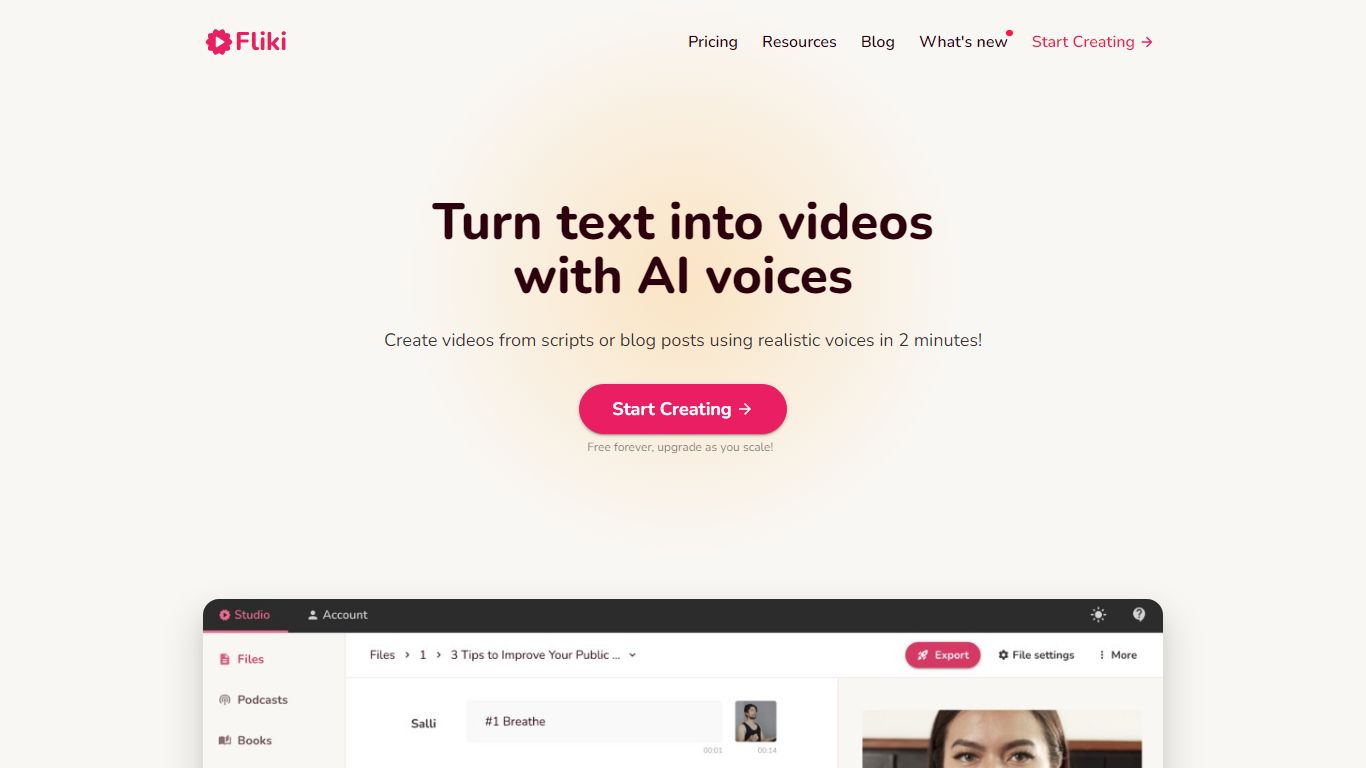
What is Fliki?
Fliki turns text into publish-ready videos with AI voiceovers, stock or generated visuals, music, and subtitles. You paste a script, blog post, or one-line prompt, and the editor drafts narration, picks media, and exports a finished clip with consistent characters in minutes.
Compared with separate voice and video tools, Fliki bundles text-to-video, text-to-speech, series planning, and a digital twin that clones your face and voice for presenter-style clips. The platform lists 2,000+ voices across 80+ languages, plus workflows for idea-to-video, PPT-to-video, and translation.
Fliki reports 100 million videos created and 12 million users. The free plan includes 3 monthly credits and 720p exports with a watermark, while Standard and Premium add 1080p output, longer runtimes up to 40 minutes, voice cloning, and API access on the top tier.
Spikes Studio Upvotes
Fliki Upvotes
Spikes Studio Top Features
In-house AI trained on hundreds of thousands of broadcasts flags highlight moments across 99+ caption languages
Free plan processes up to 30 minutes of video per month with no credit card required
Basic plan at $12.99 per month exports 720p clips with 7-day cloud storage
PRO+ at $14.09 per month adds 1080p output, animated captions, and 90-day storage
Built-in social scheduler posts to TikTok, YouTube, Facebook, and LinkedIn from one calendar
Web editor handles files up to 5 minutes with auto-reframe, effects, titles, and hashtag suggestions
Fliki Top Features
Text-to-video workflow writes scripts, picks visuals, and adds voiceover plus subtitles from pasted text
2,000+ AI voices across 80+ languages with ultra-realistic tiers on paid plans
Series mode plans topics, writes scripts, and queues episodes for TikTok, YouTube, and Shorts
Digital Twin clones your face and voice for presenter videos in 80+ languages after one recording
Free plan includes 3 credits per month and 720p exports with a Fliki watermark
Premium plan supports videos up to 40 minutes, API access, and 7,200 annual credits
Spikes Studio Category
- Video Generation
Fliki Category
- Video Generation
Spikes Studio Pricing Type
- Freemium
Fliki Pricing Type
- Freemium