VideoIdeas.ai vs Veggie AI
When comparing VideoIdeas.ai vs Veggie AI, which AI Video Generation tool shines brighter? We look at pricing, alternatives, upvotes, features, reviews, and more.
Between VideoIdeas.ai and Veggie AI, which one is superior?
When we put VideoIdeas.ai and Veggie AI side by side, both being AI-powered video generation tools, VideoIdeas.ai is the clear winner in terms of upvotes. The number of upvotes for VideoIdeas.ai stands at 77, and for Veggie AI it's 6.
Feeling rebellious? Cast your vote and shake things up!
VideoIdeas.ai
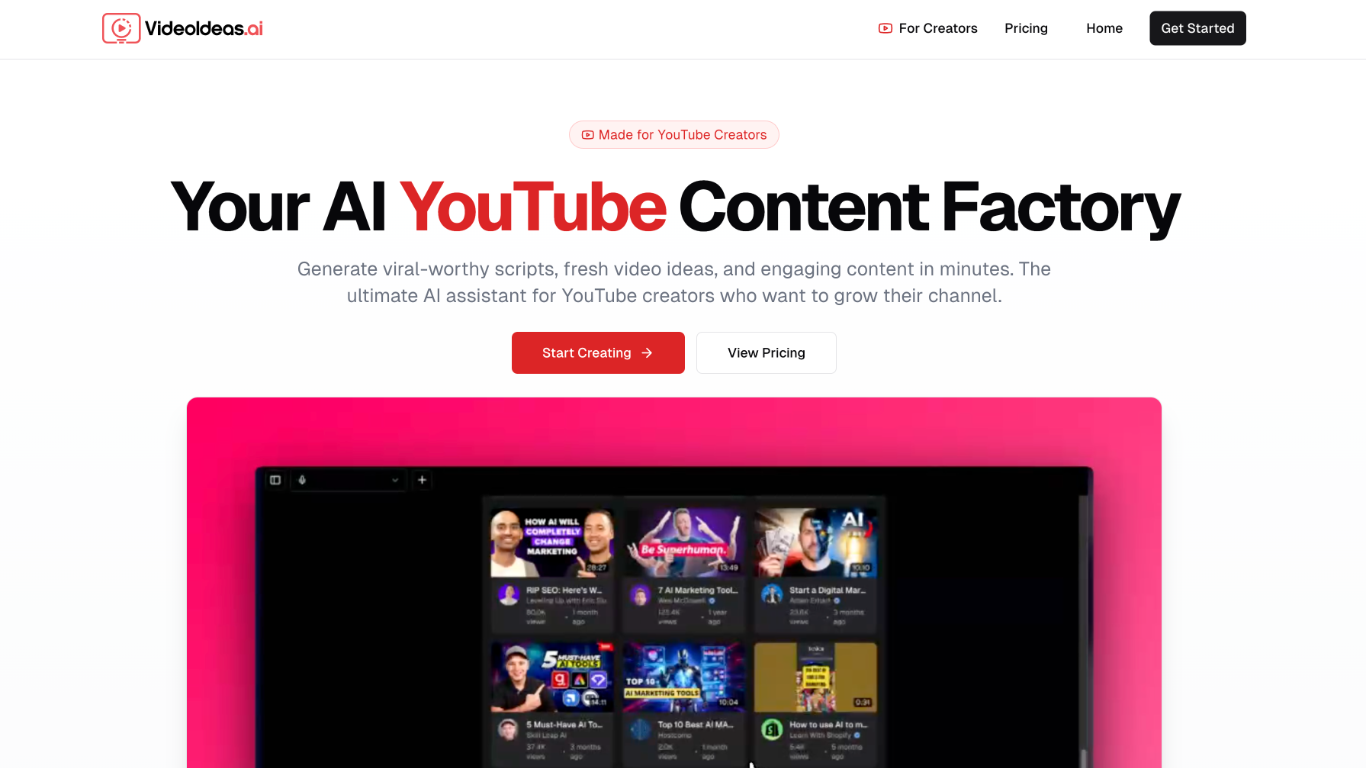

What is VideoIdeas.ai?
VideoIdeas.ai turns a YouTube niche or channel into ready-to-film scripts, hooks, and talking points from one web app. Pick a format like long-form videos, Shorts, or ads, and the platform returns copy you can record right away. It handles the pre-production stage for video creators, not rendering or editing footage.
Most AI writers treat YouTube as another text output. VideoIdeas.ai pulls from your existing channel to suggest topics that fit what you already publish, and its Style Cloning feature replicates the tone of named creators. Pro and Teams plans add Speaker Style customization, while Teams supports up to five collaborators. The trade-off is tight focus: every workflow starts and ends with YouTube scripts and ideas.
Solo YouTubers use it to keep uploads consistent without long research sessions. Marketing agencies and content teams on the Teams plan batch client concepts and ad scripts in one place. Creators who need TikTok, Instagram Reels, or non-YouTube formats will want a broader tool.
Veggie AI
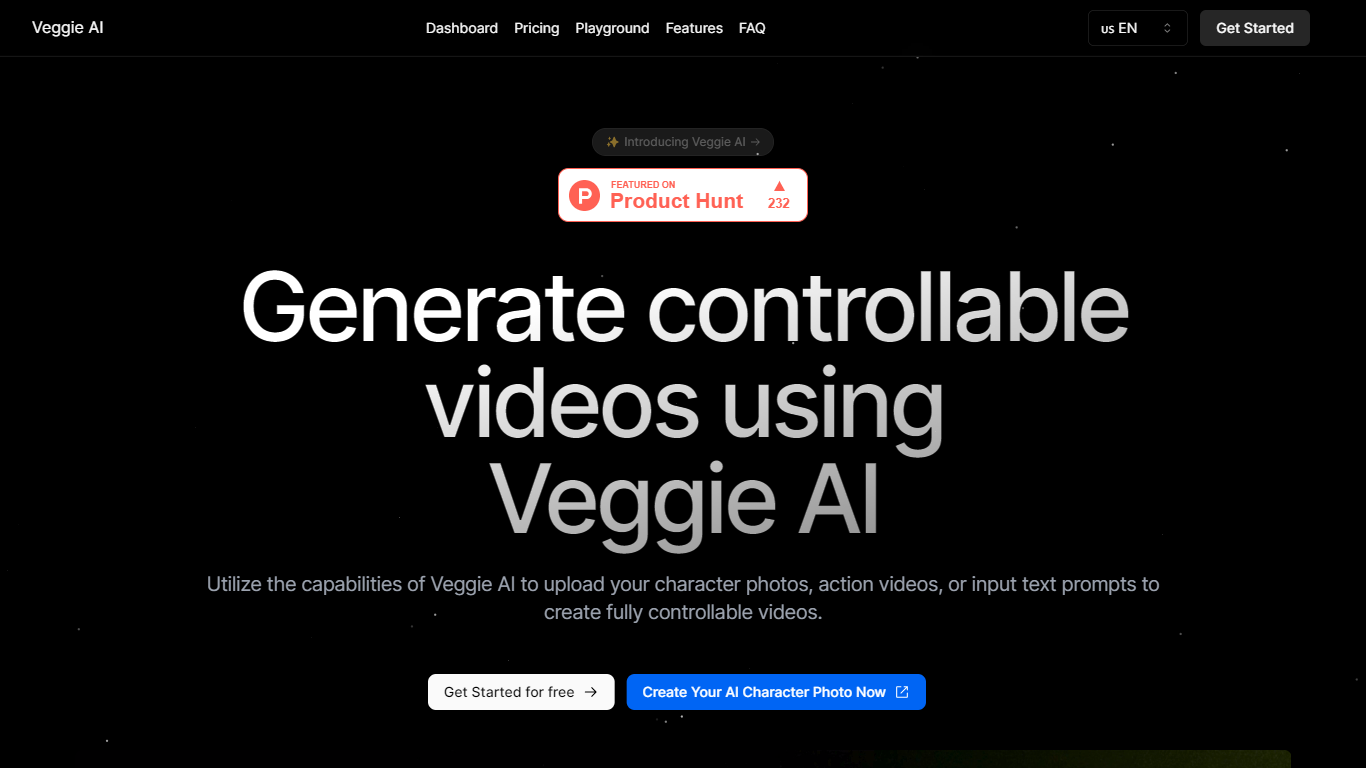
What is Veggie AI?
Veggie AI turns still character images into short, controllable action videos in your browser. Upload a photo of a real person, anime character, or illustrated figure, pair it with an action reference video or text motion prompt, and the tool generates a clip that follows those movements. Four creation modes (Mix, Animate, Ideate, and Stylize) cover different input combinations, from transferring motion off a reference clip to generating both character and action from text alone. A separate Live Portrait workflow animates faces from a still photo plus a driver video.
Most text-to-video generators invent scenes from prompts alone. Veggie AI instead locks motion to something you supply, either a reference video whose actions get mapped onto your character image, or text that describes specific movement. That trade-off suits creators who need a particular pose sequence or facial performance repeated on a custom character, not open-ended scene generation.
Marketers, social media managers, and indie animators use Veggie AI for character clips without building rigs or filming talent. The Pro and Unlimited plans include a commercial license for ads and client work. Generation runs in the browser on any connected device, and outputs download as MP4 files.
VideoIdeas.ai Upvotes
Veggie AI Upvotes
VideoIdeas.ai Top Features
Basic plan includes 10 scripts per month; Pro allows 30 and Teams is unlimited
Channel analysis suggests new video topics from your existing YouTube uploads
Speaker Style customization on Pro and Teams replicates any creator's tone
Outputs scripts for long-form videos, YouTube Shorts, and video ads from one workflow
Teams plan supports up to 5 members with collaboration tools
7-day free trial on all plans with monthly or annual billing (17% off annual)
Veggie AI Top Features
Four creation modes: Mix, Animate, Ideate, and Stylize cover image-plus-video, image-plus-text, text-only, and style-transfer workflows
Live Portrait animates a JPEG or PNG photo from an MP4 driver video in about 3 minutes for 4 credits
Basic plan includes 100 credits per month at $7.9; Pro adds 500 credits and a commercial license at $13.9 per month
Accepts JPEG and PNG images plus MP4 reference videos as input materials
Unlimited yearly plan at $199 removes monthly credit caps for one year
VideoIdeas.ai Category
- Video Generation
Veggie AI Category
- Video Generation
VideoIdeas.ai Pricing Type
- Freemium
Veggie AI Pricing Type
- Paid