Videotok vs AI Portrait in Filmora
In the face-off between Videotok vs AI Portrait in Filmora, which AI Video Editing tool takes the crown? We scrutinize features, alternatives, upvotes, reviews, pricing, and more.
In a face-off between Videotok and AI Portrait in Filmora, which one takes the crown?
If we were to analyze Videotok and AI Portrait in Filmora, both of which are AI-powered video editing tools, what would we find? Interestingly, both tools have managed to secure the same number of upvotes. Your vote matters! Help us decide the winner among aitools.fyi users by casting your vote.
Not your cup of tea? Upvote your preferred tool and stir things up!
Videotok
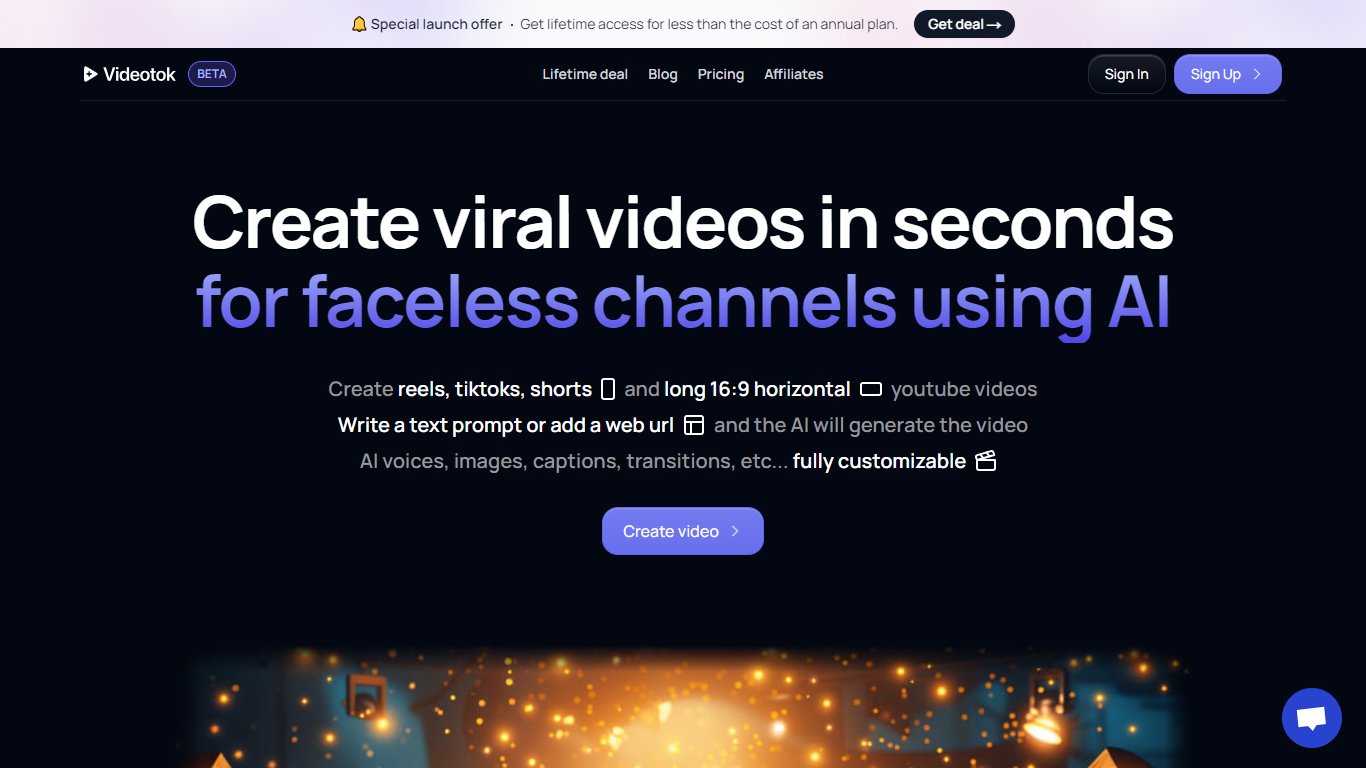

What is Videotok?
Videotok is a video creation platform built around agents that handle social content and ads end to end. You set brand rules, connect your accounts, and the agent drafts posts, builds videos, and can publish on a schedule across major social channels.
The product bundles many image and video models in one subscription, including Sora 2 Pro, Veo 3.1, Kling Video v3 Pro, Midjourney v7, and Flux 2 Pro. You can start from templates, chat with the agent, or connect Claude or ChatGPT to run workflows from tools you already use.
It targets marketers, agencies, e-commerce brands, and creators who need UGC-style ads, product videos, and faceless content without stitching together separate generation, editing, and scheduling tools.
AI Portrait in Filmora
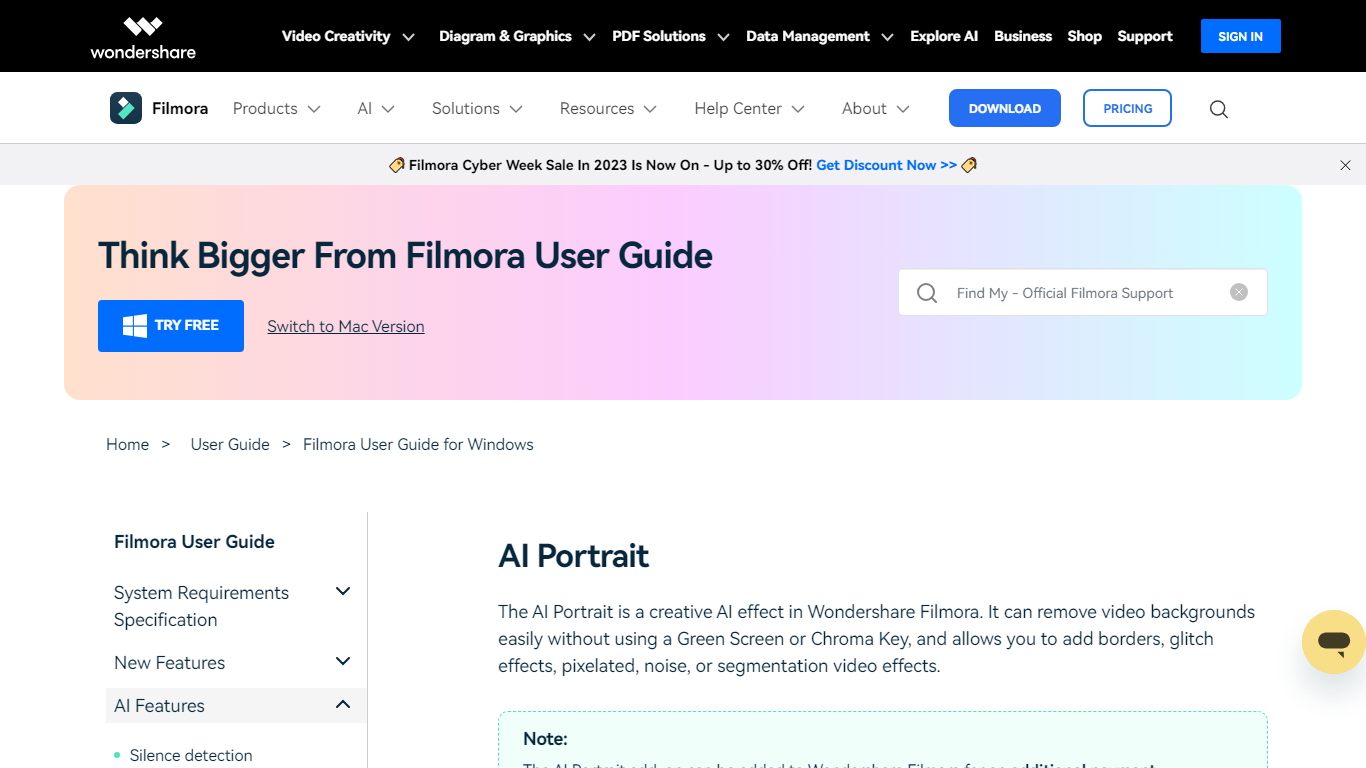
What is AI Portrait in Filmora?
Elevate your video editing experience with Filmora—a comprehensive and user-friendly AI Video Editor designed to cater to your creative vision. Whether you're an amateur filmmaker or a seasoned professional, Filmora empowers you with the tools to edit faster, smarter, and easier. Harness the power of AI portrait effects to transform your footage with a touch of artistry.
Discover a suite of Video Creativity Products that include Filmora, your complete video editing tool; DemoCreator for efficient tutorial video making; UniConverter for high-speed media conversion; Virbo for AI-driven video generation; and Presentory for creating AI-powered video presentations.
Filmora is not just a video editing software; it's part of a larger ecosystem of creative tools that also brings you Diagram & Graphics Products, PDF Solutions, and Data Management products to enhance your workflow in every aspect. With intuitive interfaces and seamless integration, these products work in harmony to support your multimedia projects.
Whether you are looking to recover lost files with Recoverit, design with Mockitt, manage PDFs with PDFelement or protect your family with FamiSafe, Filmora's suite has something for every need. Maximize your creativity and efficiency with Filmora—where powerful technology meets user-friendly design.
Videotok Upvotes
AI Portrait in Filmora Upvotes
Videotok Top Features
Agents create ads and social posts from your brand rules, then schedule publishing
Connect Instagram, TikTok, YouTube, X, Pinterest, and LinkedIn for auto-publication
Run workflows inside Videotok or connect Claude and ChatGPT to the agent
Pick a curated reference and Videotok writes the prompt and production plan
Localize captions, voiceovers, and subtitles across 50+ languages
One subscription includes Sora 2 Pro, Veo 3.1, Kling, Midjourney v7, and Flux 2 Pro
Professional editor with layers, SFX, background music, and storyboard controls
AI Portrait in Filmora Top Features
Complete Video Editing Tool: Provides a comprehensive range of editing capabilities for video projects.
AI Portrait Effects: Enhance videos with advanced artificial intelligence portrait effects.
High-Speed Media Conversion: Utilize UniConverter for quick file format changes.
AI Video Generation: Create videos effortlessly with Virbo the robust AI video generator.
Creative Tool Ecosystem: Access a collection of tools for graphics PDF solutions and data management.
Videotok Category
- Video Editing
AI Portrait in Filmora Category
- Video Editing
Videotok Pricing Type
- Paid
AI Portrait in Filmora Pricing Type
- Freemium