Vidiofy vs Timebolt
Compare Vidiofy vs Timebolt and see which AI Video Editing tool is better when we compare features, reviews, pricing, alternatives, upvotes, etc.
Which one is better? Vidiofy or Timebolt?
When we compare Vidiofy with Timebolt, which are both AI-powered video editing tools, The upvote count shows a clear preference for Timebolt. Timebolt has 18 upvotes, and Vidiofy has 6 upvotes.
Want to flip the script? Upvote your favorite tool and change the game!
Vidiofy

What is Vidiofy?
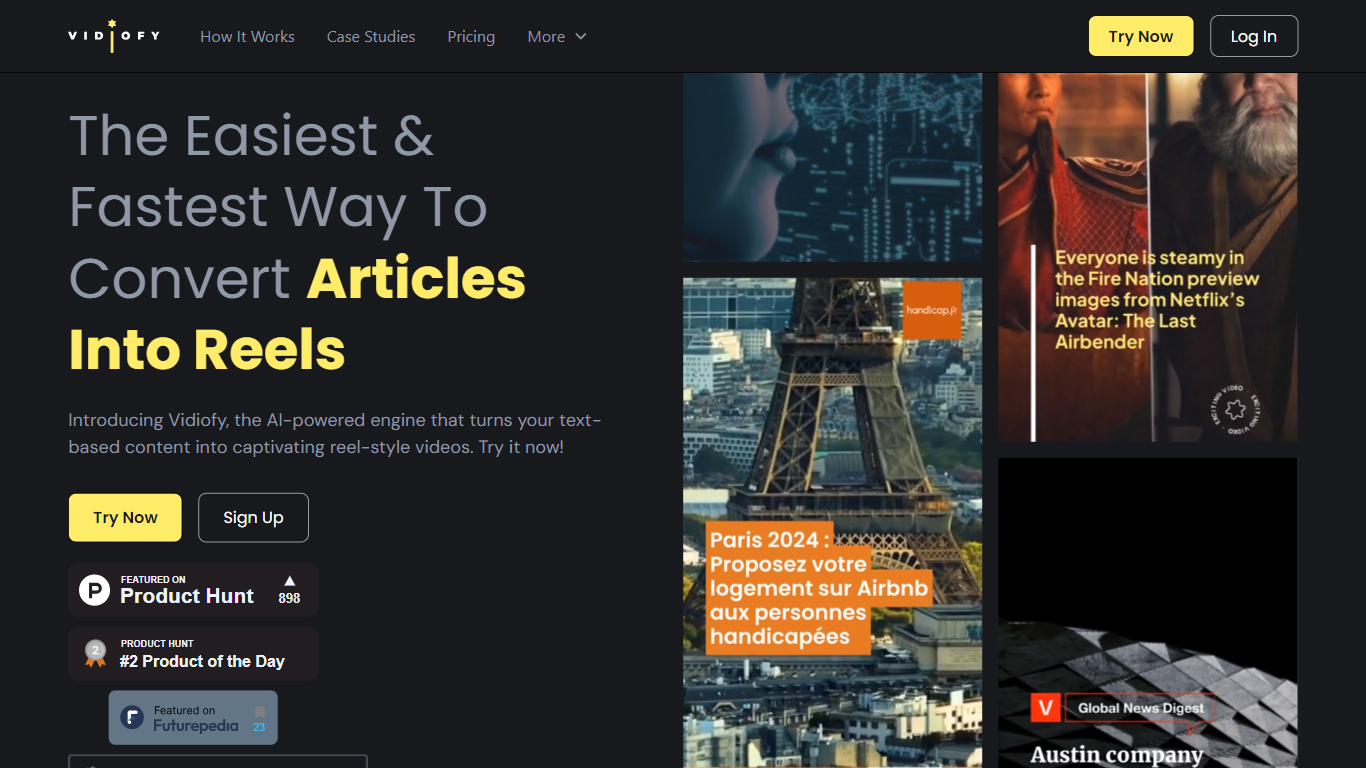
Vidiofy transforms text prompts, scripts, and article excerpts into high-quality videos within seconds using advanced AI technology. It generates videos in various styles, from photorealistic scenes to stylized animations, enabling users to create cinematic storytelling, marketing content, educational videos, and social media clips without filming or editing skills.
What sets Vidiofy apart is its professional camera controls, realistic physics, and synchronized audio that deliver broadcast-quality results directly in the browser. The platform maintains character consistency across scenes and supports diverse visual styles, making it versatile for filmmakers, marketers, educators, and content creators.
Vidiofy operates entirely in the cloud with a browser-based interface, requiring no installation or special hardware. Users can repurpose articles into short vertical reels optimized for social media by converting key points into mini-scripts. This tool democratizes video production by providing unlimited creative control through natural language prompts, enabling rapid iteration and experimentation with lighting, camera angles, and visual effects.
Timebolt

What is Timebolt?
Timebolt is a desktop video editor built around waveform-first jump cuts for podcasts, interviews, and screen recordings. It strips silence, filler words, and bad takes with 0.01 second cut control, then exports timelines to Premiere Pro, Final Cut Pro, DaVinci Resolve, or Camtasia without re-cutting by hand.
Most text-based AI editors guess where pauses live and leave hundreds of missed cuts per hour. Timebolt measures the audio waveform first, which is why its benchmark claims zero mistakes left per hour while rivals like Descript and Gling still need manual cleanup. That trade-off favors editors who want frame-tight cuts over a chat-style transcript workflow.
Podcasters, YouTubers, and course creators use Timebolt to shrink raw talking-head footage before publishing. Post-production teams also route Riverside multicam sessions through Timebolt XML exports so senior editors finish polish work in their preferred NLE.
Vidiofy Upvotes
Timebolt Upvotes
Vidiofy Top Features
🎥 Text to Video: Turn simple text prompts into professional videos instantly.
🎬 Cinematic Camera Control: Specify camera moves like tracking or dolly shots for dynamic scenes.
🔄 Character Consistency: Maintain the same character appearance across multiple scenes.
🔊 Synchronized Audio: Add ambient sounds and voiceovers automatically with video generation.
🌐 Browser-Based: Create videos from any device without downloads or special hardware.
Timebolt Top Features
0.01 second cut control on waveform-based silence removal
Processes an hour of footage in about 13 seconds for jump cuts
Exports XML timelines to Premiere Pro, Final Cut Pro, and DaVinci Resolve
UMCHECK removes filler words automatically from recorded speech
Free 4K screen capture tool for Mac and Windows
Benchmark reports zero missed cuts per hour versus hundreds on rival AI editors
Vidiofy Category
- Video Editing
Timebolt Category
- Video Editing
Vidiofy Pricing Type
- Freemium
Timebolt Pricing Type
- Freemium