Vidiofy vs Video Editor By VIDIO
In the battle of Vidiofy vs Video Editor By VIDIO, which AI Video Editing tool comes out on top? We compare reviews, pricing, alternatives, upvotes, features, and more.
Between Vidiofy and Video Editor By VIDIO, which one is superior?
Upon comparing Vidiofy with Video Editor By VIDIO, which are both AI-powered video editing tools, The upvote count is neck and neck for both Vidiofy and Video Editor By VIDIO. Every vote counts! Cast yours and contribute to the decision of the winner.
You don't agree with the result? Cast your vote to help us decide!
Vidiofy
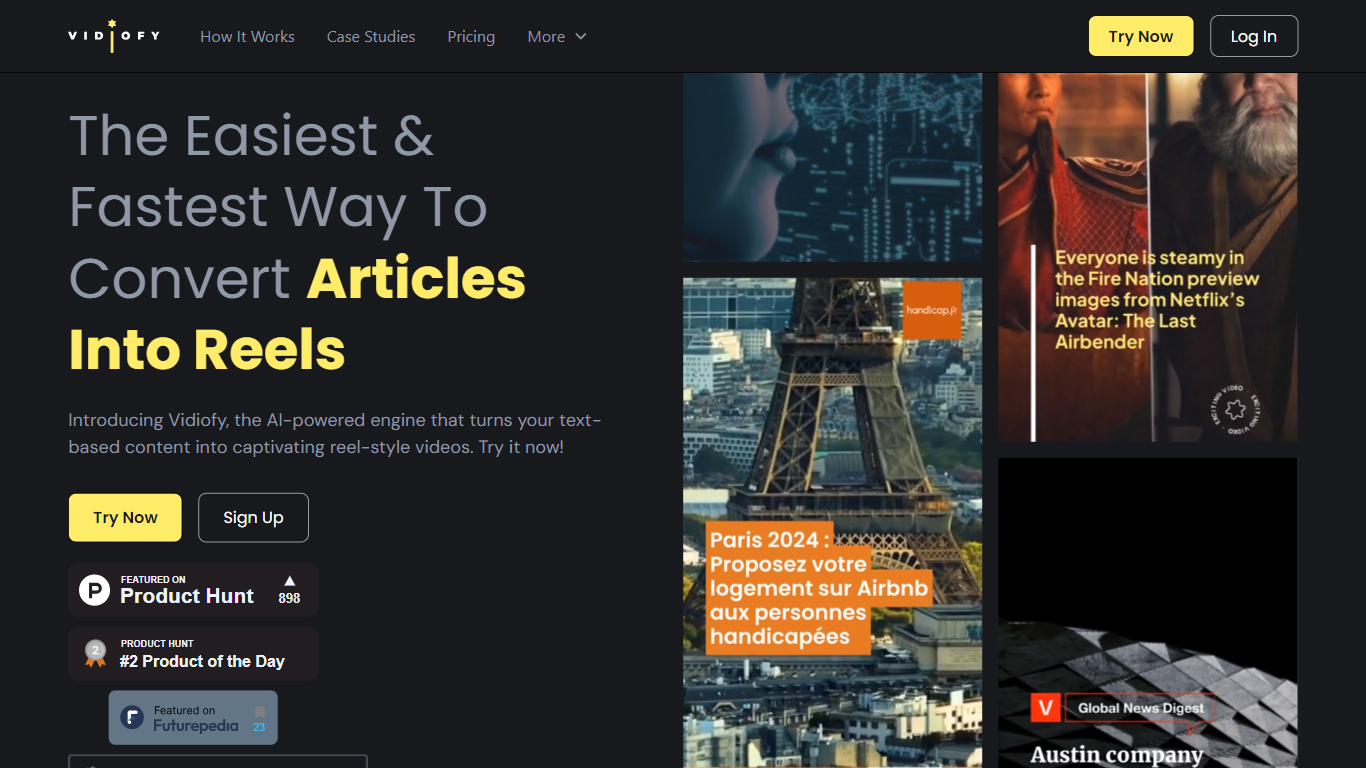

What is Vidiofy?
Vidiofy transforms text prompts, scripts, and article excerpts into high-quality videos within seconds using advanced AI technology. It generates videos in various styles, from photorealistic scenes to stylized animations, enabling users to create cinematic storytelling, marketing content, educational videos, and social media clips without filming or editing skills.
What sets Vidiofy apart is its professional camera controls, realistic physics, and synchronized audio that deliver broadcast-quality results directly in the browser. The platform maintains character consistency across scenes and supports diverse visual styles, making it versatile for filmmakers, marketers, educators, and content creators.
Vidiofy operates entirely in the cloud with a browser-based interface, requiring no installation or special hardware. Users can repurpose articles into short vertical reels optimized for social media by converting key points into mini-scripts. This tool democratizes video production by providing unlimited creative control through natural language prompts, enabling rapid iteration and experimentation with lighting, camera angles, and visual effects.
Video Editor By VIDIO

What is Video Editor By VIDIO?
Video Editor By VIDIO lets you edit videos in the browser by describing changes in plain language instead of clicking through timeline menus. Upload a clip, tell the assistant what you want changed, and export the result without installing desktop software. It supports GIF, MP4, MOV, WEBM, and other common formats with a 3GB upload cap.
Traditional editors pack dozens of panels most casual creators never open. Video Editor By VIDIO deliberately keeps the workflow to three steps: upload, chat your request, download. That narrow focus fits social clips, quick captioning, and cleanup jobs where opening Premiere would be overkill.
The tool handles short-form cuts, auto captions, color filters, audio extraction, silence detection, and background noise removal through the same chat interface. VIDIO reports more than 500,000 users, with ratings of 4.8 on G2 and 4.7 on Trustpilot. Content creators, social media managers, and small teams use it when they need fast edits from any device.
Vidiofy Upvotes
Video Editor By VIDIO Upvotes
Vidiofy Top Features
🎥 Text to Video: Turn simple text prompts into professional videos instantly.
🎬 Cinematic Camera Control: Specify camera moves like tracking or dolly shots for dynamic scenes.
🔄 Character Consistency: Maintain the same character appearance across multiple scenes.
🔊 Synchronized Audio: Add ambient sounds and voiceovers automatically with video generation.
🌐 Browser-Based: Create videos from any device without downloads or special hardware.
Video Editor By VIDIO Top Features
Natural-language editing accepts plain-text requests instead of manual timeline work
Supports GIF, MP4, MOV, MPG, WEBM, and MPEG uploads up to 3GB per file
Stitches up to 5 video clips together in a single conversational edit project
Handles captions, color filters, audio extraction, silence detection, and noise removal
Runs entirely in the browser with no local installation required
Free Basic plan available; Pro 20 starts at $8 per month with 20 credits
Rated 4.8 on G2 and 4.7 on Trustpilot across VIDIO's user base
Vidiofy Category
- Video Editing
Video Editor By VIDIO Category
- Video Editing
Vidiofy Pricing Type
- Freemium
Video Editor By VIDIO Pricing Type
- Freemium