vidIQ vs Pictory AI
Dive into the comparison of vidIQ vs Pictory AI and discover which AI Video Generation tool stands out. We examine alternatives, upvotes, features, reviews, pricing, and beyond.
When comparing vidIQ and Pictory AI, which one rises above the other?
When we compare vidIQ and Pictory AI, two exceptional video generation tools powered by artificial intelligence, and place them side by side, several key similarities and differences come to light. In the race for upvotes, Pictory AI takes the trophy. Pictory AI has attracted 41 upvotes from aitools.fyi users, and vidIQ has attracted 6 upvotes.
Disagree with the result? Upvote your favorite tool and help it win!
vidIQ

What is vidIQ?
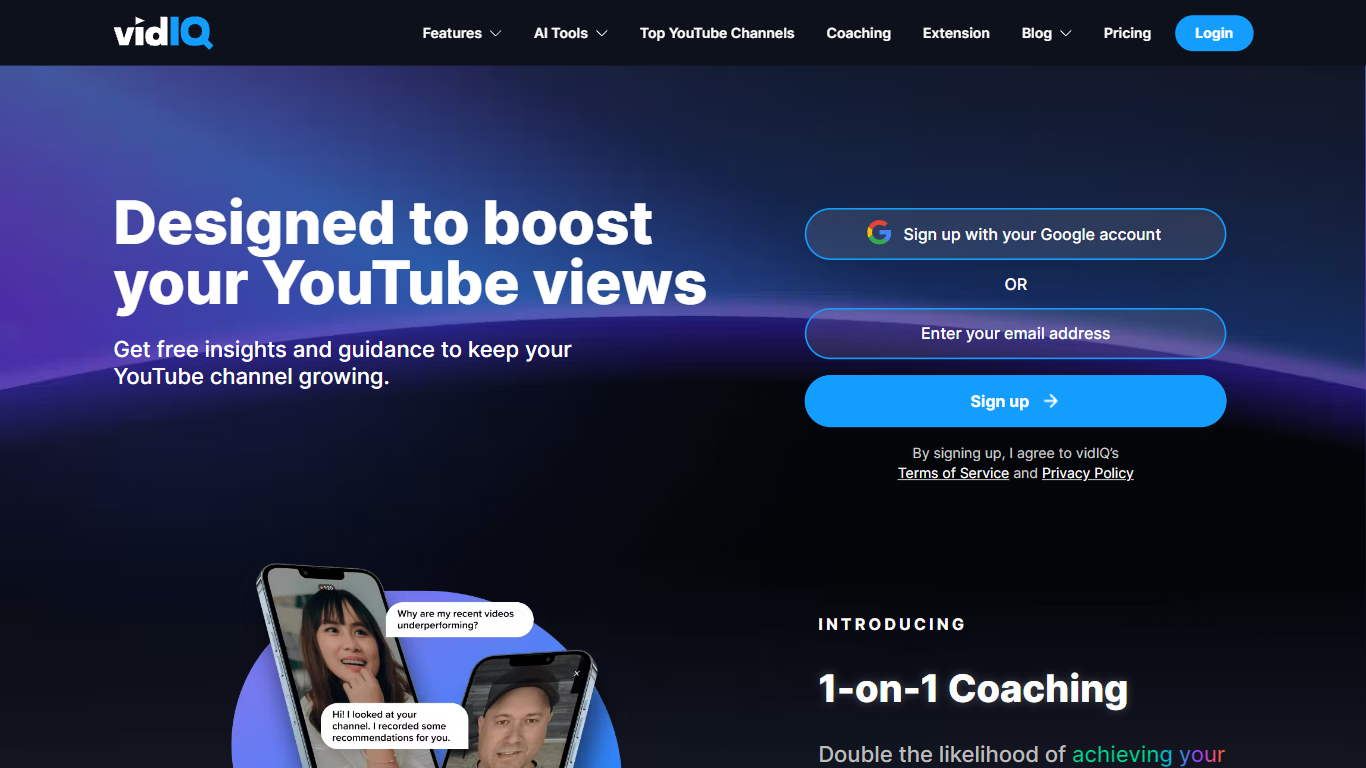
vidIQ helps YouTube creators get more views and subscribers through keyword research, title and thumbnail tools, and an AI Coach trained on what is working across the platform. Connect a channel to receive personalized optimization tips, niche trend alerts, and script and description generators without leaving YouTube.
TubeBuddy and generic SEO suites focus on metadata tags. vidIQ layers competitive trend research, subscriber analytics, short-form clipping from long videos, and an MCP server that pipes YouTube stats into Claude or ChatGPT. The Chrome extension surfaces scores and suggestions directly on youtube.com during upload and research.
It targets YouTube creators chasing monetization, agencies managing multiple channels, and Instagram cross-posters using vidIQ's newer Instagram tools. Free accounts get 150 monthly AI credits; Max adds 6,000 credits and up to 11 hours of short clipping per billing cycle. Enterprise plans cover MCNs and brands with team roles and cross-channel reporting.
Pictory AI
What is Pictory AI?
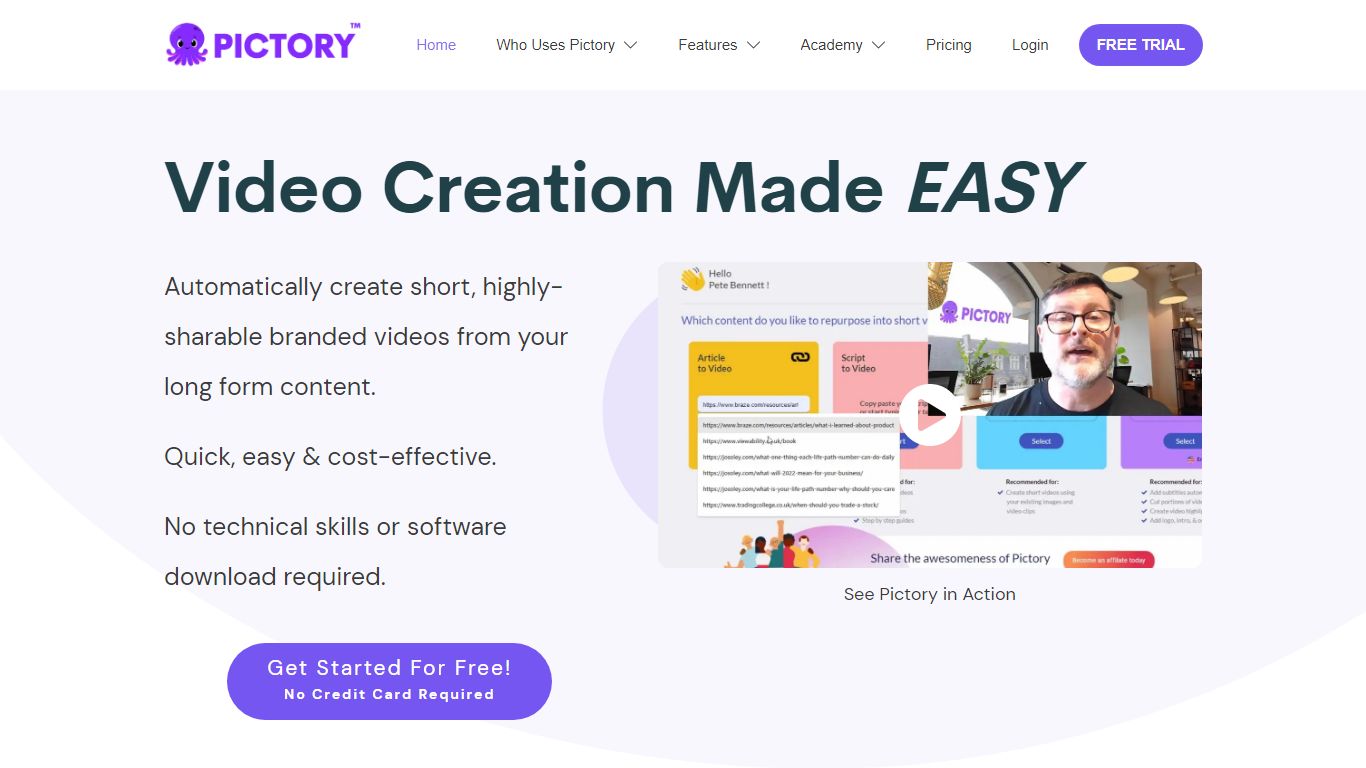
Pictory AI turns scripts, blog posts, PowerPoint decks, URLs, audio files, and screen recordings into finished marketing videos without a traditional timeline editor. You feed text or existing media into Pictory, and it builds scenes with stock footage, Gen AI visuals, automatic captions, realistic voices, and optional AI avatars ready for social or training channels.
Desktop editors expect you to hunt B-roll and manually chop long webinars into clips. Pictory automates structure, highlights key moments from long recordings, and resizes exports for multiple platforms, which is why teams use it to repurpose Zoom calls and articles instead of rebuilding each cut by hand.
Marketers, course creators, and enterprise video teams adopt Pictory to ship more video from content they already own. The homepage advertises a 14-day free trial with no credit card required and plans that start at $25 per month on annual billing.
vidIQ Upvotes
Pictory AI Upvotes
vidIQ Top Features
Free tier includes 150 AI credits every month
Boost plan includes 2,000 AI credits monthly and unlimited trend research
Max plan at $39 per month (yearly billing) includes 6,000 AI credits
AI thumbnail maker and title or description generators for uploads
Short clipping supports up to 11 hours of generations on Max
Chrome extension optimizes videos directly on YouTube
MCP server connects YouTube data to Claude and ChatGPT assistants
Pictory AI Top Features
14-day free trial includes 3 video project exports on pictory.ai
Starter plan is $25 per month billed annually with 2,400 video minutes per year
Professional plan adds custom avatars and voice cloning at $35 per month annually
Library includes 5 million Getty Images and Storyblocks clips on Starter
Rated 4.7 out of 5 on G2 according to the Pictory homepage
vidIQ Category
- Video Generation
Pictory AI Category
- Video Generation
vidIQ Pricing Type
- Freemium
Pictory AI Pricing Type
- Freemium