Vidon.ai vs AI Video Editing | Clipchamp
Dive into the comparison of Vidon.ai vs AI Video Editing | Clipchamp and discover which AI Video Editing tool stands out. We examine alternatives, upvotes, features, reviews, pricing, and beyond.
When comparing Vidon.ai and AI Video Editing | Clipchamp, which one rises above the other?
When we compare Vidon.ai and AI Video Editing | Clipchamp, two exceptional video editing tools powered by artificial intelligence, and place them side by side, several key similarities and differences come to light. The upvote count reveals a draw, with both tools earning the same number of upvotes. Join the aitools.fyi users in deciding the winner by casting your vote.
Want to flip the script? Upvote your favorite tool and change the game!
Vidon.ai


What is Vidon.ai?
Vidon.ai is a video marketing platform for creating, scheduling, and publishing videos to social media and websites. You can turn a text prompt or a blog URL into a finished clip with narration, stock footage, and captions, without opening traditional editing software.
The editor works like typing into a document. Enter a video idea and ChatGPT writes the script, narrates it with realistic voiceovers, and pulls visuals from a library of more than 12 million stock assets. URL to Video reads pages such as blog posts, product listings, job posts, and real estate listings, then summarizes the content into a shareable video.
The platform bundles generation with scheduling and distribution. A content calendar lets you plan video series weeks ahead, publish to social channels in one click, host embeddable videos on a CDN, and track performance with built-in analytics.
Teams scaling output can use REST API access, CSV spreadsheet import, and bulk creation tools to generate dozens of videos programmatically. Business plans add brand kits, video translation, and analytics for higher-volume workflows.
AI Video Editing | Clipchamp
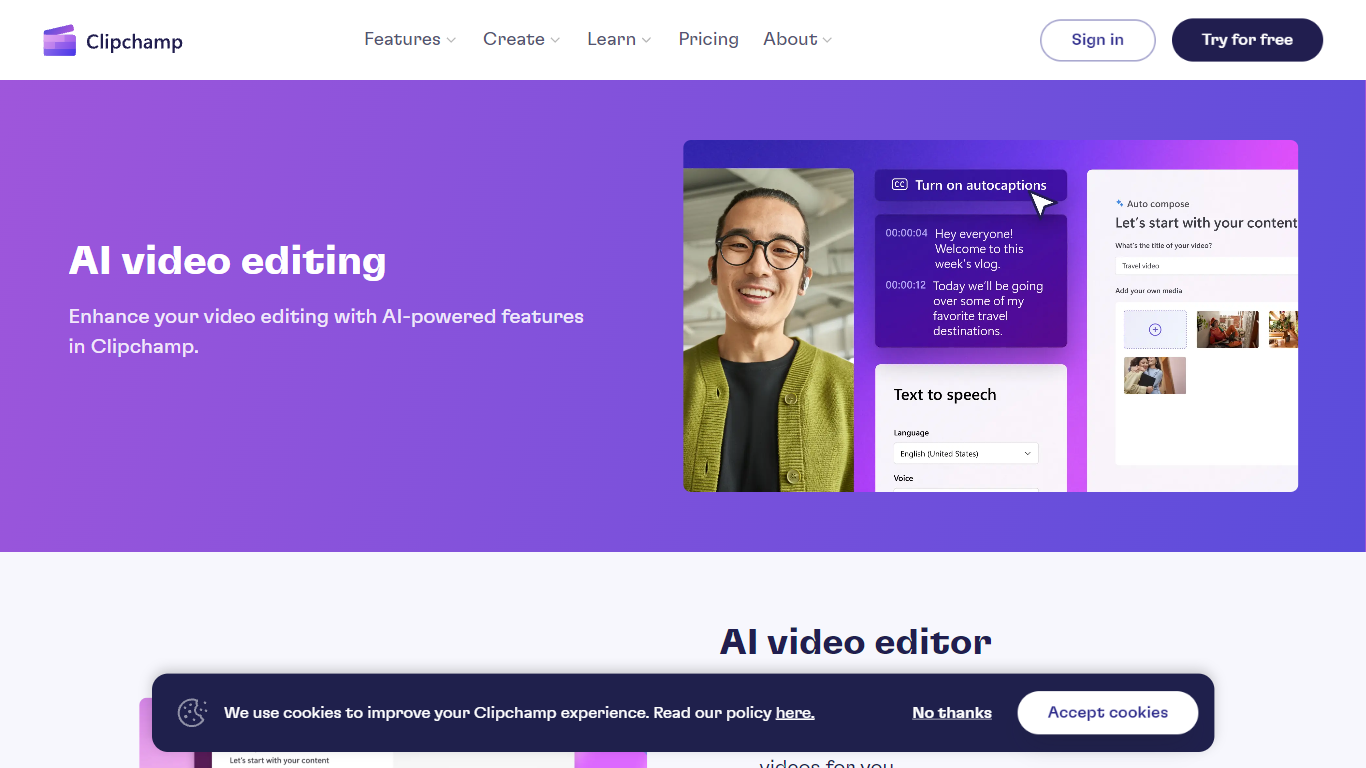
What is AI Video Editing | Clipchamp?
Experience the next level of video editing with Clipchamp's AI Video Editing tools, designed to elevate your creative projects effortlessly. Clipchamp harnesses the power of AI to provide an array of intelligent features that assist you in producing stunning videos without the need for any downloads. It's time to unleash your inner director using the AI video editor and craft short videos that leave a lasting impression. Whether you’re a TikTok enthusiast or a business professional, the AI voiceover maker offers over 400 lifelike voices in various languages and styles to match your video's tone. Autocaptions make your content more accessible, with precise voice detection technology for captions in 140 languages. For those looking to refine their speaking skills, the Speaker Coach offers real-time feedback on your recording sessions. Discover the wealth of AI-powered capabilities at your fingertips with Clipchamp and transform your digital storytelling.
Vidon.ai Upvotes
AI Video Editing | Clipchamp Upvotes
Vidon.ai Top Features
Enter a prompt and get a scripted, narrated video assembled from stock visuals
Paste a blog, product, or job listing URL and turn the page into a video
12M+ stock library with auto image selection and automatic captions
One export credit delivers landscape, square, and vertical versions of each video
Schedule and publish to Twitter, YouTube, LinkedIn, and TikTok from one calendar
REST API and CSV import for bulk video generation at scale
Ultra-realistic voiceovers in 50+ languages with customizable tone
AI Video Editing | Clipchamp Top Features
AI Video Editor: Simplify the video creation process with an AI editor that can generate engaging short videos automatically.
Text to Speech: Utilize a versatile AI voiceover maker featuring over 400 lifelike voices in a variety of languages.
Autocaptions: Increase accessibility and engagement with precise autocaptions available in 140 languages.
Speaker Coach: Improve your presentation skills with real-time feedback on your speech during recording.
AI Audio Enhancements: Look forward to upcoming features that will further enhance audio quality in your videos.
Vidon.ai Category
- Video Editing
AI Video Editing | Clipchamp Category
- Video Editing
Vidon.ai Pricing Type
- Freemium
AI Video Editing | Clipchamp Pricing Type
- Freemium