Vidon.ai vs ClipGen
Compare Vidon.ai vs ClipGen and see which AI Video Editing tool is better when we compare features, reviews, pricing, alternatives, upvotes, etc.
Which one is better? Vidon.ai or ClipGen?
When we compare Vidon.ai with ClipGen, which are both AI-powered video editing tools, Interestingly, both tools have managed to secure the same number of upvotes. The power is in your hands! Cast your vote and have a say in deciding the winner.
Disagree with the result? Upvote your favorite tool and help it win!
Vidon.ai


What is Vidon.ai?
Vidon.ai turns text, URLs, and prompts into finished marketing videos, then lets you schedule, publish, and host them from one dashboard. You type copy, paste a blog link, or describe an idea, and the tool writes a script, selects clips from a 12-million-item stock library, adds voiceover and captions, and builds the video. The web editor runs free with no login required, and you pay only when you export.
Most AI video generators stop at the export button. Vidon.ai bundles a content calendar, one-click social publishing, CDN video hosting with Schema.org metadata, and performance analytics in the same product. That end-to-end pipeline fits teams repurposing blogs or product pages at volume rather than making one-off clips.
Marketers, content teams, and solo creators use Vidon.ai for blog-to-video repurposing, product page videos, and scheduled social series. Business plans add brand kits, API access, bulk CSV import, and video triggers that auto-generate when new blog posts appear.
ClipGen
What is ClipGen?
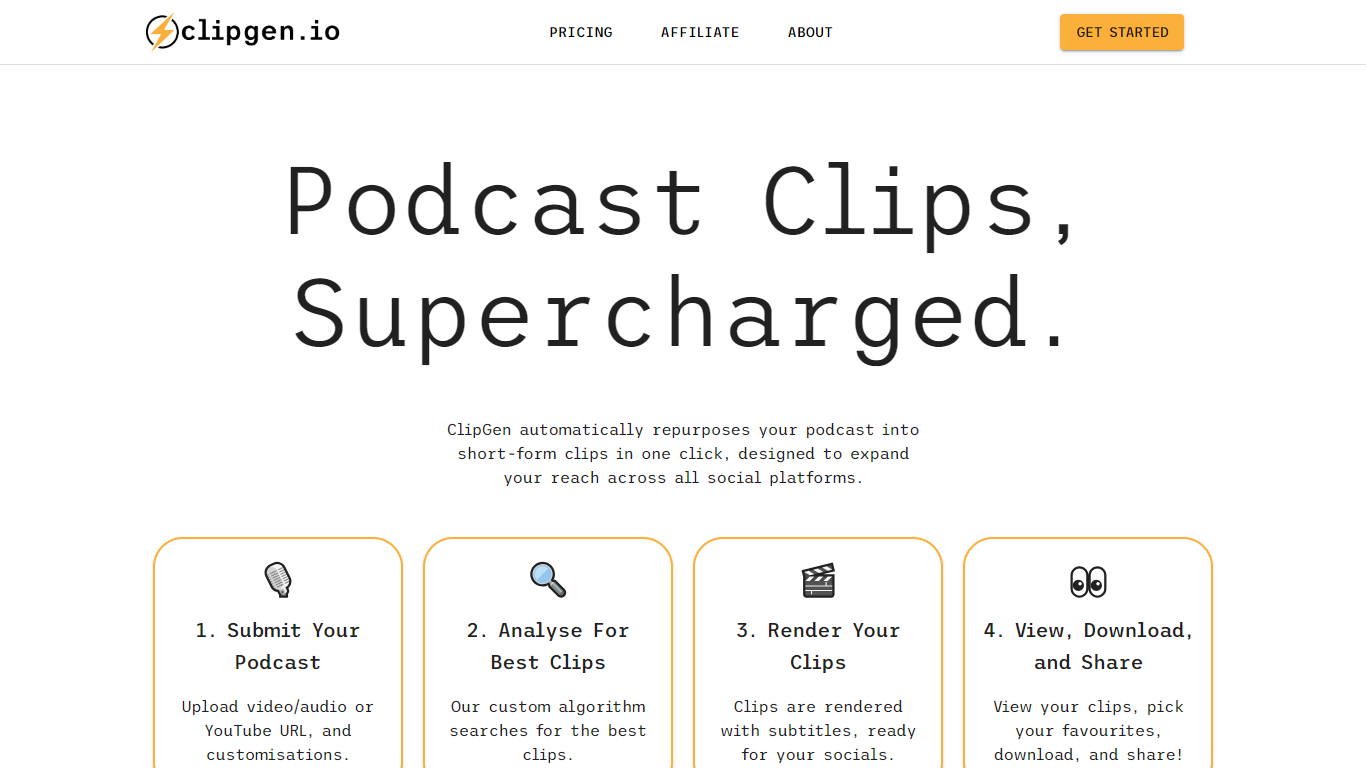
ClipGen is an innovative tool that specializes in transforming podcasts into engaging short-form video clips that are perfect for sharing across various social media platforms. It leverages a custom algorithm to analyze your podcast and extract the best segments to create these clips. With ClipGen, you can upload your audio or video file, or even a YouTube URL, and let the service handle the rest.
The platform identifies optimal clip moments, adds subtitles, and renders the content in formats suited for different social networks, such as portrait videos for Instagram and TikTok, or square ones for LinkedIn. Users can fine-tune their clips by adjusting start and end points, highlighting keywords for subtitles, and correcting any transcription errors that may occur. The entire process is designed to be swift and user-friendly, with top clip suggestions usually ready in under 20 minutes, making it an efficient way to amplify your podcast's reach and engage with a broader audience online.
Vidon.ai Upvotes
ClipGen Upvotes
Vidon.ai Top Features
Stock library access covers 12M+ clips with automatic image selection per scene
One video credit exports landscape, square, and vertical aspect ratios together
Prompt to Video uses ChatGPT to write scripts with voiceover in 50+ languages
Business plan includes 40 video exports per month plus REST API and CSV bulk import
Individual plan covers 10 monthly exports with content calendar and social publishing
Videos support up to 4000 characters per script, roughly 5 to 10 minutes of narration
ClipGen Top Features
Custom Algorithm for Best Clips: ClipGen applies a custom algorithm to identify and extract the most engaging parts of your podcast for social media clips.
Easy Customization: Fine-tune the start and end points of each clip, highlight keywords for subtitles, and correct typographic errors swiftly.
Quick Processing: The platform analyzes your podcast and delivers top clip suggestions typically within 20 minutes.
Multi-Platform Formatting: Automatically reframes and formats videos to suit various social media platforms like Instagram, TikTok, and LinkedIn.
Direct Uploads: Users have the flexibility to upload directly via video/audio files or YouTube URLs to start creating short clips.
Vidon.ai Category
- Video Editing
ClipGen Category
- Video Editing
Vidon.ai Pricing Type
- Freemium
ClipGen Pricing Type
- Freemium