Vidon.ai vs HitPaw Video Enhancer
Explore the showdown between Vidon.ai vs HitPaw Video Enhancer and find out which AI Video Editing tool wins. We analyze upvotes, features, reviews, pricing, alternatives, and more.
In a face-off between Vidon.ai and HitPaw Video Enhancer, which one takes the crown?
When we contrast Vidon.ai with HitPaw Video Enhancer, both of which are exceptional AI-operated video editing tools, and place them side by side, we can spot several crucial similarities and divergences. In the race for upvotes, HitPaw Video Enhancer takes the trophy. HitPaw Video Enhancer has garnered 7 upvotes, and Vidon.ai has garnered 6 upvotes.
Don't agree with the result? Cast your vote and be a part of the decision-making process!
Vidon.ai


What is Vidon.ai?
Vidon.ai turns text, URLs, and prompts into finished marketing videos, then lets you schedule, publish, and host them from one dashboard. You type copy, paste a blog link, or describe an idea, and the tool writes a script, selects clips from a 12-million-item stock library, adds voiceover and captions, and builds the video. The web editor runs free with no login required, and you pay only when you export.
Most AI video generators stop at the export button. Vidon.ai bundles a content calendar, one-click social publishing, CDN video hosting with Schema.org metadata, and performance analytics in the same product. That end-to-end pipeline fits teams repurposing blogs or product pages at volume rather than making one-off clips.
Marketers, content teams, and solo creators use Vidon.ai for blog-to-video repurposing, product page videos, and scheduled social series. Business plans add brand kits, API access, bulk CSV import, and video triggers that auto-generate when new blog posts appear.
HitPaw Video Enhancer
What is HitPaw Video Enhancer?
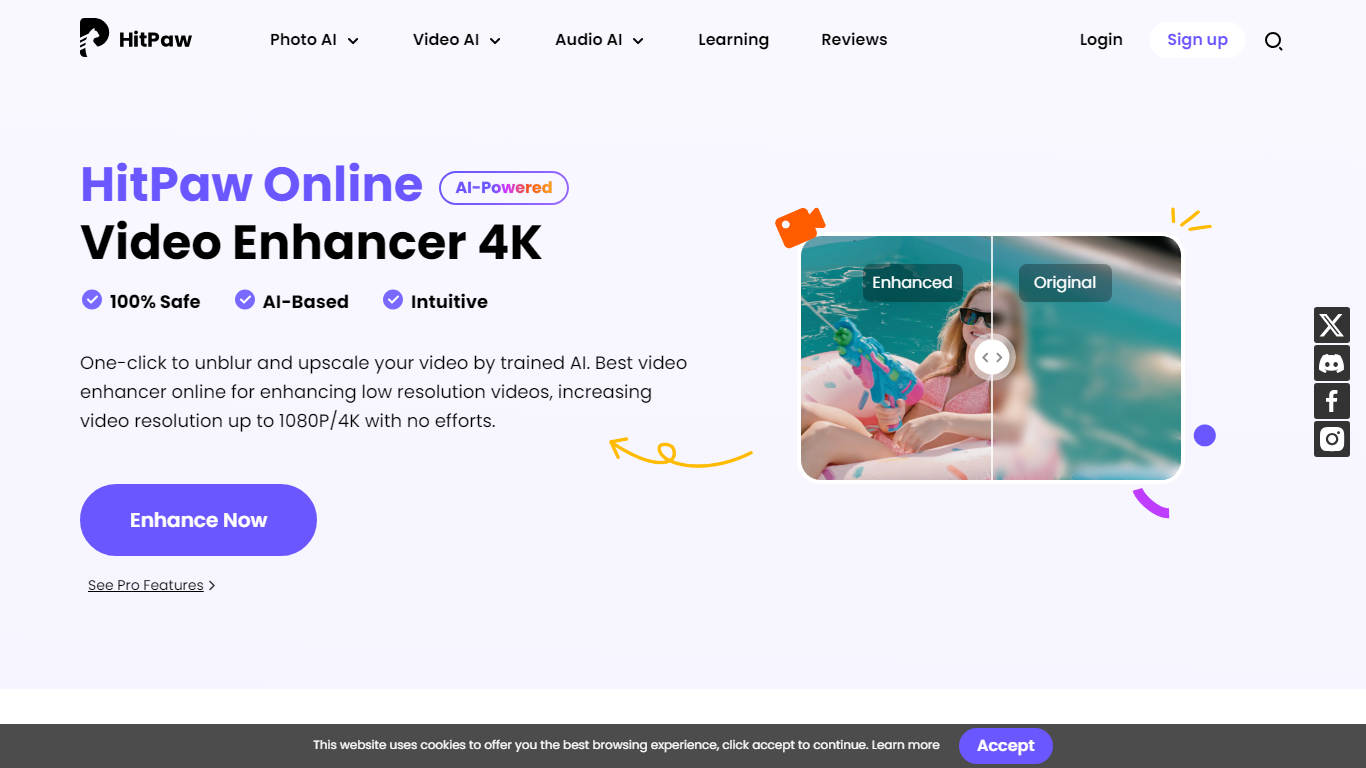
HitPaw Video Enhancer upscales blurry clips to 4K directly in the browser, with dedicated models for faces, anime, general denoise, and black-and-white colorization. Upload MP4, WebM, MOV, or GIF files up to 2GB, pick an enhancement mode, preview side-by-side results, and export without installing desktop software.
Desktop upscalers like Topaz require heavy local GPU work and large installs. HitPaw runs processing on cloud servers, which keeps your laptop free during renders and suits quick fixes to phone footage, old DV tapes, or compressed social clips. The trade-off is credit-based limits on export length rather than unlimited local batch jobs.
YouTubers, family archivists, e-commerce sellers, and anime editors use HitPaw when a single clip needs sharpening before posting. Free accounts get preview-only access; paid HitPaw Ultra plans start at $9.99 per week with up to 600 seconds of video enhancement credits.
Vidon.ai Upvotes
HitPaw Video Enhancer Upvotes
Vidon.ai Top Features
Stock library access covers 12M+ clips with automatic image selection per scene
One video credit exports landscape, square, and vertical aspect ratios together
Prompt to Video uses ChatGPT to write scripts with voiceover in 50+ languages
Business plan includes 40 video exports per month plus REST API and CSV bulk import
Individual plan covers 10 monthly exports with content calendar and social publishing
Videos support up to 4000 characters per script, roughly 5 to 10 minutes of narration
HitPaw Video Enhancer Top Features
Upscale 1080p footage to 4K online with separate Face, Anime, and General Denoise enhancement models
Accepts MP4, WebM, MOV, and GIF uploads up to 2GB with maximum input resolution of 4K
AI noise reduction removes grain, motion blur, and low-light artifacts frame by frame
Face model tracks subjects to sharpen contours and reduce skin blemishes in portrait clips
Colorize mode adds realistic tones to black-and-white family archives and historical footage
Cloud rendering processes clips on remote servers so local CPU and GPU stay free during exports
Vidon.ai Category
- Video Editing
HitPaw Video Enhancer Category
- Video Editing
Vidon.ai Pricing Type
- Freemium
HitPaw Video Enhancer Pricing Type
- Freemium