Vidon.ai vs StreamSlide (formerly Stream Slides)
Dive into the comparison of Vidon.ai vs StreamSlide (formerly Stream Slides) and discover which AI Video Editing tool stands out. We examine alternatives, upvotes, features, reviews, pricing, and beyond.
When comparing Vidon.ai and StreamSlide (formerly Stream Slides), which one rises above the other?
When we compare Vidon.ai and StreamSlide (formerly Stream Slides), two exceptional video editing tools powered by artificial intelligence, and place them side by side, several key similarities and differences come to light. The upvote count reveals a draw, with both tools earning the same number of upvotes. Since other aitools.fyi users could decide the winner, the ball is in your court now to cast your vote and help us determine the winner.
Disagree with the result? Upvote your favorite tool and help it win!
Vidon.ai


What is Vidon.ai?
Vidon.ai turns text, URLs, and prompts into finished marketing videos, then lets you schedule, publish, and host them from one dashboard. You type copy, paste a blog link, or describe an idea, and the tool writes a script, selects clips from a 12-million-item stock library, adds voiceover and captions, and builds the video. The web editor runs free with no login required, and you pay only when you export.
Most AI video generators stop at the export button. Vidon.ai bundles a content calendar, one-click social publishing, CDN video hosting with Schema.org metadata, and performance analytics in the same product. That end-to-end pipeline fits teams repurposing blogs or product pages at volume rather than making one-off clips.
Marketers, content teams, and solo creators use Vidon.ai for blog-to-video repurposing, product page videos, and scheduled social series. Business plans add brand kits, API access, bulk CSV import, and video triggers that auto-generate when new blog posts appear.
StreamSlide (formerly Stream Slides)
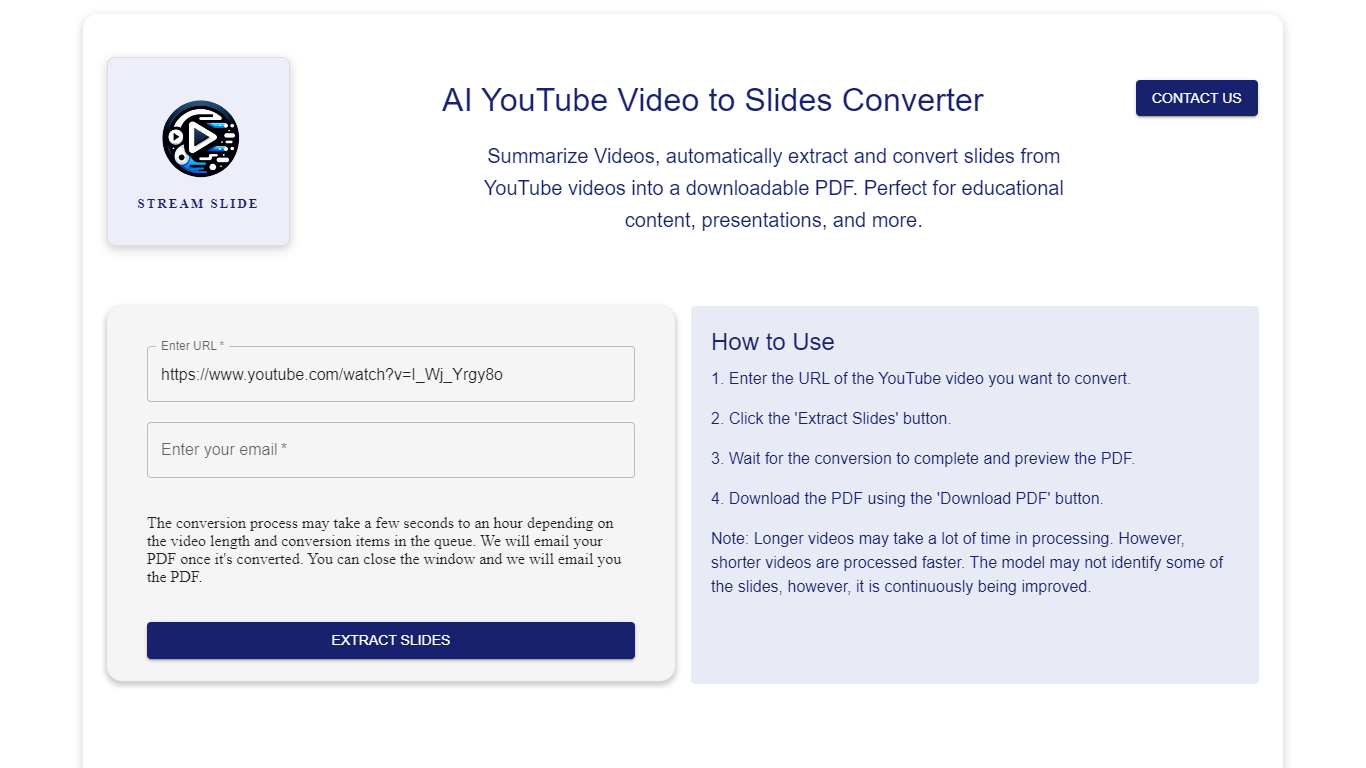
What is StreamSlide (formerly Stream Slides)?
StreamSlide is a productivity platform built around two tools: Video to Slides and Bot The Builder. The first converts lecture recordings, webinars, and uploaded videos into presentation slide decks you can download as PDF or PowerPoint.
Video to Slides uses computer vision to detect unique presentation frames in your footage. Upload MP4, AVI, MOV, MKV, or WebM files up to 500MB, or paste a YouTube link. The tool scans frame changes and packages the results for export.
Bot The Builder is the platform's second product, a no-code chatbot builder for customer support, lead capture, and internal workflows. Bots can go live on websites, Telegram, Slack, and WhatsApp with custom training data and real-time analytics.
StreamSlide suits educators turning lectures into study materials, professionals packaging webinar content, and teams that want conversational bots without writing code.
Vidon.ai Upvotes
StreamSlide (formerly Stream Slides) Upvotes
Vidon.ai Top Features
Stock library access covers 12M+ clips with automatic image selection per scene
One video credit exports landscape, square, and vertical aspect ratios together
Prompt to Video uses ChatGPT to write scripts with voiceover in 50+ languages
Business plan includes 40 video exports per month plus REST API and CSV bulk import
Individual plan covers 10 monthly exports with content calendar and social publishing
Videos support up to 4000 characters per script, roughly 5 to 10 minutes of narration
StreamSlide (formerly Stream Slides) Top Features
Turn lectures and webinars into downloadable PDF or PowerPoint slide decks
Accepts MP4, AVI, MOV, MKV, and WebM uploads up to 500MB
Computer vision scans frames and pulls out unique presentation slides automatically
Bot The Builder deploys chatbots to websites, Telegram, Slack, and WhatsApp
Train bots on your own content and track conversations with real-time analytics
Vidon.ai Category
- Video Editing
StreamSlide (formerly Stream Slides) Category
- Video Editing
Vidon.ai Pricing Type
- Freemium
StreamSlide (formerly Stream Slides) Pricing Type
- Freemium