Vidu vs AI Studio
In the battle of Vidu vs AI Studio, which AI Video Generation tool comes out on top? We compare reviews, pricing, alternatives, upvotes, features, and more.
Between Vidu and AI Studio, which one is superior?
Upon comparing Vidu with AI Studio, which are both AI-powered video generation tools, With more upvotes, Vidu is the preferred choice. Vidu has received 79 upvotes from aitools.fyi users, while AI Studio has received 5 upvotes.
Don't agree with the result? Cast your vote and be a part of the decision-making process!
Vidu
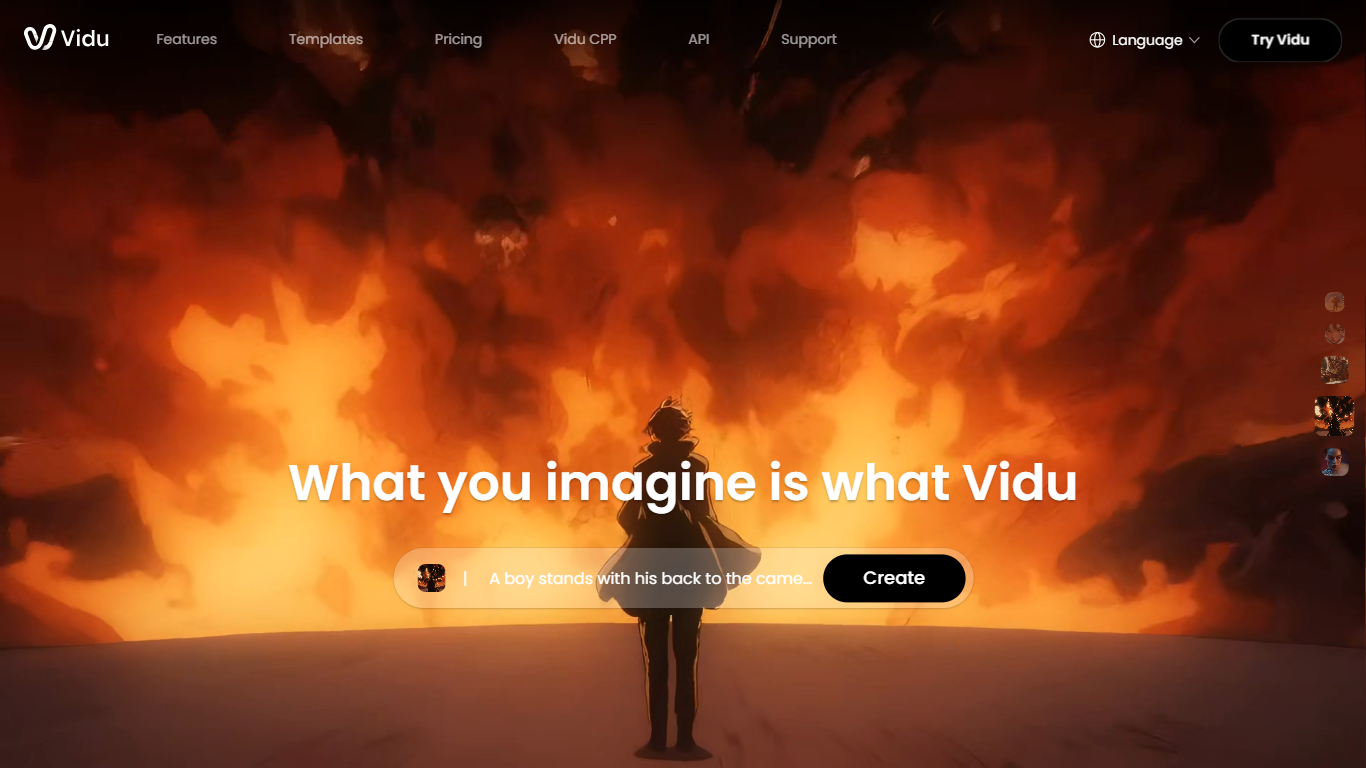

What is Vidu?
Vidu turns text prompts, still images, and reference photos into finished video clips up to 1080p. Independent creators and production teams use it to skip a traditional post pipeline and go from idea to export in the browser. The core modes are text-to-video, image-to-video, and reference-to-video.
Reference-to-video is where Vidu stands out. Upload up to seven images to keep characters, objects, and scenes consistent across a clip, or save assets in My References for reuse on later projects. The Vidu Q3 model adds native audio in the same generation pass, so dialogue, voiceover, sound effects, and music land with the picture instead of in a separate editing step.
Creators working in anime, advertising, social content, and short-form film use Vidu for everything from template-based viral clips to 16-second narrative shots with frame-level camera control. Studios and marketers also use image-to-video to animate product shots or swap ad backgrounds while keeping subjects on-model.
New accounts receive starter credits, with more available through daily logins, subscriptions, and platform events.
AI Studio
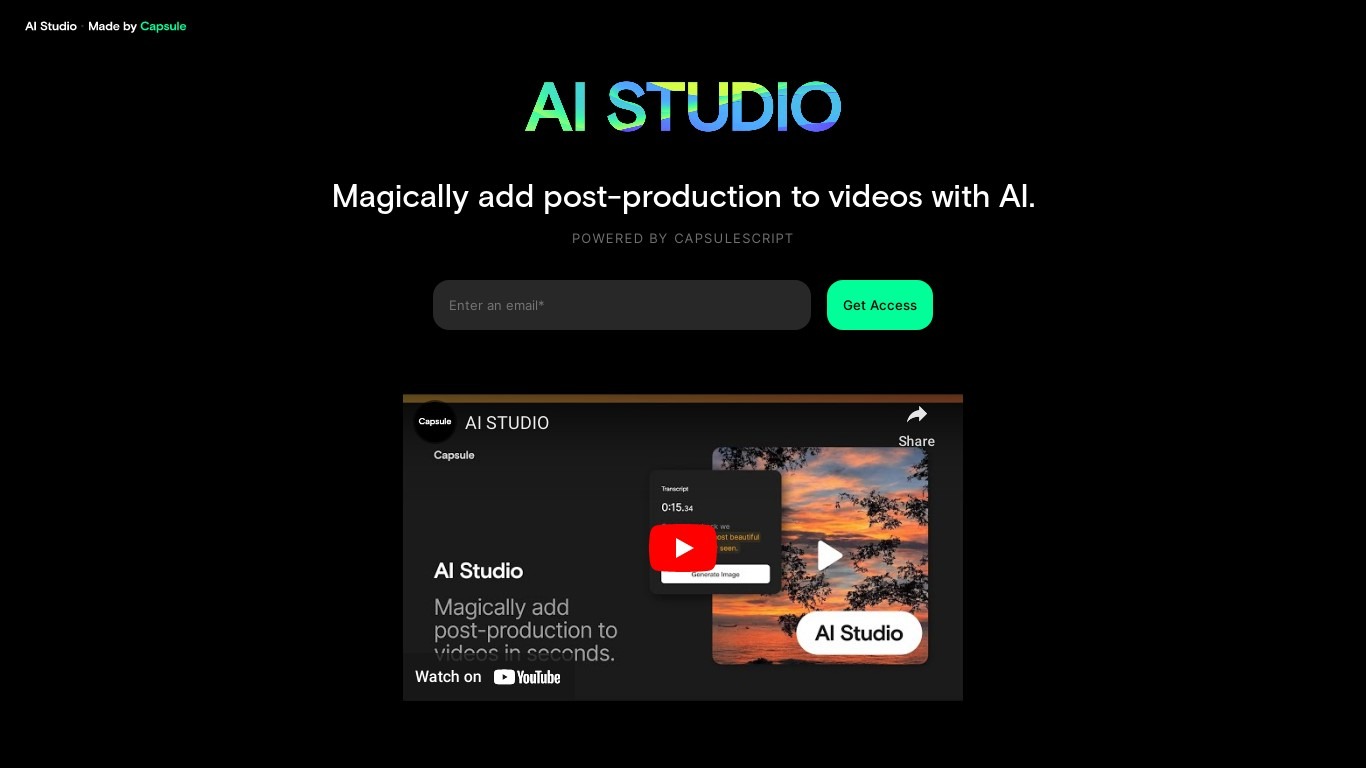
What is AI Studio?
AI Studio is Capsule's enterprise video creation hub at ai.capsule.video. It pairs a template-based editor (After Effects files turned into drag-and-drop layouts) with Video Skills you can run inside Claude or ChatGPT so non-creatives can produce on-brand clips for sales, ABM, paid media, product demos, and internal comms.
Most AI video tools spit out generic clips. Capsule locks motion design, easing curves, and brand systems up front, then layers white-glove onboarding: motion engineers build custom systems, and a dedicated success manager trains each new user. HubSpot reports a 35x jump in video output; ServiceNow cites 28x faster production after rollout.
It targets marketing, sales, and comms teams at companies already investing in video but bottlenecked by a small creative staff. Customers on the site include HubSpot, ServiceNow, Instacart, LinkedIn, Webflow, and Framer. Access is demo-led through capsule.video rather than self-serve checkout.
Vidu Upvotes
AI Studio Upvotes
Vidu Top Features
Generates a full video in about 10 seconds flat
Upload up to 7 reference images and the output stays consistent across all of them
Set the first and last frame, and Vidu fills in the motion between them
Vidu Q3 bakes dialogue, sound effects, and music directly into the video in one pass
Unlimited free video generation in Off-Peak Mode with no credits required
AI Studio Top Features
Video Skills run inside Claude or ChatGPT for guided, brand-approved video creation
Converts After Effects files into self-serve templates non-designers can edit
HubSpot case study reports 35x increase in video output after adoption
ServiceNow cites 28x faster video production with Capsule
Five packaged workflows: Product Demos, Sales, ABM, Paid Media, Internal Comms
Dedicated success manager plus motion-engineer onboarding for each customer
Vidu Category
- Video Generation
AI Studio Category
- Video Generation
Vidu Pricing Type
- Freemium
AI Studio Pricing Type
- Paid