Vidu vs Veggie AI
When comparing Vidu vs Veggie AI, which AI Video Generation tool shines brighter? We look at pricing, alternatives, upvotes, features, reviews, and more.
In a comparison between Vidu and Veggie AI, which one comes out on top?
When we put Vidu and Veggie AI side by side, both being AI-powered video generation tools, The users have made their preference clear, Vidu leads in upvotes. The number of upvotes for Vidu stands at 79, and for Veggie AI it's 6.
Disagree with the result? Upvote your favorite tool and help it win!
Vidu
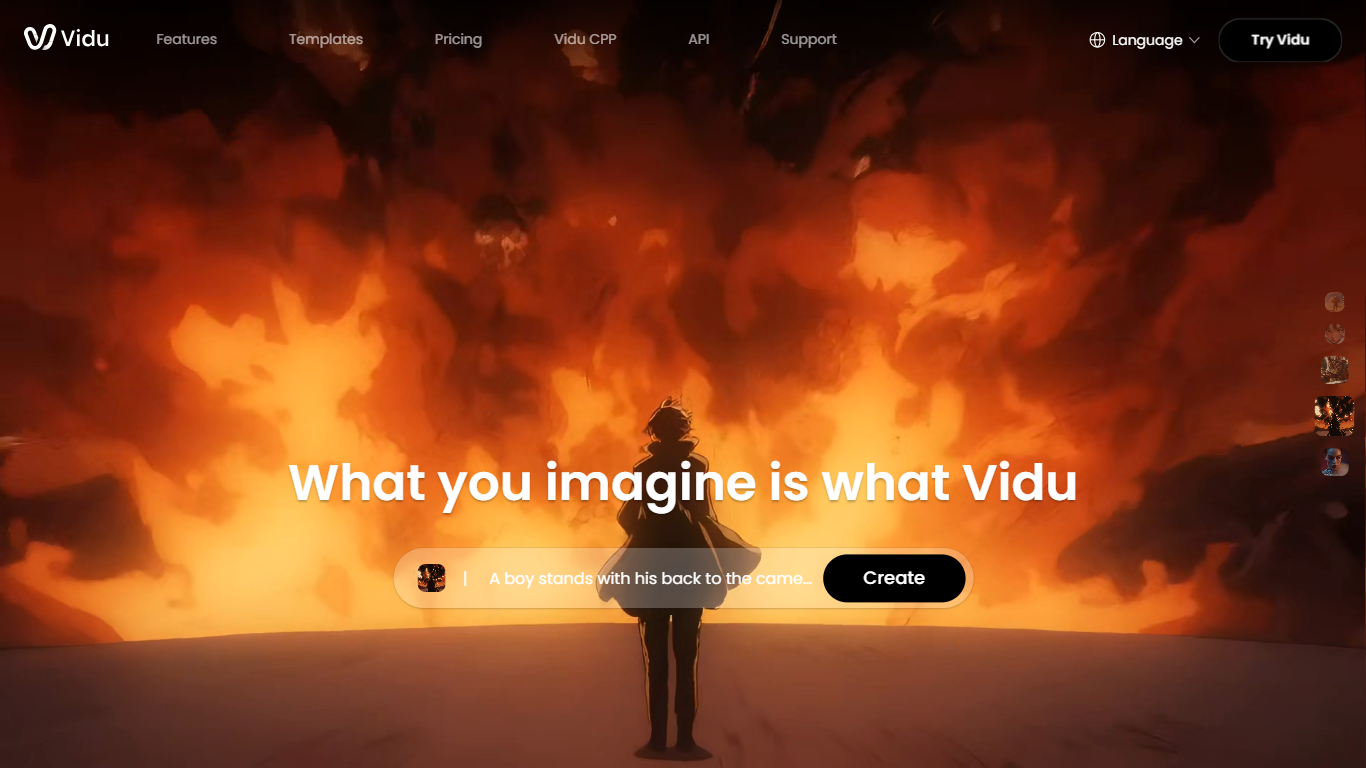

What is Vidu?
Vidu turns text prompts, still images, and reference photos into finished video clips up to 1080p. Independent creators and production teams use it to skip a traditional post pipeline and go from idea to export in the browser. The core modes are text-to-video, image-to-video, and reference-to-video.
Reference-to-video is where Vidu stands out. Upload up to seven images to keep characters, objects, and scenes consistent across a clip, or save assets in My References for reuse on later projects. The Vidu Q3 model adds native audio in the same generation pass, so dialogue, voiceover, sound effects, and music land with the picture instead of in a separate editing step.
Creators working in anime, advertising, social content, and short-form film use Vidu for everything from template-based viral clips to 16-second narrative shots with frame-level camera control. Studios and marketers also use image-to-video to animate product shots or swap ad backgrounds while keeping subjects on-model.
New accounts receive starter credits, with more available through daily logins, subscriptions, and platform events.
Veggie AI
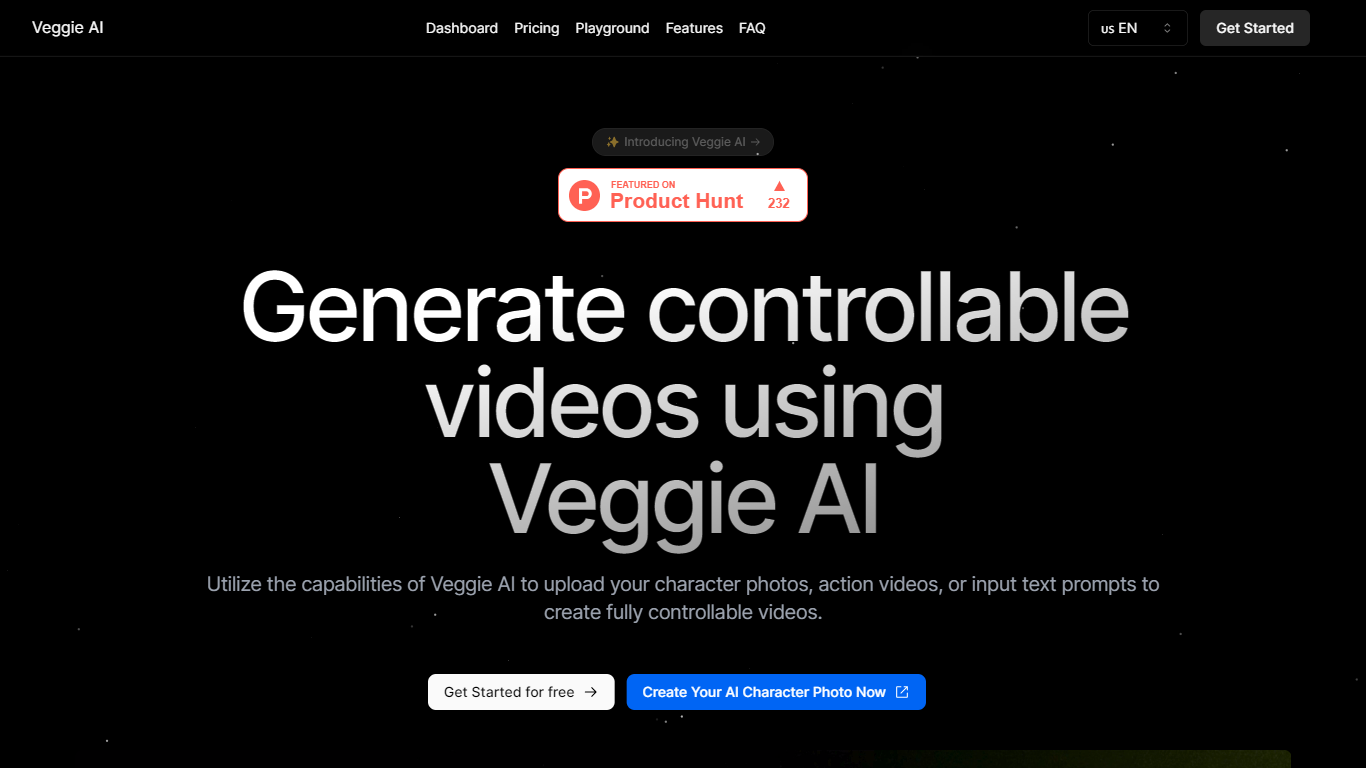
What is Veggie AI?
Veggie AI turns still character images into short, controllable action videos in your browser. Upload a photo of a real person, anime character, or illustrated figure, pair it with an action reference video or text motion prompt, and the tool generates a clip that follows those movements. Four creation modes (Mix, Animate, Ideate, and Stylize) cover different input combinations, from transferring motion off a reference clip to generating both character and action from text alone. A separate Live Portrait workflow animates faces from a still photo plus a driver video.
Most text-to-video generators invent scenes from prompts alone. Veggie AI instead locks motion to something you supply, either a reference video whose actions get mapped onto your character image, or text that describes specific movement. That trade-off suits creators who need a particular pose sequence or facial performance repeated on a custom character, not open-ended scene generation.
Marketers, social media managers, and indie animators use Veggie AI for character clips without building rigs or filming talent. The Pro and Unlimited plans include a commercial license for ads and client work. Generation runs in the browser on any connected device, and outputs download as MP4 files.
Vidu Upvotes
Veggie AI Upvotes
Vidu Top Features
Generates a full video in about 10 seconds flat
Upload up to 7 reference images and the output stays consistent across all of them
Set the first and last frame, and Vidu fills in the motion between them
Vidu Q3 bakes dialogue, sound effects, and music directly into the video in one pass
Unlimited free video generation in Off-Peak Mode with no credits required
Veggie AI Top Features
Four creation modes: Mix, Animate, Ideate, and Stylize cover image-plus-video, image-plus-text, text-only, and style-transfer workflows
Live Portrait animates a JPEG or PNG photo from an MP4 driver video in about 3 minutes for 4 credits
Basic plan includes 100 credits per month at $7.9; Pro adds 500 credits and a commercial license at $13.9 per month
Accepts JPEG and PNG images plus MP4 reference videos as input materials
Unlimited yearly plan at $199 removes monthly credit caps for one year
Vidu Category
- Video Generation
Veggie AI Category
- Video Generation
Vidu Pricing Type
- Freemium
Veggie AI Pricing Type
- Paid