quso.ai (formerly Vidyo AI) vs Timebolt
In the clash of quso.ai (formerly Vidyo AI) vs Timebolt, which AI Video Editing tool emerges victorious? We assess reviews, pricing, alternatives, features, upvotes, and more.
When we put quso.ai (formerly Vidyo AI) and Timebolt head to head, which one emerges as the victor?
Let's take a closer look at quso.ai (formerly Vidyo AI) and Timebolt, both of which are AI-driven video editing tools, and see what sets them apart. The community has spoken, Timebolt leads with more upvotes. Timebolt has 18 upvotes, and quso.ai (formerly Vidyo AI) has 7 upvotes.
Want to flip the script? Upvote your favorite tool and change the game!
quso.ai (formerly Vidyo AI)

What is quso.ai (formerly Vidyo AI)?
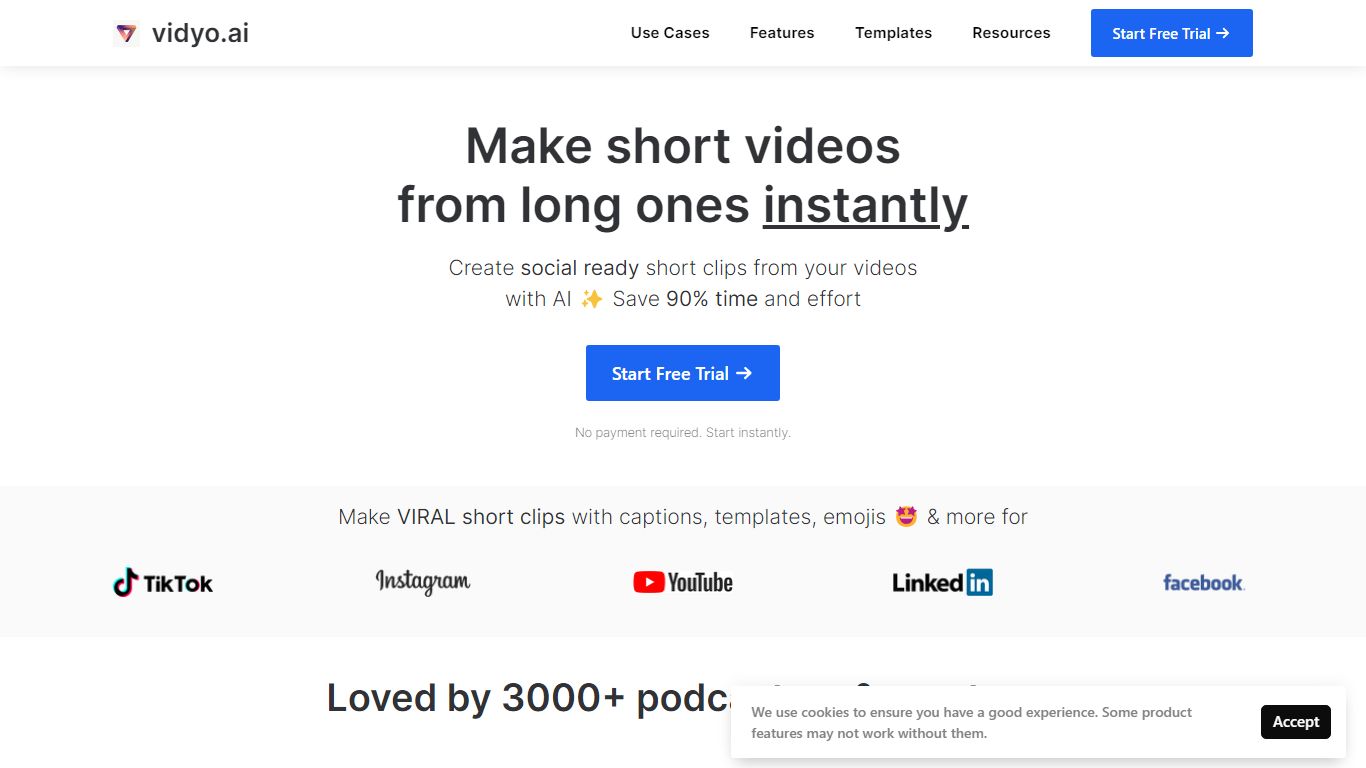
quso.ai helps creators turn one long video into a batch of short, vertical clips with captions, reframing, and scheduling built in. The homepage headline promises one long upload can yield about ten clips in a single pass, and the product bundles clipping, subtitles, a text-based editor, and a social calendar instead of stitching together separate apps.
For podcasters and YouTube-first teams, the workflow matters as much as the headline. quso.ai imports from YouTube, Zoom, Twitch, Loom, and file uploads on the free tier, then scores moments for virality before you publish to TikTok, Reels, Shorts, LinkedIn, and X from one place. That end-to-end path is what separates it from clip-only tools that stop after export.
The site now presents quso.ai as the active brand while keeping Vidyo.ai URLs in circulation, which can confuse bookmarks but keeps legacy links working. Pricing starts free without a credit card, with paid plans from $29 per month across three tiers.
Timebolt

What is Timebolt?
Timebolt is a desktop video editor built around waveform-first jump cuts for podcasts, interviews, and screen recordings. It strips silence, filler words, and bad takes with 0.01 second cut control, then exports timelines to Premiere Pro, Final Cut Pro, DaVinci Resolve, or Camtasia without re-cutting by hand.
Most text-based AI editors guess where pauses live and leave hundreds of missed cuts per hour. Timebolt measures the audio waveform first, which is why its benchmark claims zero mistakes left per hour while rivals like Descript and Gling still need manual cleanup. That trade-off favors editors who want frame-tight cuts over a chat-style transcript workflow.
Podcasters, YouTubers, and course creators use Timebolt to shrink raw talking-head footage before publishing. Post-production teams also route Riverside multicam sessions through Timebolt XML exports so senior editors finish polish work in their preferred NLE.
quso.ai (formerly Vidyo AI) Upvotes
Timebolt Upvotes
quso.ai (formerly Vidyo AI) Top Features
AI clip generator that scores moments for virality from one long upload
Word-level animated captions and subtitles in 100+ languages with filler-word removal
Imports from YouTube, Zoom, Twitch, Loom, LinkedIn, Google Drive, Dropbox, and local files
Social media scheduler for TikTok, Instagram Reels, YouTube Shorts, LinkedIn, Facebook, and X
Text-based video editor with CutMagic scene detection and Intelliclips moment picking
Brand Kit to lock fonts, colors, and logo across exported clips
Timebolt Top Features
0.01 second cut control on waveform-based silence removal
Processes an hour of footage in about 13 seconds for jump cuts
Exports XML timelines to Premiere Pro, Final Cut Pro, and DaVinci Resolve
UMCHECK removes filler words automatically from recorded speech
Free 4K screen capture tool for Mac and Windows
Benchmark reports zero missed cuts per hour versus hundreds on rival AI editors
quso.ai (formerly Vidyo AI) Category
- Video Editing
Timebolt Category
- Video Editing
quso.ai (formerly Vidyo AI) Pricing Type
- Freemium
Timebolt Pricing Type
- Freemium