
Last updated 08-13-2026
Category:
Reviews:
Join thousands of AI enthusiasts in the World of AI!
quso.ai (formerly Vidyo AI)
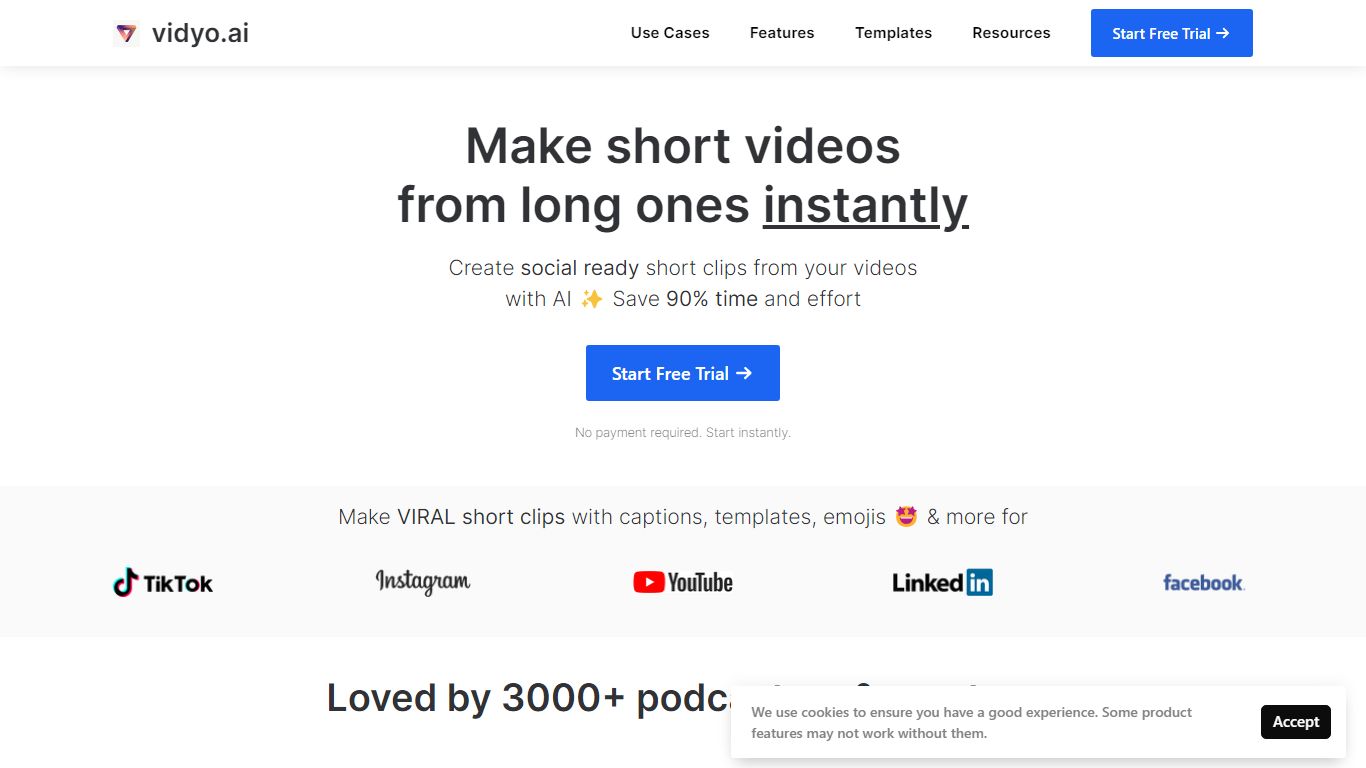
quso.ai helps creators turn one long video into a batch of short, vertical clips with captions, reframing, and scheduling built in. The homepage headline promises one long upload can yield about ten clips in a single pass, and the product bundles clipping, subtitles, a text-based editor, and a social calendar instead of stitching together separate apps.
For podcasters and YouTube-first teams, the workflow matters as much as the headline. quso.ai imports from YouTube, Zoom, Twitch, Loom, and file uploads on the free tier, then scores moments for virality before you publish to TikTok, Reels, Shorts, LinkedIn, and X from one place. That end-to-end path is what separates it from clip-only tools that stop after export.
The site now presents quso.ai as the active brand while keeping Vidyo.ai URLs in circulation, which can confuse bookmarks but keeps legacy links working. Pricing starts free without a credit card, with paid plans from $29 per month across three tiers.
AI clip generator that scores moments for virality from one long upload
Word-level animated captions and subtitles in 100+ languages with filler-word removal
Imports from YouTube, Zoom, Twitch, Loom, LinkedIn, Google Drive, Dropbox, and local files
Social media scheduler for TikTok, Instagram Reels, YouTube Shorts, LinkedIn, Facebook, and X
Text-based video editor with CutMagic scene detection and Intelliclips moment picking
Brand Kit to lock fonts, colors, and logo across exported clips
Bundles clipping, subtitles, editing, and scheduling in one subscription instead of multiple tools
Free tier includes imports from major platforms without a credit card
Virality scoring helps pick clips before you publish
Supports 100+ subtitle languages with animated captions
Trusted by 4 million creators according to the homepage
Paid plans start at $29 per month, which may be high for hobby creators
Homepage redirects from vidyo.ai to quso.ai can confuse users with old bookmarks
Screenshot and branding now center on quso.ai while listings may still reference Vidyo AI
What does the AI clip generator do?
quso.ai (formerly Vidyo AI) analyzes a long video, scores moments for virality, and exports short vertical clips with reframing and captions ready for social platforms.
Which video sources can I import?
quso.ai (formerly Vidyo AI) accepts YouTube, Vimeo, X, Facebook, Twitch, Rumble, Loom, LinkedIn, Zoom, Google Drive, Dropbox, and direct file uploads on every plan including free.
Does it add subtitles automatically?
Yes. quso.ai (formerly Vidyo AI) adds word-level animated captions and AI subtitles in 100+ languages, plus one-click filler-word removal.
Where can I schedule posts?
quso.ai (formerly Vidyo AI) lets you schedule and publish to TikTok, Instagram Reels, YouTube Shorts, LinkedIn, Facebook, and X from one calendar.
Is there a free plan?
quso.ai (formerly Vidyo AI) offers a free start with no credit card required. Paid plans begin at $29 per month with higher tiers at $39 and $49.
Do I need video editing experience?
No. quso.ai (formerly Vidyo AI) reframes clips vertically, applies your Brand Kit, and handles captions automatically without manual timeline editing.