Vizly vs Humata
In the face-off between Vizly vs Humata, which AI Data Science tool takes the crown? We scrutinize features, alternatives, upvotes, reviews, pricing, and more.
In a face-off between Vizly and Humata, which one takes the crown?
If we were to analyze Vizly and Humata, both of which are AI-powered data science tools, what would we find? The community has spoken, Humata leads with more upvotes. Humata has been upvoted 8 times by aitools.fyi users, and Vizly has been upvoted 6 times.
Don't agree with the result? Cast your vote and be a part of the decision-making process!
Vizly
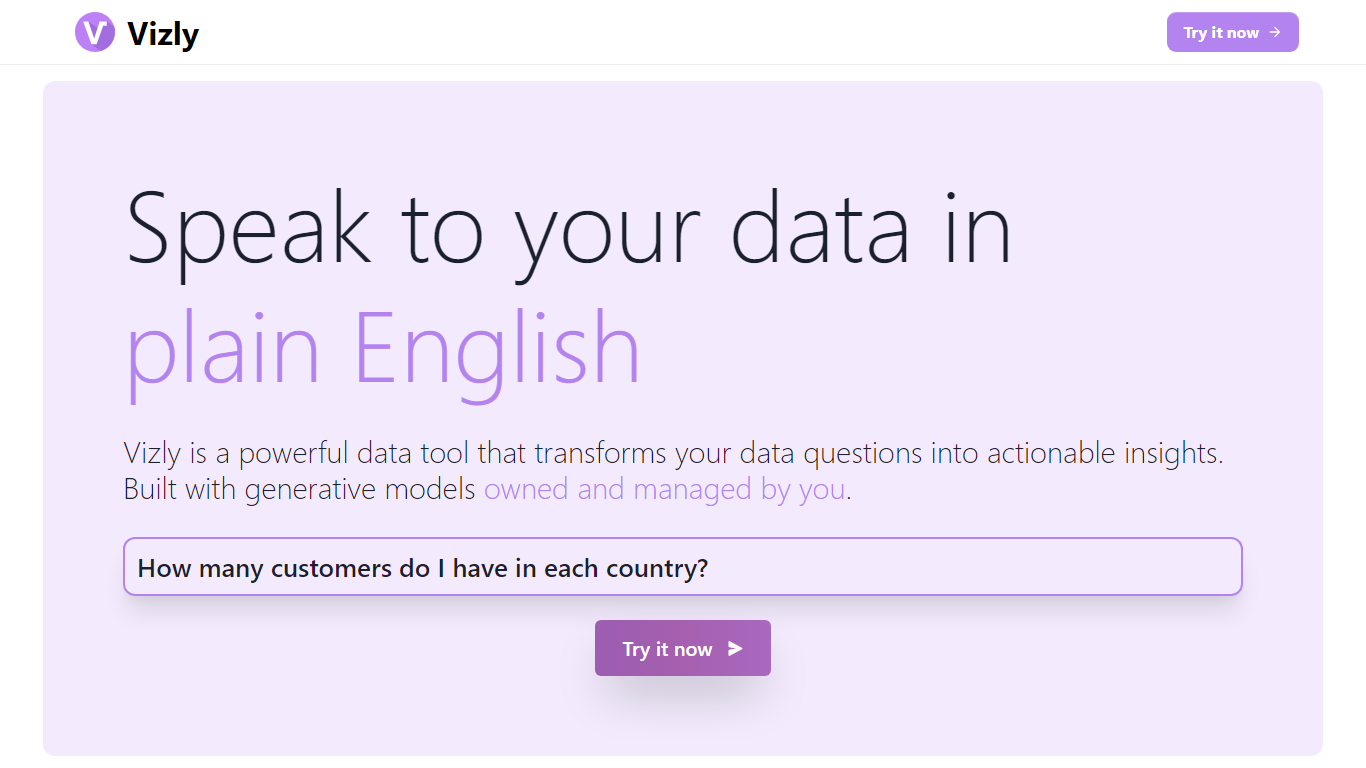

What is Vizly?
Vizly turns spreadsheet uploads into charts and statistical answers through a chat interface. Upload Excel, CSV, or SPSS files, ask questions in plain language, and get interactive Plotly visualizations, regression lines, and correlation matrices back. A private Python sandbox handles machine learning when you need more than summary stats.
Where Tableau and Looker focus on dashboards you configure by hand, Vizly leans on conversational analysis. You describe what you want to know and the app generates visuals on the fly. The trade-off is less pixel-perfect dashboard control in exchange for faster exploratory analysis.
Vizly suits students, analysts, and researchers in healthcare, finance, and genetics who need quick charts without writing notebook code. Premium adds unlimited messages, persistent files between sessions, and high-performance coding environments for heavier workloads.
Humata
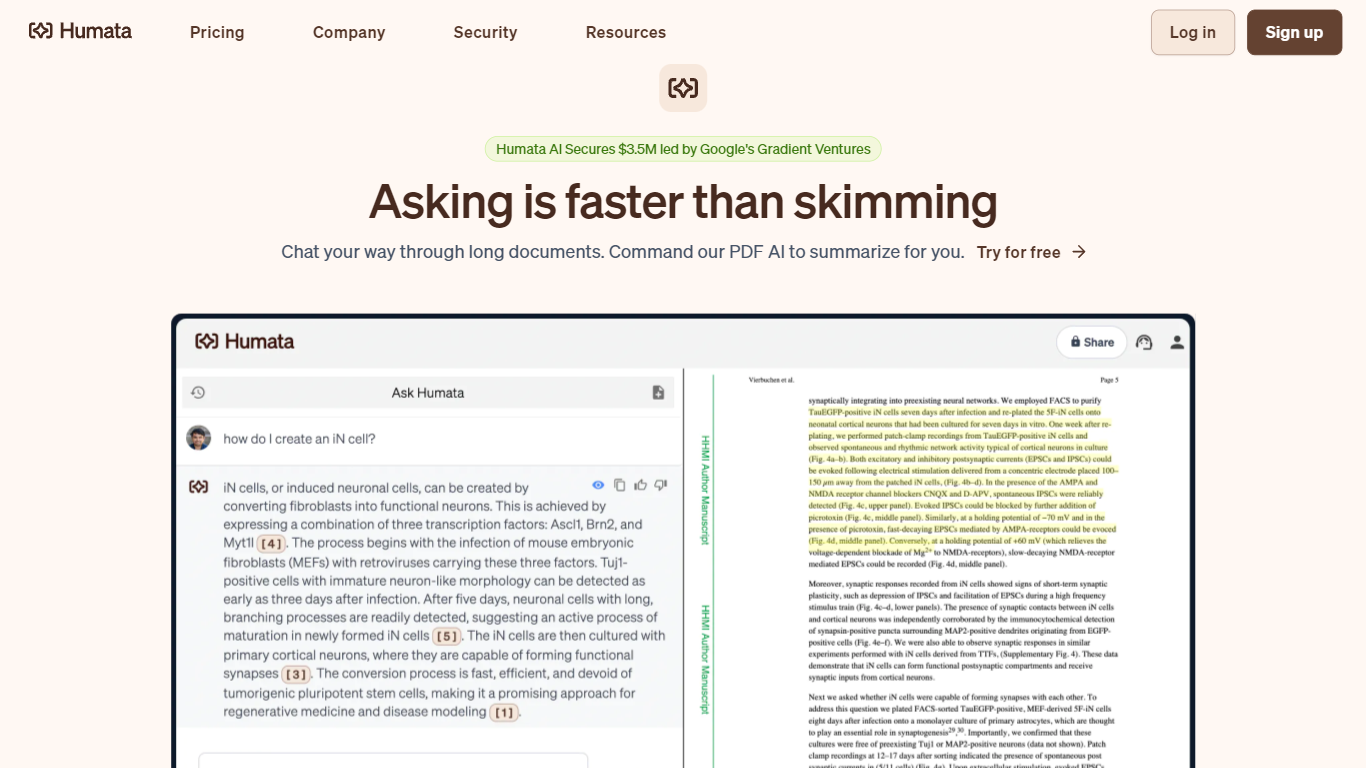
What is Humata?
Humata turns uploaded PDFs and documents into a searchable knowledge base you can question in plain language. Upload files, ask questions, and get answers with citations pointing back to the source pages. Teams use it to summarize research papers, compare documents, and pull facts from dense technical reports without reading every page.
General chatbots answer from training data, not your files. Humata reads every document you upload and grounds each response in that content with linked citations. You can ask follow-up questions, request shorter summaries, and embed the chat widget on your own site so customers query your documentation directly.
Researchers, analysts, and educators use Humata to get through long papers faster. Enterprise teams get role-based access controls, encrypted file storage, and department-level permissions on the Team plan. The Expert plan fits small groups of up to three users who need more than the 60-page free allowance.
Vizly Upvotes
Humata Upvotes
Vizly Top Features
Chat interface generates Plotly visualizations and statistical analysis from uploaded files
Supports Excel, CSV, and SPSS with built-in data cleaning tools
Private Python code sandbox for machine learning and predictive modeling
Premium plan offers unlimited messages and persistent files between sessions
Use-case templates for healthcare, finance, and genetic research workflows
Humata Top Features
Free plan includes 60 pages and up to 10 answers per month
Every answer includes citations linking back to source document sections
Expert plan at $9.99 per month covers 500 pages and 3 users
Team plan adds OCR for scanned documents and folder-level permissions
Embeddable chat widget drops into any webpage with a single click
Vizly Category
- Data Science
Humata Category
- Data Science
Vizly Pricing Type
- Freemium
Humata Pricing Type
- Freemium